Why did you decide to not use #3Hello!
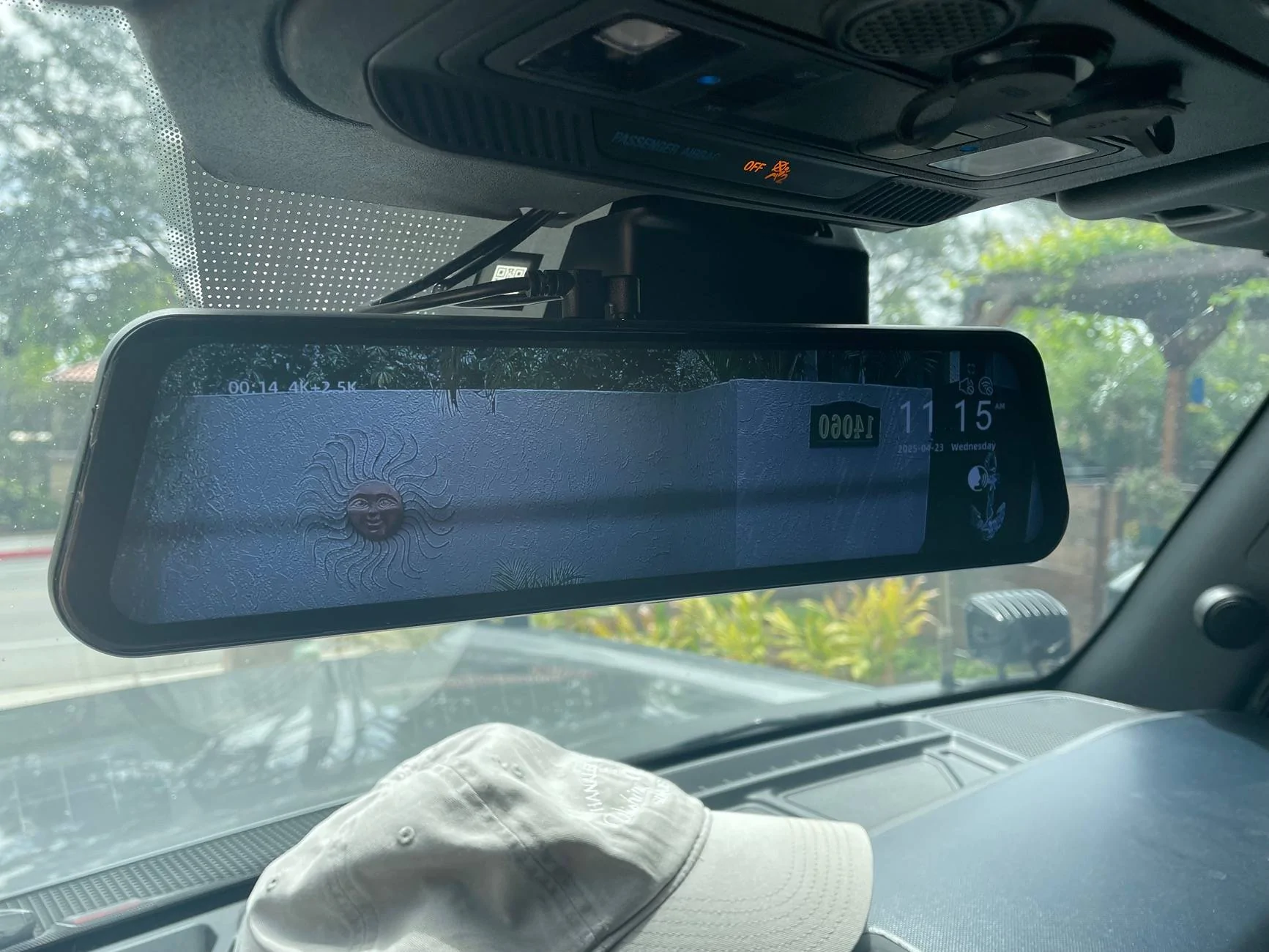
Had a few buddies asking how I installed the Wolfbox into my Bronco Raptor and am going to make a post explaining as much as I can!
Total Install Time: 4.5 hours
Materials Used:
Mirror
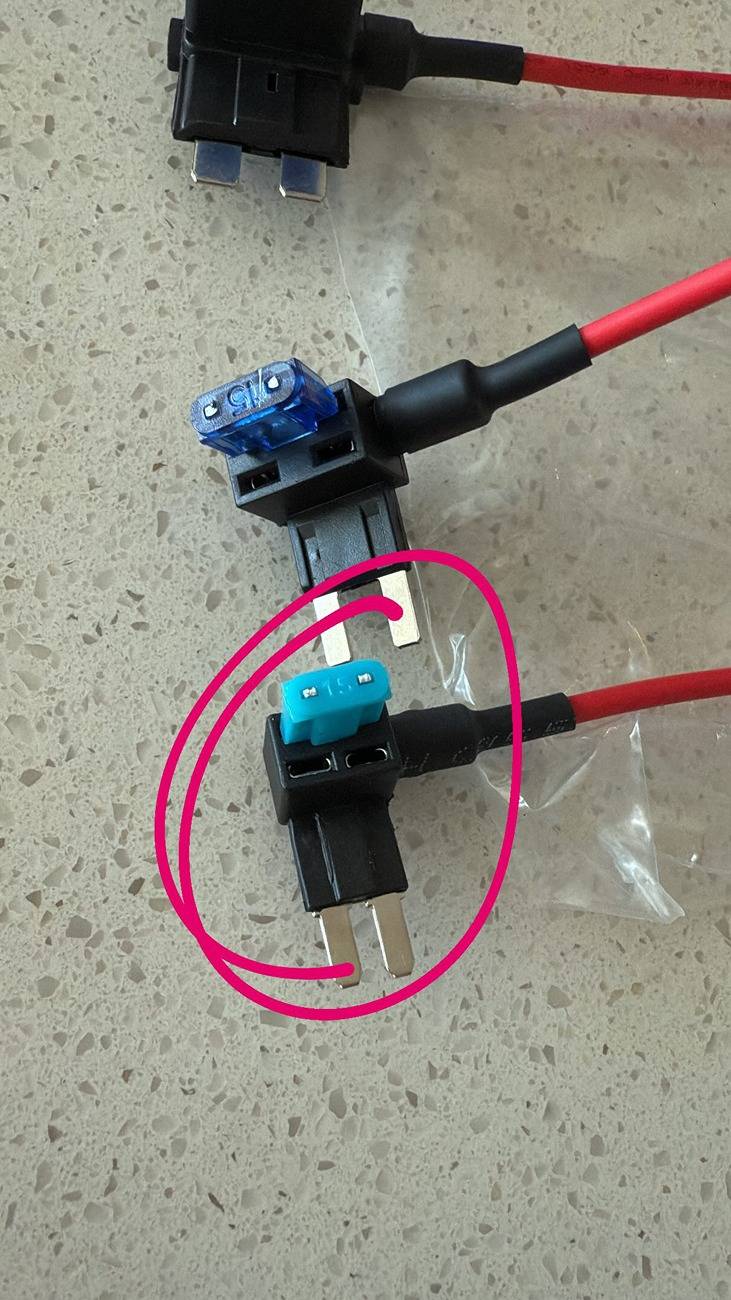
4 Fuse Tap (If not already included/purchased)
Mirror Mount
Rear Mount (If mounting In spare)
1 small bolt for rear camera
Install:
First thing I did was install the fuse connections
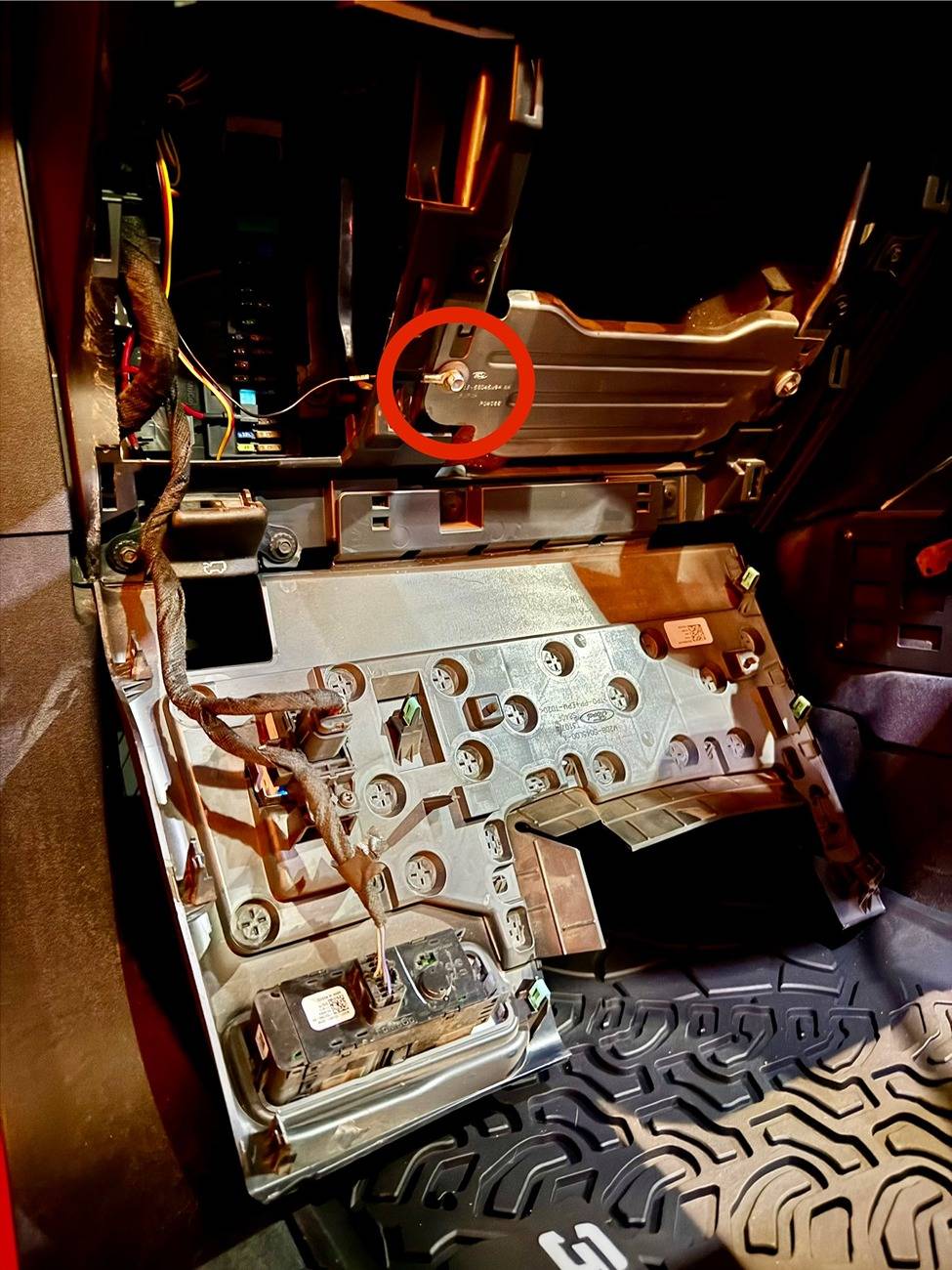
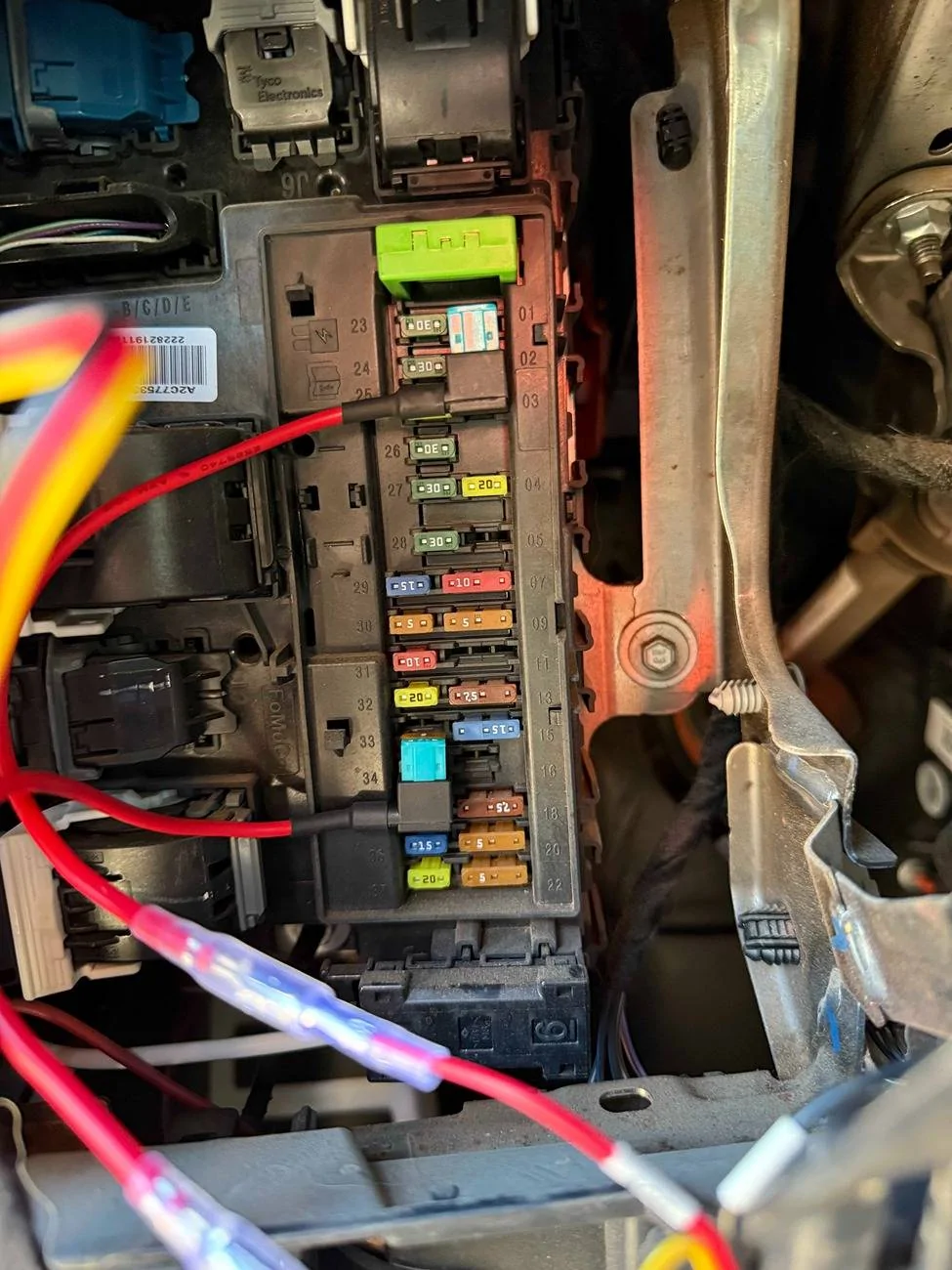
***EDIT*** Changed the fuses to 37 and 25 for constant powerAfter disconnecting the battery, use these little guys and connect the red (ACC) to fuse 37 and the yellow (BAT) to fuse 25. You just remove whatever fuse is currently in that spot, place it into the empty slot shown below There is a nice spot for the ground right outside of the panel:
 I reconnected the battery at this point to check that everything was working.Then you need to pull some plastic panels. Reference this IAG install video for their dome lights on removing the driver side and passenger side panels.
Ignore steps regarding the dome light wiringNo need to pull rear driver side trim off, the rear camera cable will be routed to the back via the passenger sidePay attention to the routing of cables behind the airbags/ bracketsHere is a video explaining where I ran the wiring
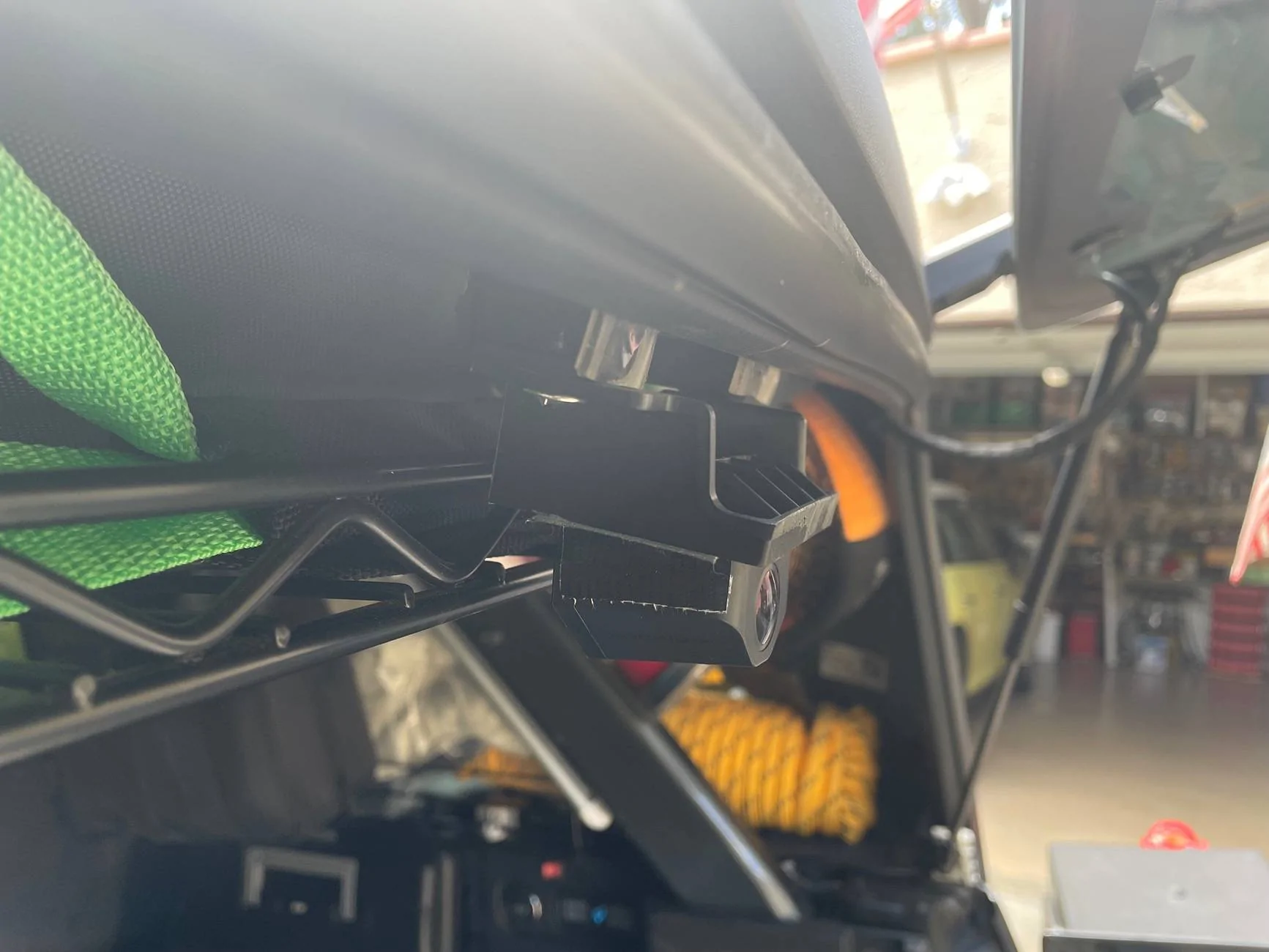
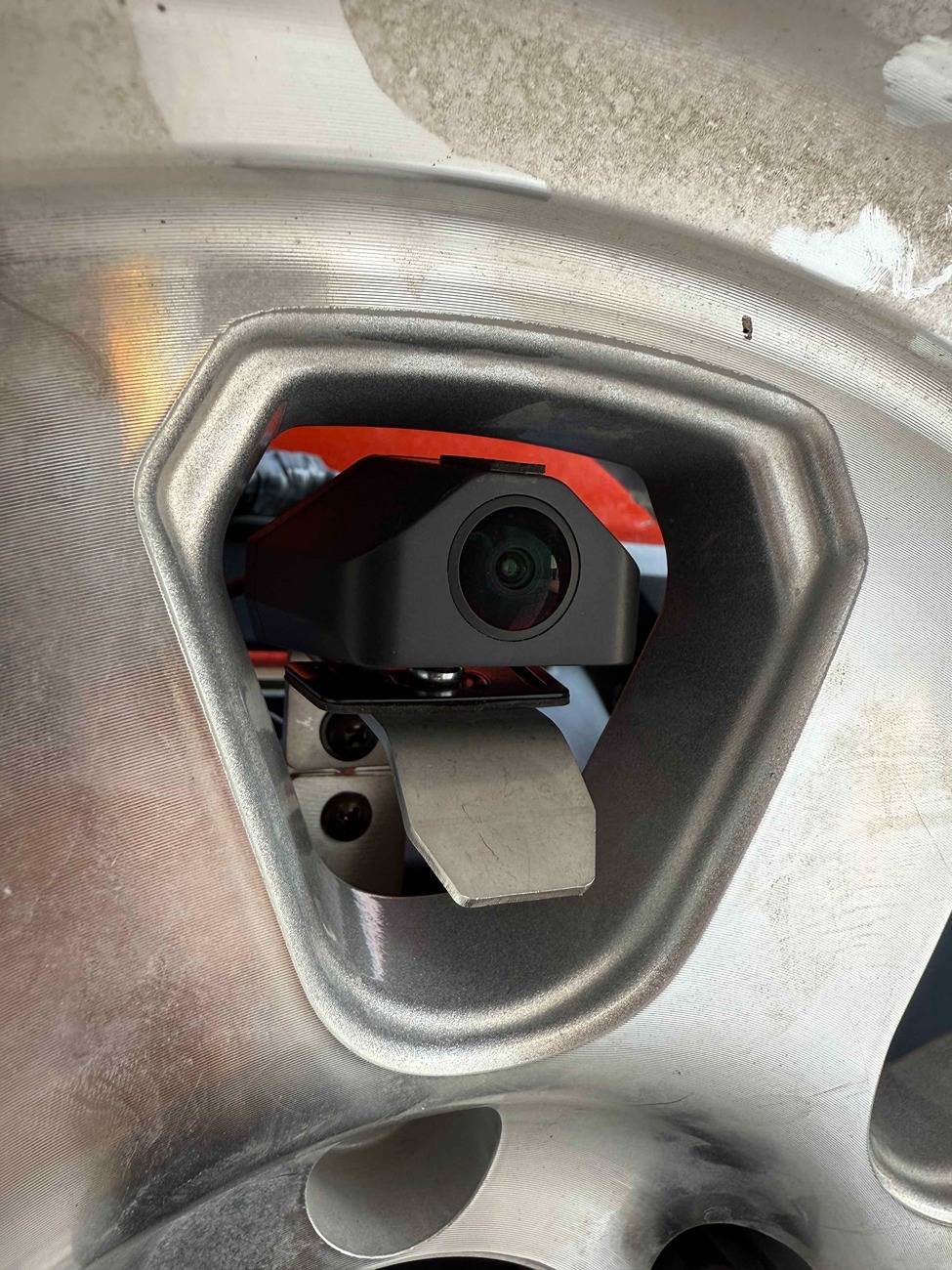
The only tool I used once the trim was removed was a trim tool to force the wires out of sightOnce the wires are in the back the mount for the camera is fairly self explanatory. Before I installed the camera I did modify the Crutchfield mount slightly by drilling a bigger hole in both the Wolfbox provided camera mount and the Crutchfield mount to fit a slightly larger bolt than the ones provided by Wolfbox.
If you're running the camera to the spare, then the rear tire needs to be removed. Place the rear mount bracket from on the spare lugs then adjust the mount as best you can. I got some help once I installed my tire back on. While I was lifting it back on I had someone adjust the camera mount to make sure it fit between the wheel spaces. As you can see below it fit, but was a little close to the top.
That's it! From there I just adjusted the mirror and cameras to make sure everything looked good to go!
Sponsored