Sponsored

Rory

Raptor
Active Member
First Name
Rory
Joined
Jan 5, 2024
Threads
2
Messages
32
Reaction score
35
Location
San Clemente, CA
Vehicle(s)
Bronco Bad Sas, Corvette E-RAY, Cybertruck, ModelY, Harley Deluxe, BRaptor
Your Bronco Model
Raptor
Clubs
 
I added Sport mode to my ‘23 Badlands SAS and that worked great. Sport mode puts it into 4A but it seems to stay in Sport mode when I switch it to 2A.. Anyone have any input on that? My BRaptor doesn’t switch to 4A when I put it in Sport mode.
I added 37’s from the stock SAS 35s and used the tire wizard to adjust the size to calibrate my speedometer and that caused the damn wrench and error code.
I want it gone!
Sponsored

 

24GTBadlands

Badlands
Well-Known Member
First Name
Dave
Joined
Mar 12, 2026
Threads
0
Messages
100
Reaction score
123
Location
IL
Vehicle(s)
24 Badlands v6, 24 S650 with PP GT
Your Bronco Model
Badlands
I added Sport mode to my ‘23 Badlands SAS and that worked great. Sport mode puts it into 4A but it seems to stay in Sport mode when I switch it to 2A.. Anyone have any input on that? My BRaptor doesn’t switch to 4A when I put it in Sport mode.
I added 37’s from the stock SAS 35s and used the tire wizard to adjust the size to calibrate my speedometer and that caused the damn wrench and error code.
I want it gone!
As far as Modes go, If you click to 2H, the mode does stay you can do the same thing in Baja mode. Mode doesnt change until you use the magic dial. But even though I added Sport as well it does default to 4h in both modes. Or in my/our case Sport defaults to 4A and Baja may default to 4H but both can used in 2H.
 

CarGuy

Wildtrak
Well-Known Member
First Name
John
Joined
Mar 16, 2023
Threads
30
Messages
1,386
Reaction score
2,448
Location
New Jersey
Vehicle(s)
2023 Ford Bronco
Your Bronco Model
Wildtrak
I added Sport mode to my ‘23 Badlands SAS and that worked great. Sport mode puts it into 4A but it seems to stay in Sport mode when I switch it to 2A.. Anyone have any input on that? My BRaptor doesn’t switch to 4A when I put it in Sport mode.
I added 37’s from the stock SAS 35s and used the tire wizard to adjust the size to calibrate my speedometer and that caused the damn wrench and error code.
I want it gone!
When in Sport mode, switching from 4A to 2H will not change the mode - stays on Sport mode.
 

Rory

Raptor
Active Member
First Name
Rory
Joined
Jan 5, 2024
Threads
2
Messages
32
Reaction score
35
Location
San Clemente, CA
Vehicle(s)
Bronco Bad Sas, Corvette E-RAY, Cybertruck, ModelY, Harley Deluxe, BRaptor
Your Bronco Model
Raptor
Clubs
 
Appreciate the responses on Sport mode.
Anyone have any thoughts on how to clear the wrench and 4x4 error resulting from using the tire wizard?
 

Tybh88

Black Diamond
Well-Known Member
First Name
Tyler
Joined
Aug 12, 2025
Threads
2
Messages
165
Reaction score
214
Location
Virginia
Vehicle(s)
Bronco
Your Bronco Model
Black Diamond
Appreciate the responses on Sport mode.
Anyone have any thoughts on how to clear the wrench and 4x4 error resulting from using the tire wizard?
I was just going to say that. We just want the code/wrench gone. Everything is working well otherwise. Seems to have better gear selection and rpm shift timing. Even noticed a difference in turning the rear speakers on from just being a tweeter. Im sure this will get fixed but has to be something simple.
 

Sponsored

Rory

Raptor
Active Member
First Name
Rory
Joined
Jan 5, 2024
Threads
2
Messages
32
Reaction score
35
Location
San Clemente, CA
Vehicle(s)
Bronco Bad Sas, Corvette E-RAY, Cybertruck, ModelY, Harley Deluxe, BRaptor
Your Bronco Model
Raptor
Clubs
 
I was just going to say that. We just want the code/wrench gone. Everything is working well otherwise. Seems to have better gear selection and rpm shift timing. Even noticed a difference in turning the rear speakers on from just being a tweeter. Im sure this will get fixed but has to be something simple.
FIXED - After trying to redo the tire wizard tool multiple times and still being left with the ‘wrench’, I decided to try to set the tire size manually by reducing the value the ‘wizard’ came up with for my 37” Toyos, (35.66) down to 35.5 and it worked. The dreaded wrench is gone and my new added Sport mode remains. I have not yet tested the speedometer calibration against my gps, but at least I’m not being told to take it into service every time I start the truck. Hope this helps others experiencing the same issue.
 

N8do

Badlands
Well-Known Member
First Name
Nate
Joined
Dec 2, 2025
Threads
3
Messages
213
Reaction score
253
Location
IN
Vehicle(s)
24 Badlands Sasq hardtop 2.7 /86 4X4 trim, 351W, 35s, 4.86 + lockers /02 Taco 4d
Your Bronco Model
Badlands
Clubs
 
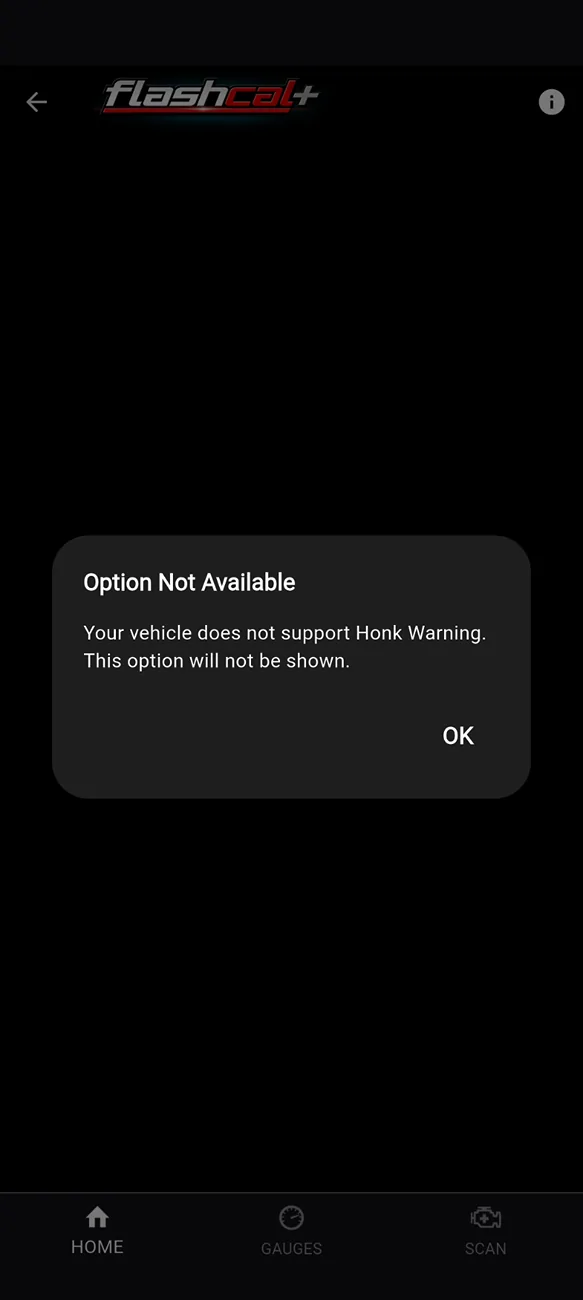
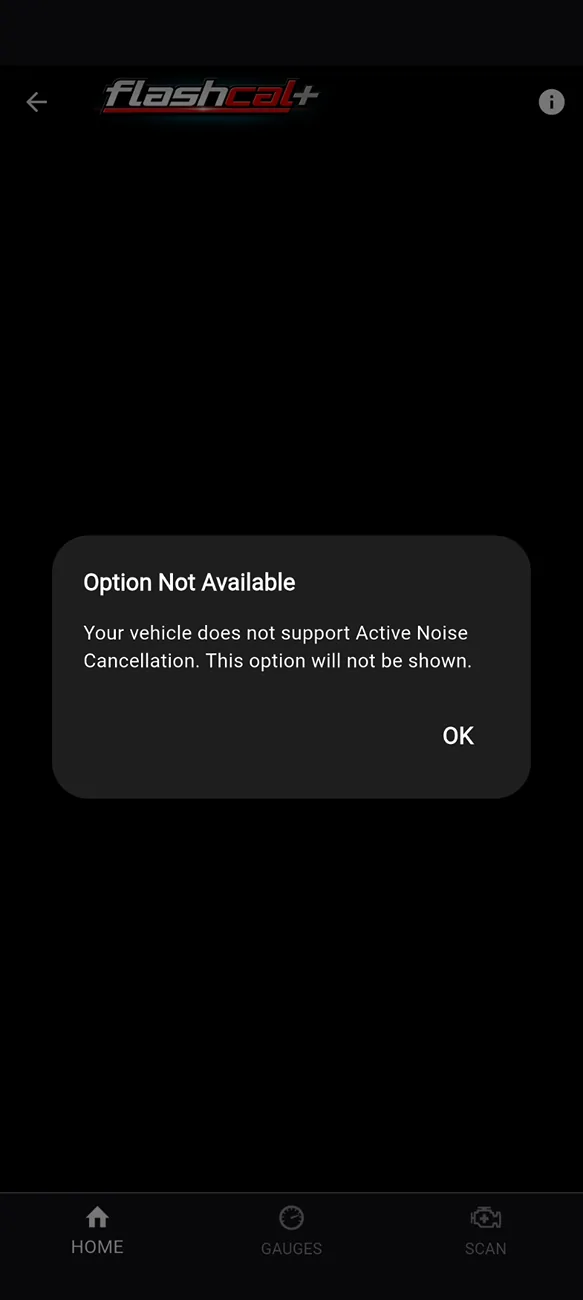
Apparently it does not support a 22 Badlands with 2.3L with 7sp. 🤷🏻

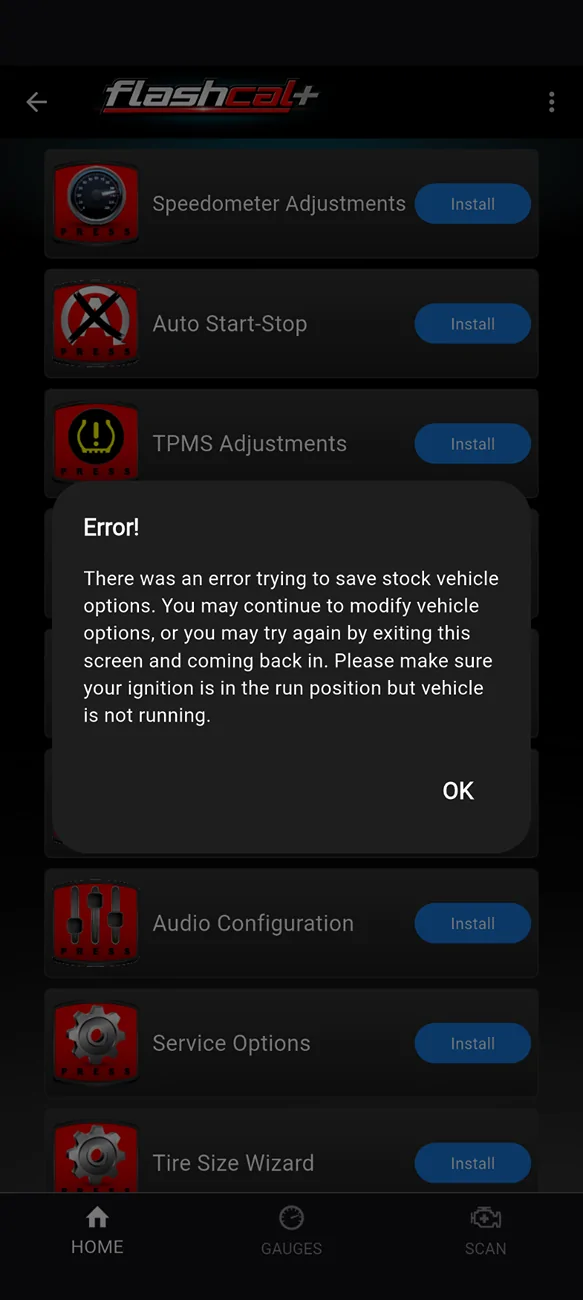
None of the options work. Attempted them all after update, restarted phone, turned off Bronco and back on (accessory only in ignition)

Nothing support, hopefully I can get in contact with tech support.

Screenshot_20260725-184246.webp


Screenshot_20260725-184347.webp


Screenshot_20260725-184315.webp


Screenshot_20260725-184330.webp


Screenshot_20260725-190824.webp


Screenshot_20260725-190123.webp


Screenshot_20260725-190852.webp

Did you do the forced update before getting started on the vehicle?
 

Bronco Toad

Badlands
Well-Known Member
First Name
Todd
Joined
Sep 28, 2025
Threads
3
Messages
143
Reaction score
266
Location
Central Ohio
Vehicle(s)
2022 Bronco Badlands 4dr Cyber Orange
Your Bronco Model
Badlands
Clubs
 
Did you do the forced update before getting started on the vehicle?
Fairly certain I did but that is the one thing I did not double check. Appreciate the reminder on checking that.

Forced it to do the update again and it appears to have been successful and allowing changes to be made.
 
Last edited:

Tybh88

Black Diamond
Well-Known Member
First Name
Tyler
Joined
Aug 12, 2025
Threads
2
Messages
165
Reaction score
214
Location
Virginia
Vehicle(s)
Bronco
Your Bronco Model
Black Diamond
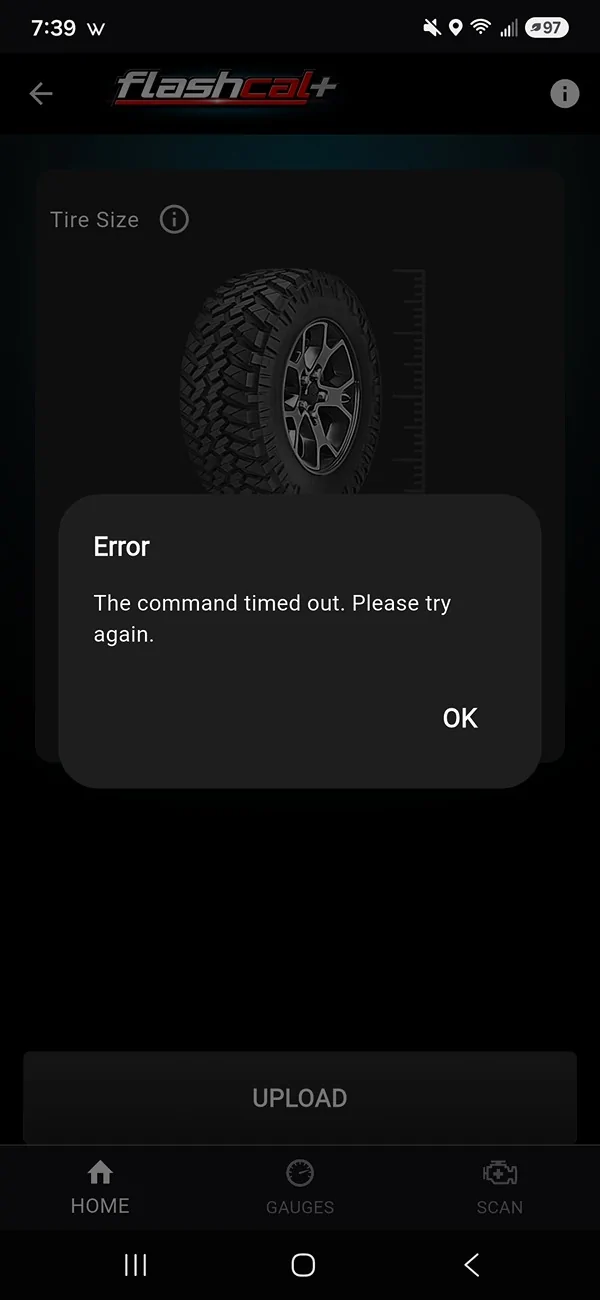
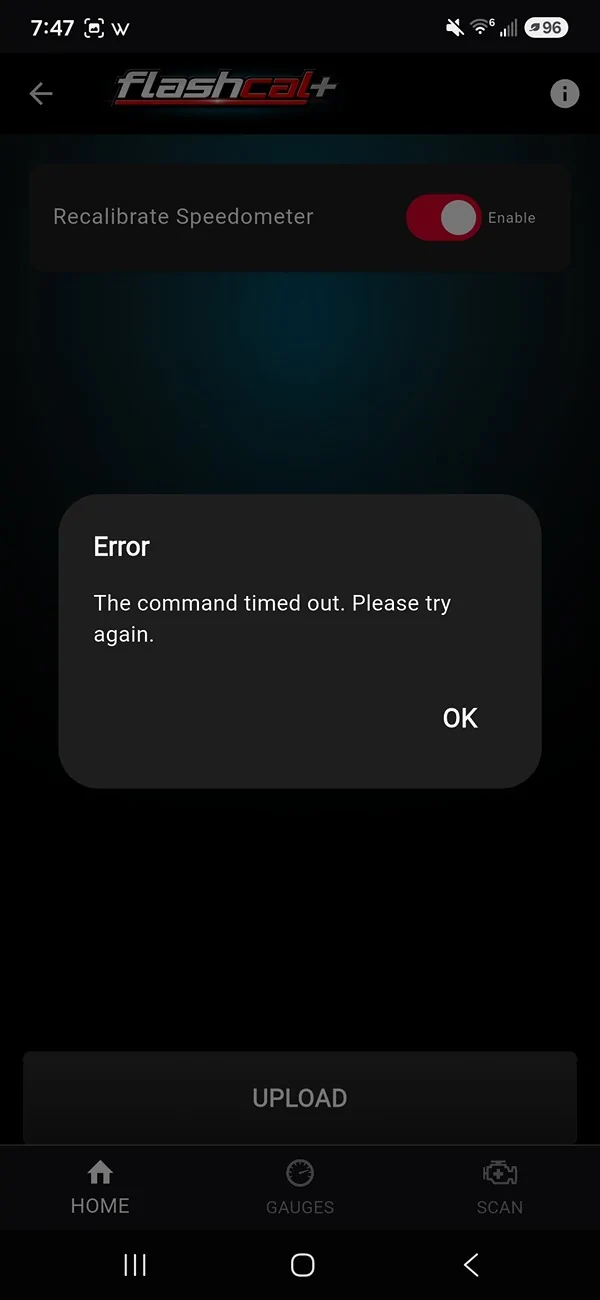
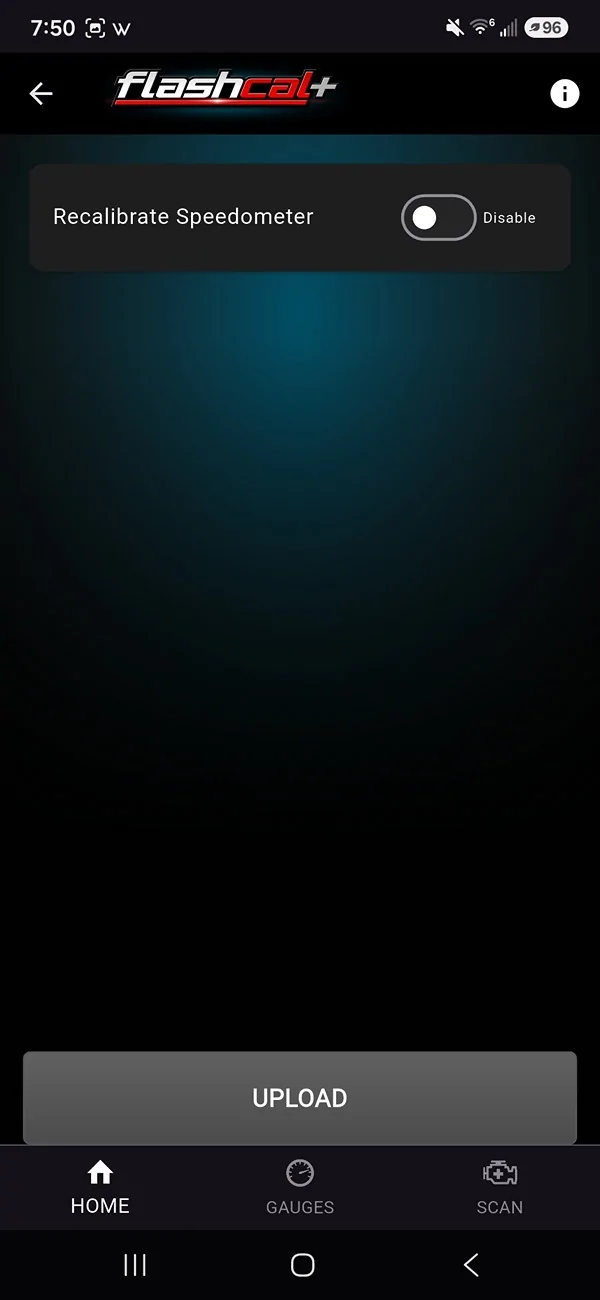
Tried again this morning. I found out the speedometer recalibrate is disabled and wont let me enable it without errors or timing out. Tire rewrites are successful but im assuming this is why im getting that code.

Ford Bronco NEW Flashcal+ Bronco Support! Screenshot_20260726_073930_FlashCalPlus


Ford Bronco NEW Flashcal+ Bronco Support! Screenshot_20260726_074749_FlashCalPlus


Ford Bronco NEW Flashcal+ Bronco Support! Screenshot_20260726_075013_FlashCalPlus
 

BobN - USAF

Big Bend
Well-Known Member
First Name
Robert
Joined
Mar 26, 2023
Threads
12
Messages
89
Reaction score
179
Location
Tallahassee
Vehicle(s)
2023 Bronco Big Bend, 1942 Ford GPW (jeep)
Your Bronco Model
Big Bend
Clubs
 
Well, the windows UP function is still not working for me after following the tech instructions:
"
Thank you for reaching out, and I apologize for the inconvenience.


Did the function restore itself after driving the vehicle? [Nope]

If not, please try the following:
  1. Remove the negative terminal from the battery. [Done]
  2. Turn the headlights on. [ Uh, not really sure how as it is a knob that just rotates but I turned it to the left.]
  3. Press and hold the brake pedal for about 3 minutes. [Done]
  4. Release the brake pedal. [Done]
  5. Turn the headlights off. [Well, sure...turned the know to the right]
  6. Reconnect the negative terminal. [Done]
That should restore the function.
Please let us know the result."
And the result is that it still doesn't work. Of course I did this on Saturday so I suspect I will hear from one of the techs on Monday, give or take.

It is also not clear how you activate the keyfob. I've tried the double click and hold the lock button. Seems like sometimes I get a horn honk but no window action. I've tried doing the open window a second time and that does nothing because, duh, the windows are open. And yes, I used the Flashcalc+ to activate the feature. LOL. 2023 Bronco Big Bend mid package.

The other weird thing I've noticed is the tone of my alarms have changed. Like when in reverse the cross traffic alarms sound different. Did I change something that caused this with the app/dongle?

One thing I did to see if it did anything is deactivate the equalizer switch. I can hear sound coming out of the amp/sub in the rear panel. Don't see how to control it as it doesn't show up on the fade diagram on the dash display?
 

Sponsored

firulice4

Wildtrak
New Member
First Name
James
Joined
Jul 24, 2026
Threads
0
Messages
1
Reaction score
0
Location
Minnesota
Vehicle(s)
21 wikdtrak 2 door
Your Bronco Model
Wildtrak
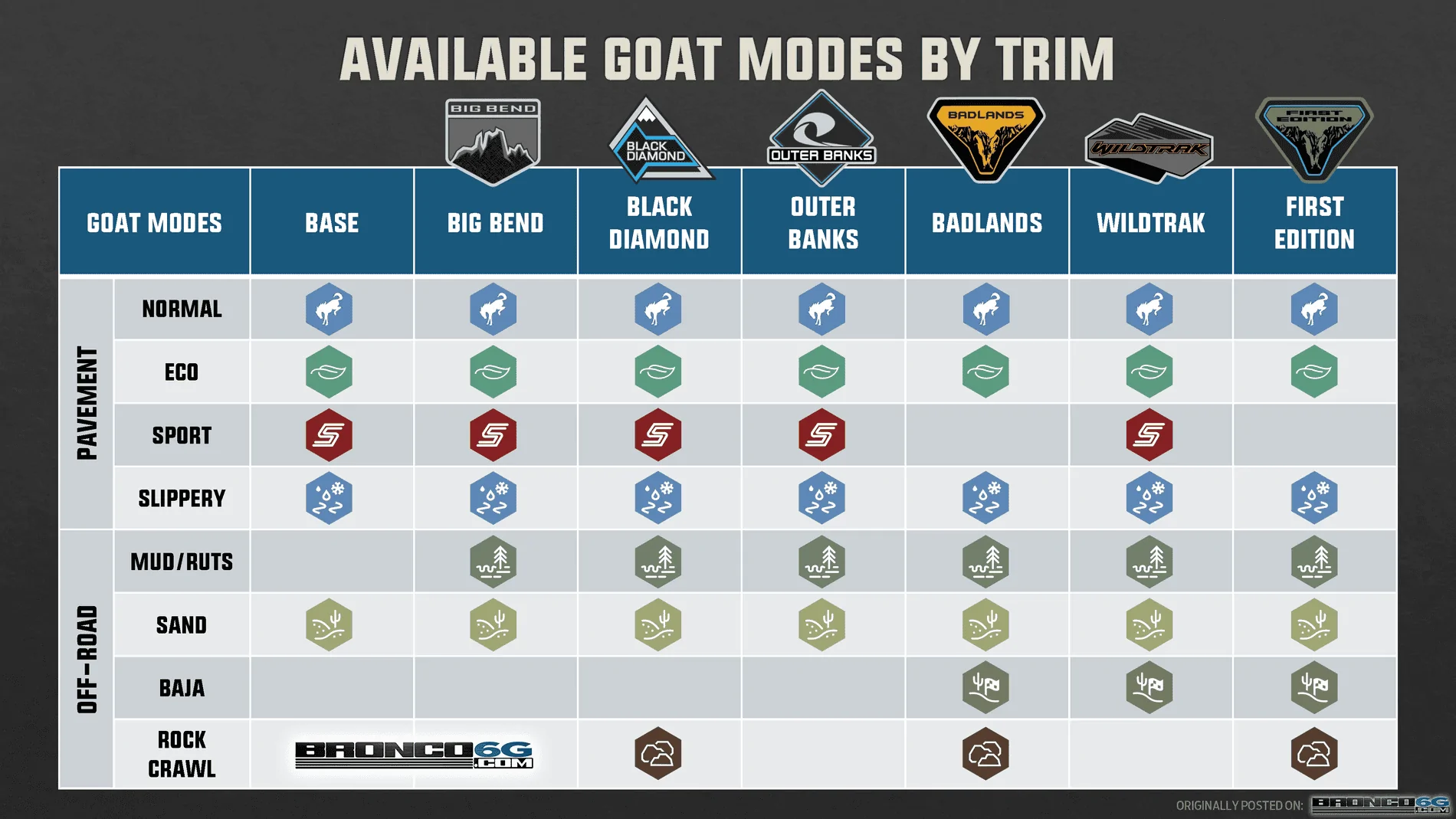
So glad I saw this thread! I picked up a 21 Wildtrak on Friday. It's the first Ford I've ever owned and knew right away I want to disable the auto start/stop feature. I was about to order a harness that installs behind the dash, then started looking into Forscan and then found this. The other thing I want to do right away is lower the time the usbs up on top on the dash use power so my radar detector and dashcam don't stay on and drain the battery. I'll have to look into the rest of the options but I don't know that it will unlock any other GOAT modes for me with the wildtrak. Looking forward to getting it in and making some adjustments! Count me in for tune file add-ons down the road. Thank you!


Top