
Sponsored

Infotainment 8" to 12" upgrade completed.

OP
OP
raqball

raqball

Badlands
Well-Known Member
First Name
Kris
Joined
Mar 14, 2024
Threads
12
Messages
361
Reaction score
1,177
Location
WA
Vehicle(s)
2023 Ford Bronco Badlands 2DR
Your Bronco Model
Badlands
It definitely would have been much cheaper to get it from the factory
It's actually more expensive to get it from factory if all you care about is the larger screen.

-I paid roughly $2500 for the Infotainment kit with installation.
-The 333A package is $2800 plus the additional sales tax on that $2800

If you want the 360 camera and the forward sensors then obviously you are MUCH better off going with the 333A package.. If all you care about is the 12" screen then this is the 'cheaper' option.
Sponsored

 

jayr1959

Big Bend
Well-Known Member
First Name
Jay
Joined
Apr 22, 2023
Threads
12
Messages
337
Reaction score
544
Location
Delaware
Vehicle(s)
2015 Jeep JK 2DR 2008 Saturn Sky Redline
Your Bronco Model
Big Bend
I installed it in mine about a month ago. I love it. I am getting pretty good at taking the dash apart.
 

HeliPilot

Badlands
Well-Known Member
First Name
Kenny
Joined
Dec 17, 2021
Threads
20
Messages
1,702
Reaction score
3,612
Location
CT
Vehicle(s)
2022 2.7L SAS
Your Bronco Model
Badlands
I installed it in mine about a month ago. I love it. I am getting pretty good at taking the dash apart.
Pretty positive that I can disassemble it with my eyes closed now. I also added HD radio while I had it apart.
 

jayr1959

Big Bend
Well-Known Member
First Name
Jay
Joined
Apr 22, 2023
Threads
12
Messages
337
Reaction score
544
Location
Delaware
Vehicle(s)
2015 Jeep JK 2DR 2008 Saturn Sky Redline
Your Bronco Model
Big Bend
Pretty positive that I can disassemble it with my eyes closed now. I also added HD radio while I had it apart.
I added front and side camera to the 8" system. Then I added the 12" display. Then I added the cameras to the 12". Of course the 8" version was not compatible. I may buy the Raptor Cluster ...
 

35tires

Base
Well-Known Member
Joined
Jan 29, 2023
Threads
32
Messages
511
Reaction score
630
Location
Texas
Vehicle(s)
'23 Bronco, '21 4Runner
Your Bronco Model
Base
I have a basesquatch v6 that I got for under 40k new. I’m that unicorn.

I’m dying to do this. The 12 inch is much, much snappier, runs newer software and hardware to make it much more fun to work with (and why it’s such a pain to upgrade to) and I’m thinking it’s time to just do it. 2k I’d be a buyer instantly but what’s 500 bucks at that point…


I can't tell the color of dark molten metal and it looks silver in the picture. Anyone have better pics? I can't do silver/shiny in the interior.
 
Last edited:

Sponsored
OP
OP
raqball

raqball

Badlands
Well-Known Member
First Name
Kris
Joined
Mar 14, 2024
Threads
12
Messages
361
Reaction score
1,177
Location
WA
Vehicle(s)
2023 Ford Bronco Badlands 2DR
Your Bronco Model
Badlands
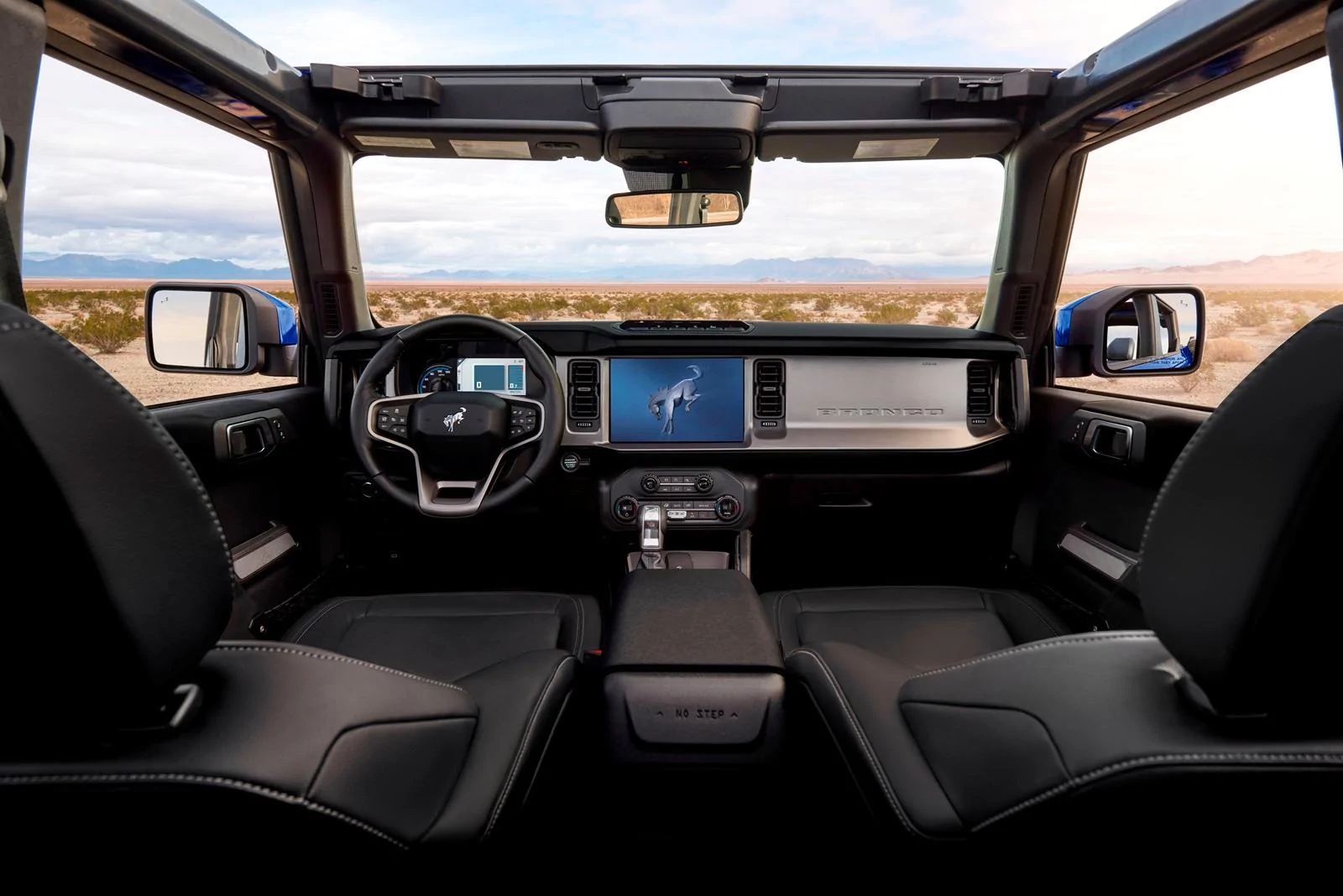
I can't tell the color of dark molten metal and it looks silver in the picture. Anyone have better pics? I can't do silver/shiny in the interior.
Just a guess on my part but probably similar to this maybe? Kind of looks like a matte silver to me. Might be best to call and see if they can provide you with better images via email.

Ford Bronco Infotainment 8" to 12" upgrade completed. 803246
 

JBlanco

Base
Well-Known Member
First Name
Julio
Joined
Sep 21, 2021
Threads
21
Messages
1,203
Reaction score
2,442
Location
Charlotte NC
Vehicle(s)
2023 Bronco BaseSquatch, 2023 Tesla Y Performance
Your Bronco Model
Base
I added front and side camera to the 8" system. Then I added the 12" display. Then I added the cameras to the 12". Of course the 8" version was not compatible. I may buy the Raptor Cluster ...
Can you elaborate on how you added the cameras to the 8" system? That would be amazing.
 

jayr1959

Big Bend
Well-Known Member
First Name
Jay
Joined
Apr 22, 2023
Threads
12
Messages
337
Reaction score
544
Location
Delaware
Vehicle(s)
2015 Jeep JK 2DR 2008 Saturn Sky Redline
Your Bronco Model
Big Bend
I added an interface from Naviks. It provides inputs for Front, and side cameras along with a video input.

https://naviks.com/i-24077798-2021-...tem-video-interface.html?ref=category:1207149


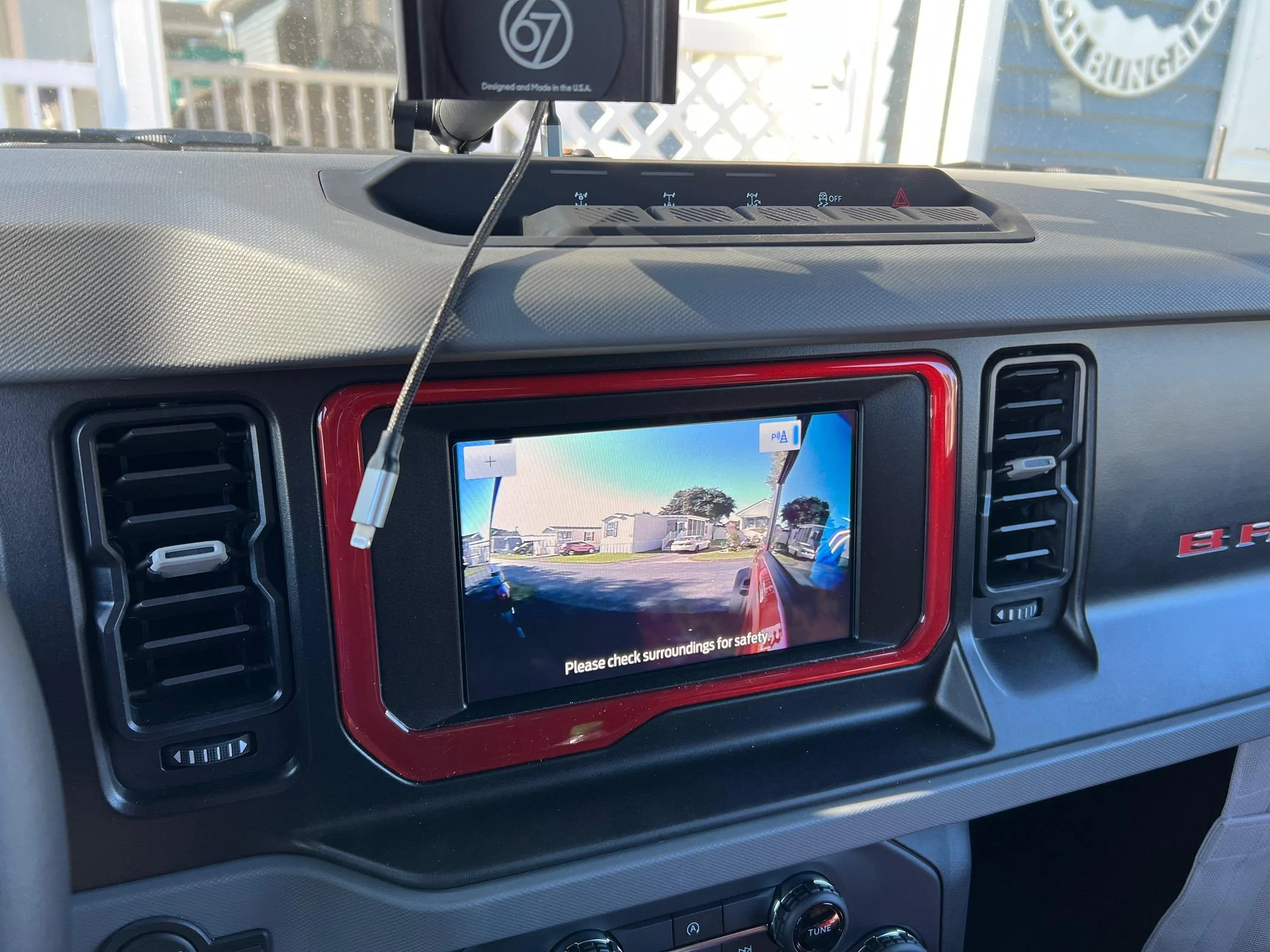
Its not difficult to install. All the cameras can be accessed via the menu button on the steering wheel. Left and Right cameras work with the turn signals but can also be activated with the menu button. What they do not mention is that the GPS is affected when the cameras activate. The GPS loses its position for about 30 to 45 seconds before it correctly repositions. I initially thought it was the latest update on my iPhone but the same thing happened with the Ford Navigation system. Its fine if you are not making lots of turns in a short amount of time. My work around was using carlink kit. The car link kit connected to the sync USB and then connect carplay iphone via the kits interface. That forces the iphone to use the carlink GPS. I only used it when I needed Navigation. Naviks admitted its part of the interface in order to get the cameras to function but they do not list that on their site. The interface for the 12” does not have that issue. I listed my interface on the forum for sale ( $250) since I have the one for the 12”. If you decide to go forward DM me.


https://www.amazon.com/gp/product/B0BX43B69D/ref=ppx_yo_dt_b_asin_title_o00_s00?ie=UTF8&th=1

I purchased their front camera and the two below from Amazon

https://www.amazon.com/dp/B07V371Q4..._5&amp=&crid=2BKORQ0T7SHME&amp=&sprefix=parkv

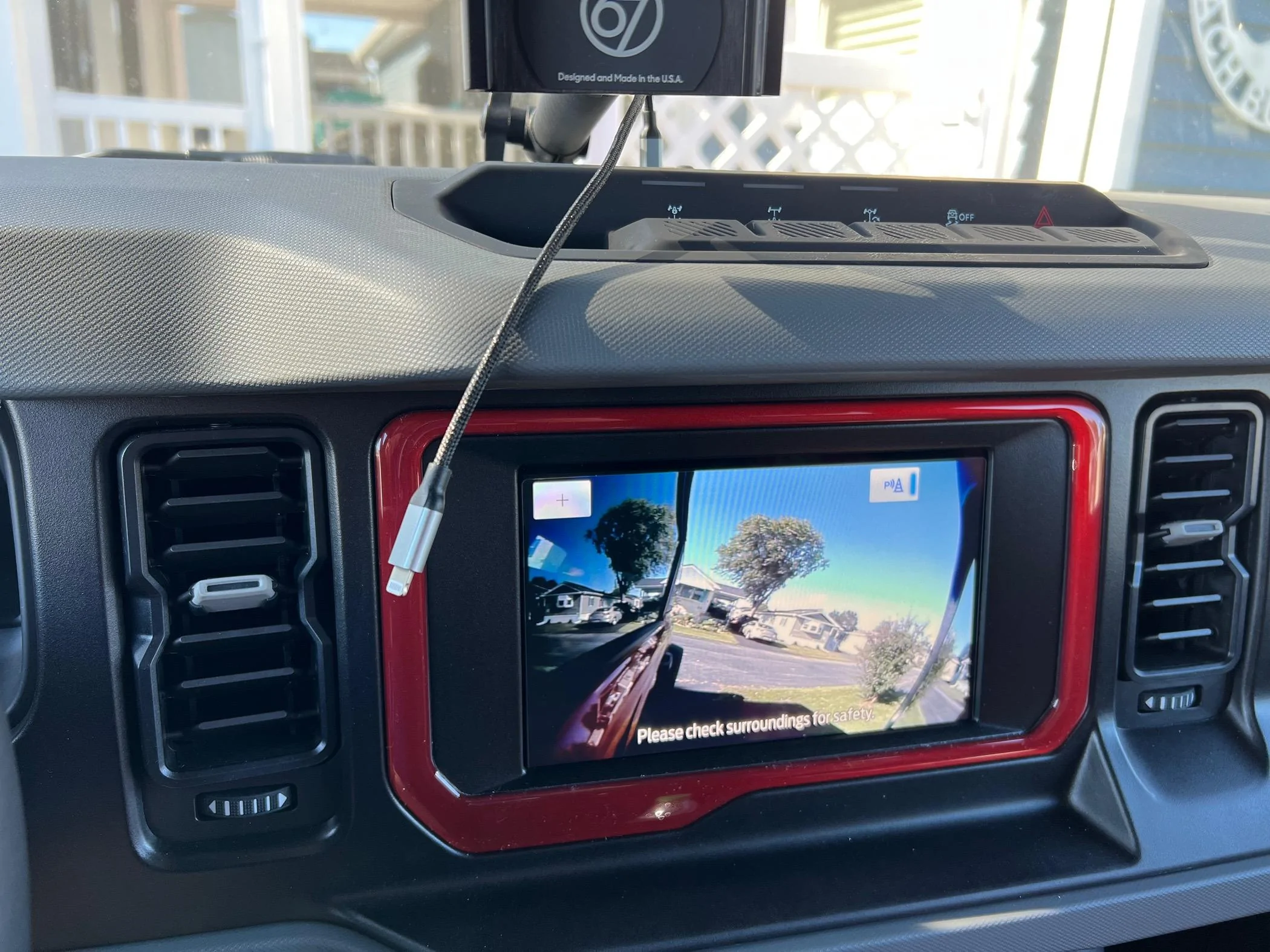
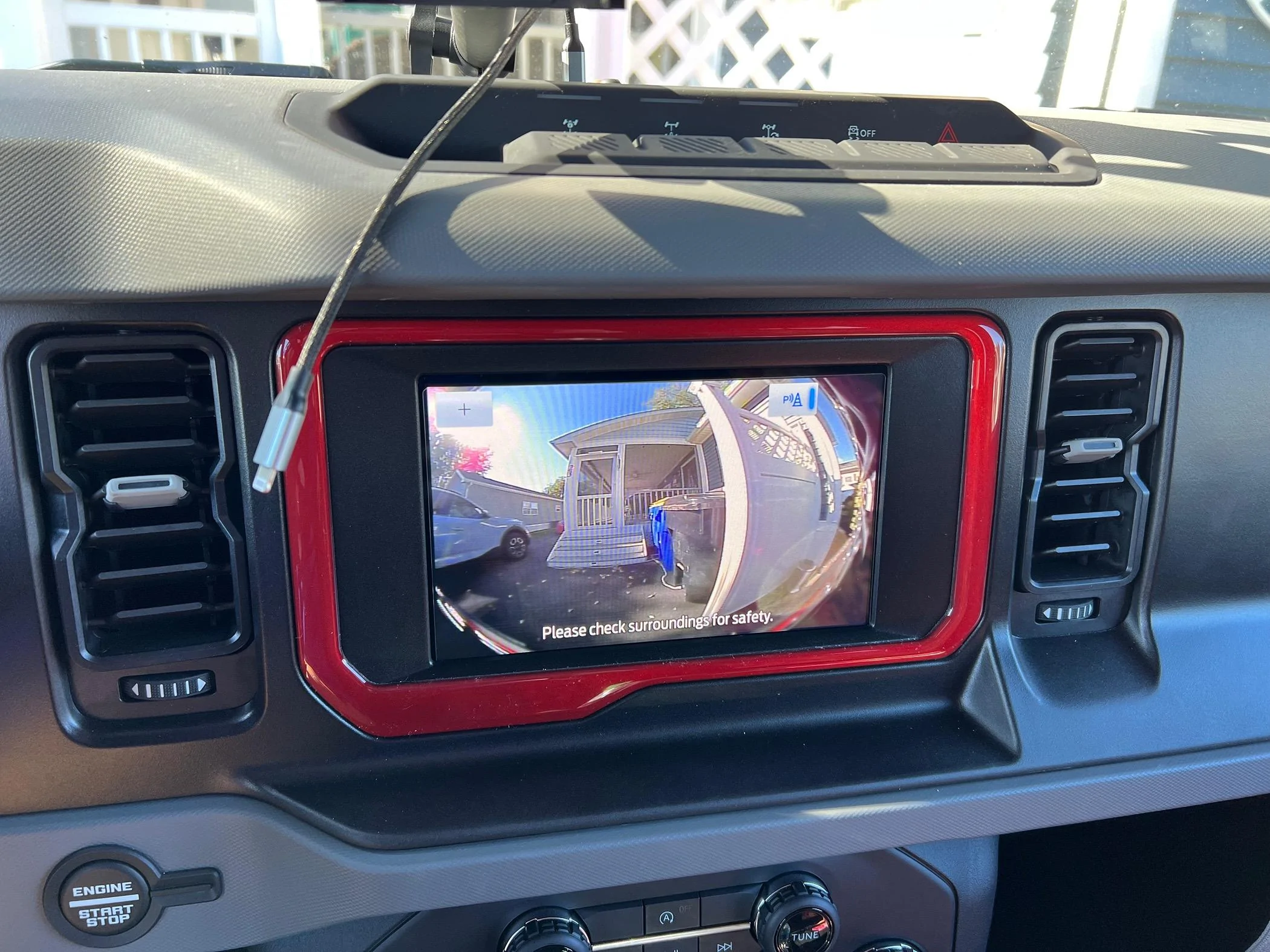
Ford Bronco Infotainment 8" to 12" upgrade completed. IMG_1928


Ford Bronco Infotainment 8" to 12" upgrade completed. IMG_1967


Ford Bronco Infotainment 8" to 12" upgrade completed. IMG_1968


Ford Bronco Infotainment 8" to 12" upgrade completed. IMG_1969
 

DesertMike680

Big Bend
Well-Known Member
First Name
Michael
Joined
Aug 29, 2020
Threads
6
Messages
850
Reaction score
1,123
Location
Las Vegas
Vehicle(s)
Big Bend
Your Bronco Model
Big Bend
I'm highly considering doing this swap from 8 inch to 12 inch. I think in the long run its really going to bring more value as its not a bad investment. I think I might pull the trigger on this sometime in June.
 

Walker1

Member
First Name
Jonas
Joined
Aug 12, 2023
Threads
1
Messages
13
Reaction score
14
Location
New Orleans
Vehicle(s)
Bronco
Your Bronco Model
Undecided
For those of you have swapped from the 8” to the 12”, is there an option to add a front camera with just this kit?
I spoke with a Naviks rep and the unit for the 360 camera addition is $599 and all I really want is a front camera. I wasn’t sure if the 12” screen kit offered that as an option or if I have to add the Naviks unit just to get the front camera.
 

Sponsored

KillerPenz

Base
Well-Known Member
Joined
Nov 30, 2021
Threads
13
Messages
1,427
Reaction score
3,025
Location
North East
Vehicle(s)
2021 Bronco
Your Bronco Model
Base
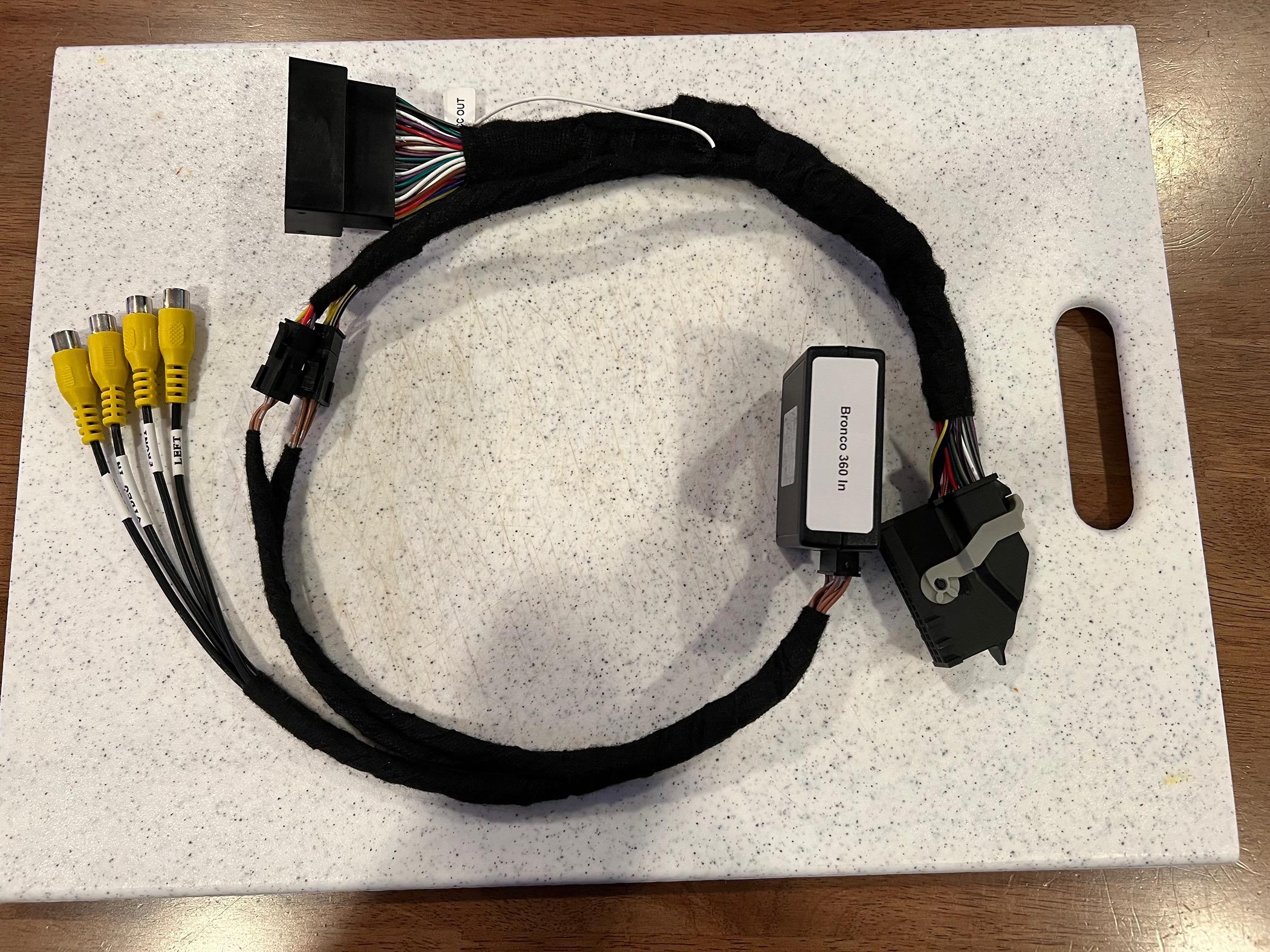
I like the price of the second one, because if you ask me, that's what this upgrade should cost us. The only thing that jumped out at me though was " To ensure a seamless transition and optimal display performance, make sure your host computer has been replaced with a 12inch Sync4 host module. " So my guess is that module probably retails for $2k by itself. 🤷‍♂️
 

rugedraw

Well-Known Member
First Name
Javier
Joined
Jan 9, 2024
Threads
0
Messages
429
Reaction score
359
Location
Miami, FL
Vehicle(s)
2021 Ford F150 Platinum FX4 EB/2023 Bronco Sport Badlands/1991 Mustang 5.0 coupe
Your Bronco Model
Undecided
I won't get into details for several reasons, but for a $500 difference, I would go with Infotainment. I can tell you those guys knows what they are doing and Jesse is an absolute guru making sures the module is properly programmed with data matching what is on Ford's server so you can continue to get updates and everything works on the surface and behind the scenes. There is a lot more to this than just swapping in parts and copying over your a/b data. Proper programming is more important than people most people know.

Edit: Naviks make a great product, too. I have been using them for years. Currently have an HDMI interface module on my truck that I use to add a wireless camera I put behind my boat when towing it on the factory screen; no need to mount an extra screen on the dash. I can also use it to mirror my phone onto my factory 12" screen all using the existing factory steering wheel buttons. They certainly aren't cheap, but they make good stuff.
 
Last edited:

TacosTuesday

Badlands
Well-Known Member
First Name
Chris
Joined
May 7, 2023
Threads
0
Messages
248
Reaction score
307
Location
Carlsbad, CA
Vehicle(s)
'23 Badlands 2dr 2.7L
Your Bronco Model
Badlands
the carabc kit doesnt have the APIM, and i believe it needs to be programmed too. also, for what it's worth, the first few infotainment kits had a fat in line harness like the ones pictured in both, and it's too tight behind the screen & caused some issues, so infotainment made a new thin harness to power the 12". i can't speak to these cheaper kits, but i can say the team at infotainment were awesome, responsive as can be, and there to help through the entire process.
 

tock13

Big Bend
Well-Known Member
First Name
Tony
Joined
Oct 4, 2022
Threads
69
Messages
1,426
Reaction score
2,500
Location
WA State
Vehicle(s)
Mazda, 66 Honda CT90, ‘94 Toyota Xtra cab
Your Bronco Model
Big Bend
Clubs
 
For those of you have swapped from the 8” to the 12”, is there an option to add a front camera with just this kit?
I spoke with a Naviks rep and the unit for the 360 camera addition is $599 and all I really want is a front camera. I wasn’t sure if the 12” screen kit offered that as an option or if I have to add the Naviks unit just to get the front camera.
My friend had the Infotainment package installed on her ‘22 black diamond and with just that kit there is no way to add a camera. She would have had to install something like the Naviks. The 12” screen is an amazing upgrade though. Her CarPlay is more stable than my ‘24 bronco. Go figure.

I’m thinking of just getting the new Wolfbox with 3 cameras instead of the naviks.
Sponsored


Top