

Hey everyone. Has anyone researched this further? I am also interested in retrofitting something like this using the new Raptor factory brake light assembly with the camera with either the new factory mirror or a Wolfbox.
Sponsored
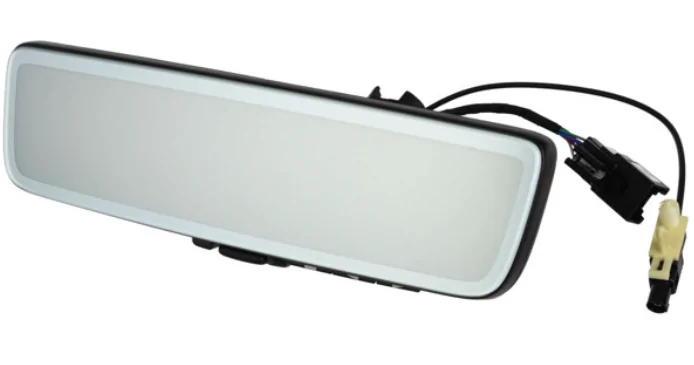
It can be toggled on/off.Unlike my Land Rover, I don’t believe the Ford version can also be toggled on/off to be a “typical” rear view mirror - it’s always a screen.

Likewise- perhaps someone can find the part number(s) for the assembly considering the feature has been on offer for new raptors for the entirely of the model year?Keeping this towards the top, wanting factory integration
 .
.
A bit of a tangent here but I can’t believe the random stuff they are removing. I didn’t know about the homelink delete. I will eventually get a smart garage controller and operate it via the CarPlay but still. This low tech stuff is so quick and reliable (mine has it and I find it very useful). Also at least for Raptor owners, the fact that it no longer says Raptor on the side steps but simply Bronco is so dumb. Some of the fun that comes with buying the “ridiculous” trim of any vehicle is to have subtle stuff like that.I'm very ready to try putting this together. Curious if the mirror uses the same power source that they used for homelink (since it was deleted from the '26). Seems like a strange decision to have no HomeLink at all. Ideally you just add the HomeLink buttons to the digital mirror (that is how our Defender was set-up.. factory digital mirror had the config buttons on the left side, and homelink on the right side
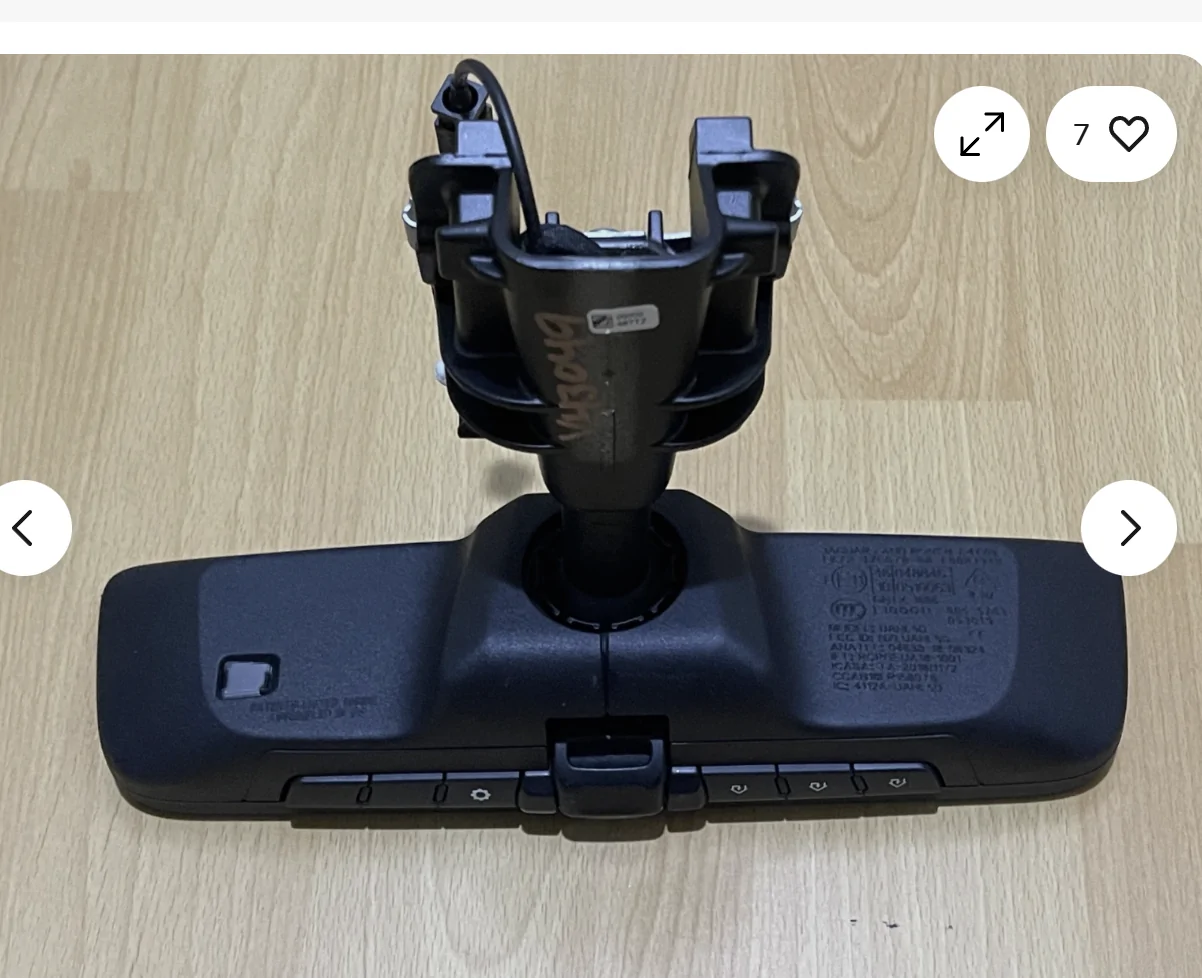
Very interesting find. But also concerning. Meaning, do we need an adapter and it’s all solved or we simply can’t make the modification…Based on the photo, it looks like the same mirror Land Rover uses, might even be the same wiring connectors (which are different from the standard mirror wiring in the Bronco Raptor). The LR mirror comes in two versions, one has the Homeline buttons, one does not.
This is the version with Homelink.

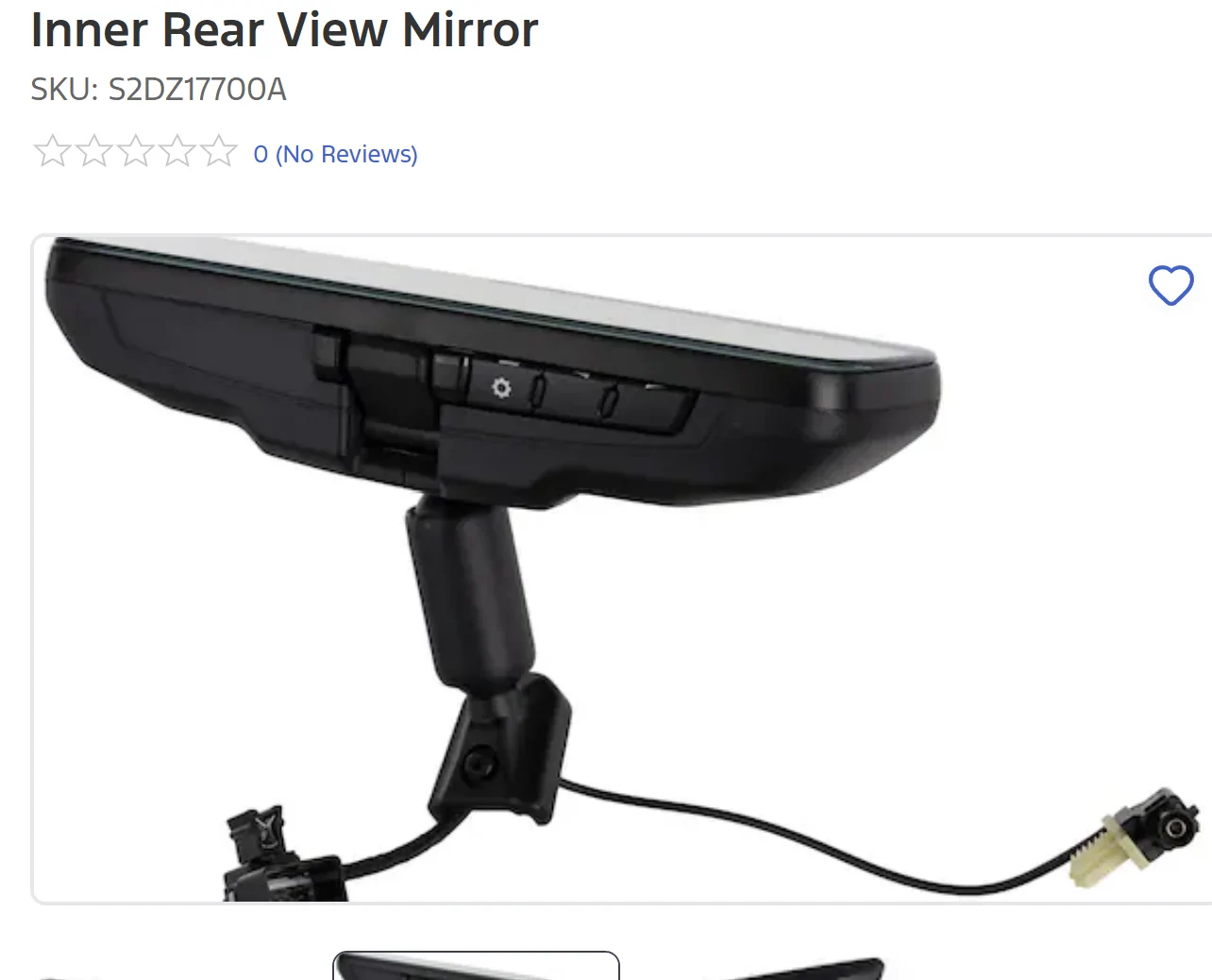
And this is the Bronco Mirror without HomeLink:Based on the photo, it looks like the same mirror Land Rover uses, might even be the same wiring connectors (which are different from the standard mirror wiring in the Bronco Raptor). The LR mirror comes in two versions, one has the Homeline buttons, one does not.
This is the version with Homelink.
Regarding the “reverse mode”.. I mentioned it originally. It is true. I saw it on a demo video somewhere online (I think Facebook). But I agree, it’s not necessary.There must be a new wiring harness for the front overhead area that has the 6pin vs. the 10 pin connector that is currently there. II believe all you need in the harness/connector is power, so its possible you could find the right adapter to just use the new mirror with the old harness. As for video, it is managed by the FAKRA connector/cable, and you could just run this as an independent cable to the rear camera (that is basically what Ford does). So, the trick is really just getting power to the mirror (the rear camera should get its power via the FAKRA connection/cable that comes from the mirror.) So, it is possible we don't need to mess with the rear wiring harness since the camera shouldn't be wired in with anything else back there.
Someone mentioned "the camera tilts down in reverse", but I am not sure if that is true or would be meaningful (or needed). The setup with this mirror on the Land Rover does not tilt down in reverse, and it is not needed because you have your normal backup camera for that view, so even if the Bronco has that feature, it's not worth trying to wire that feature up to get it to work.
As I said earlier... my guess is that Ford planned to use the exact model from the LR that has Homelink, which is why homelink is no longer on the sun visor. But something happened and they ended up with the model without homelink (same manufacture, just a different part number).
The digital mirrors are made by Gentex: Digital Vision | Gentex
I think the Bronco mirror a GENK or GNTX mirror.
I'd think all you would get is more rear tire in the view. The cameras do have a "angle" adjust so you can basically "tilt" the view up or down. The camera is not moving; it is just changing what part of the image you get to see. Same with the zoom feature, it is just a digital zoom. Once you set both to your liking, you don't really mess with them.Regarding the “reverse mode”.. I mentioned it originally. It is true. I saw it on a demo video somewhere online (I think Facebook). But I agree, it’s not necessary.





