
- First Name
- Annaliese
- Joined
- Aug 19, 2022
- Threads
- 2
- Messages
- 25
- Reaction score
- 66
- Location
- Lebanon, OR
- Vehicle(s)
- 2022 2Dr Wildtrak HOSS 3.0, 2020 Honda CR-V
- Your Bronco Model
- Wildtrak
- Thread starter
- #1
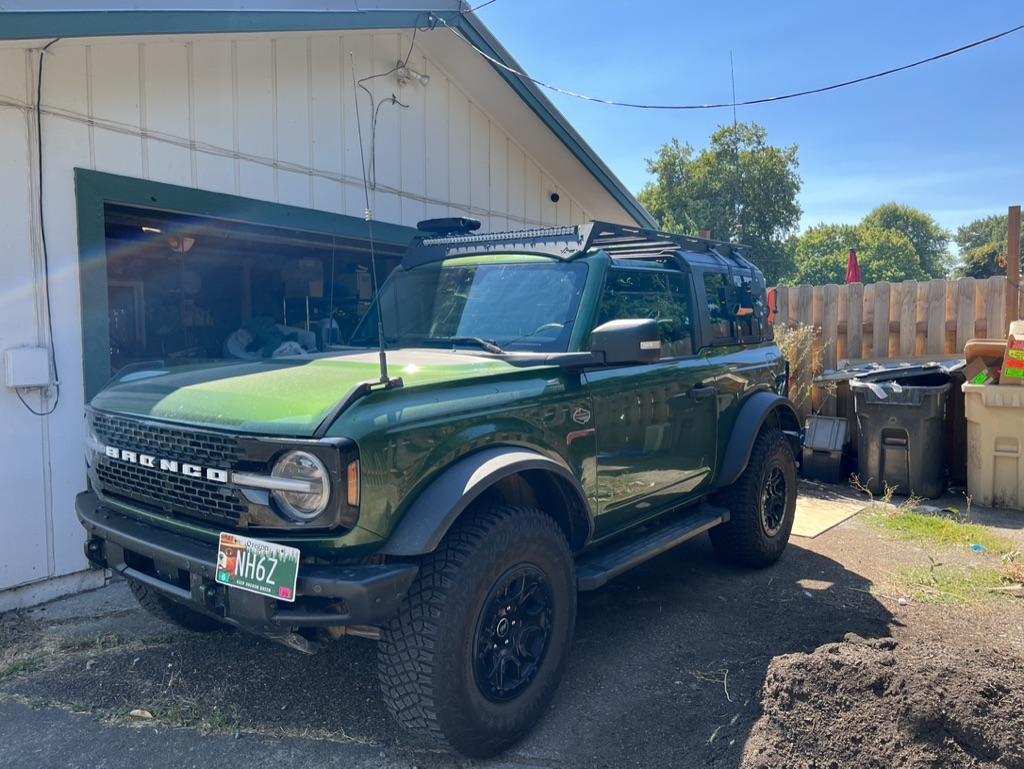
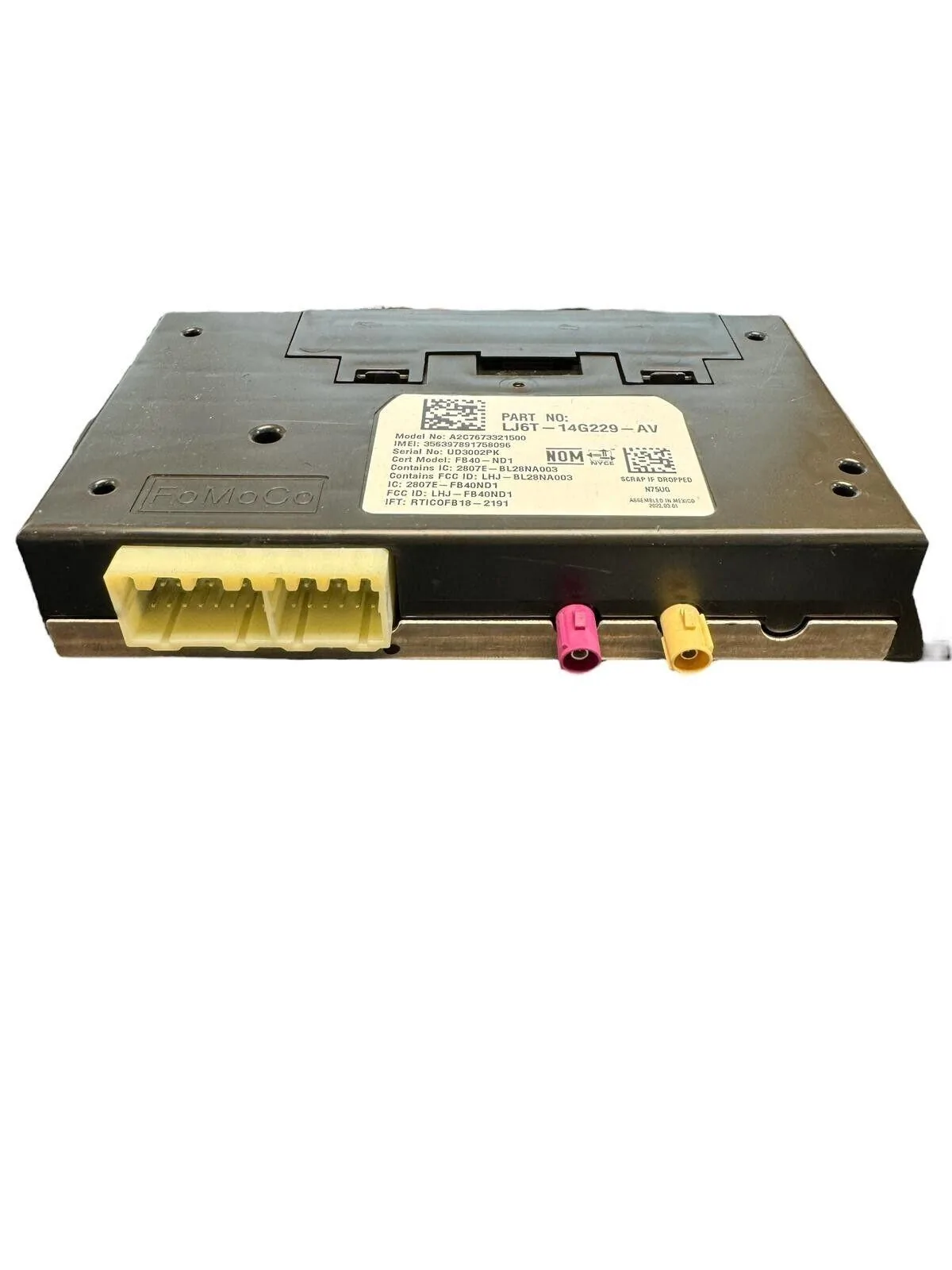
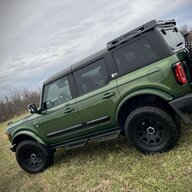
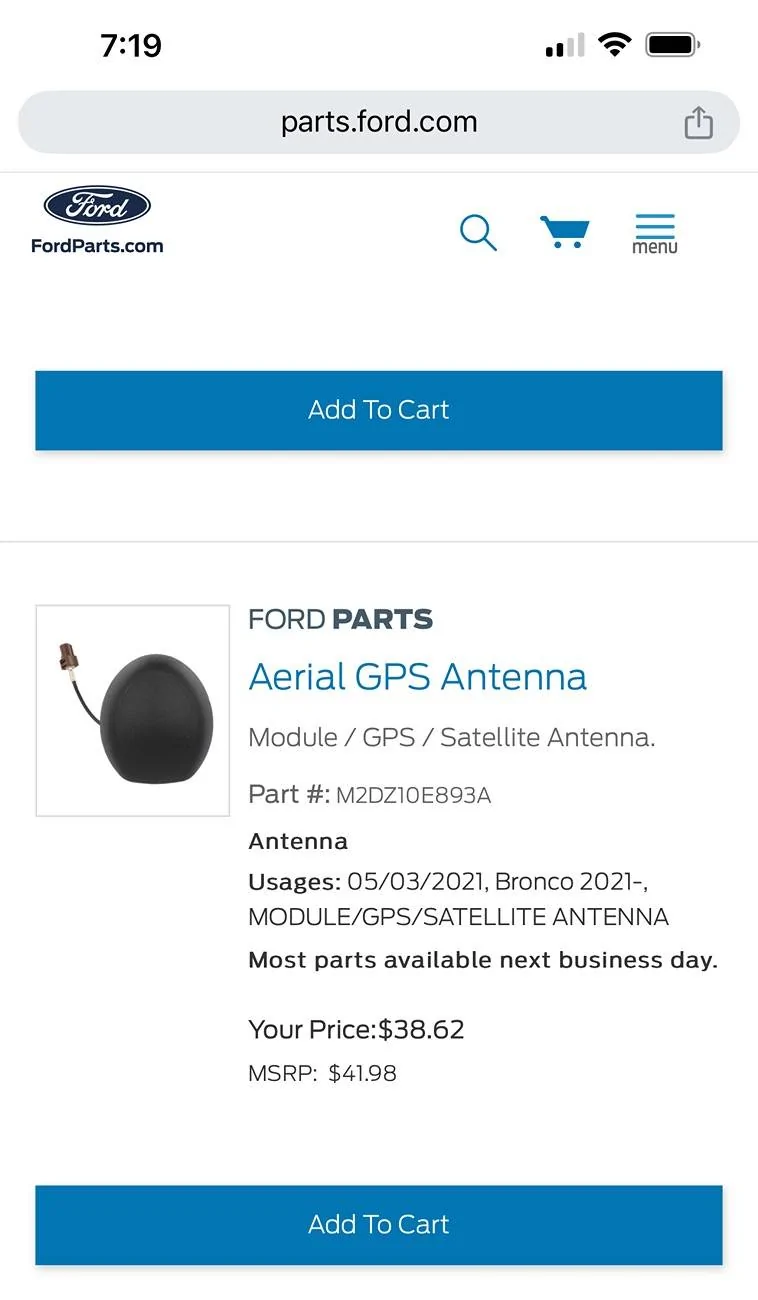
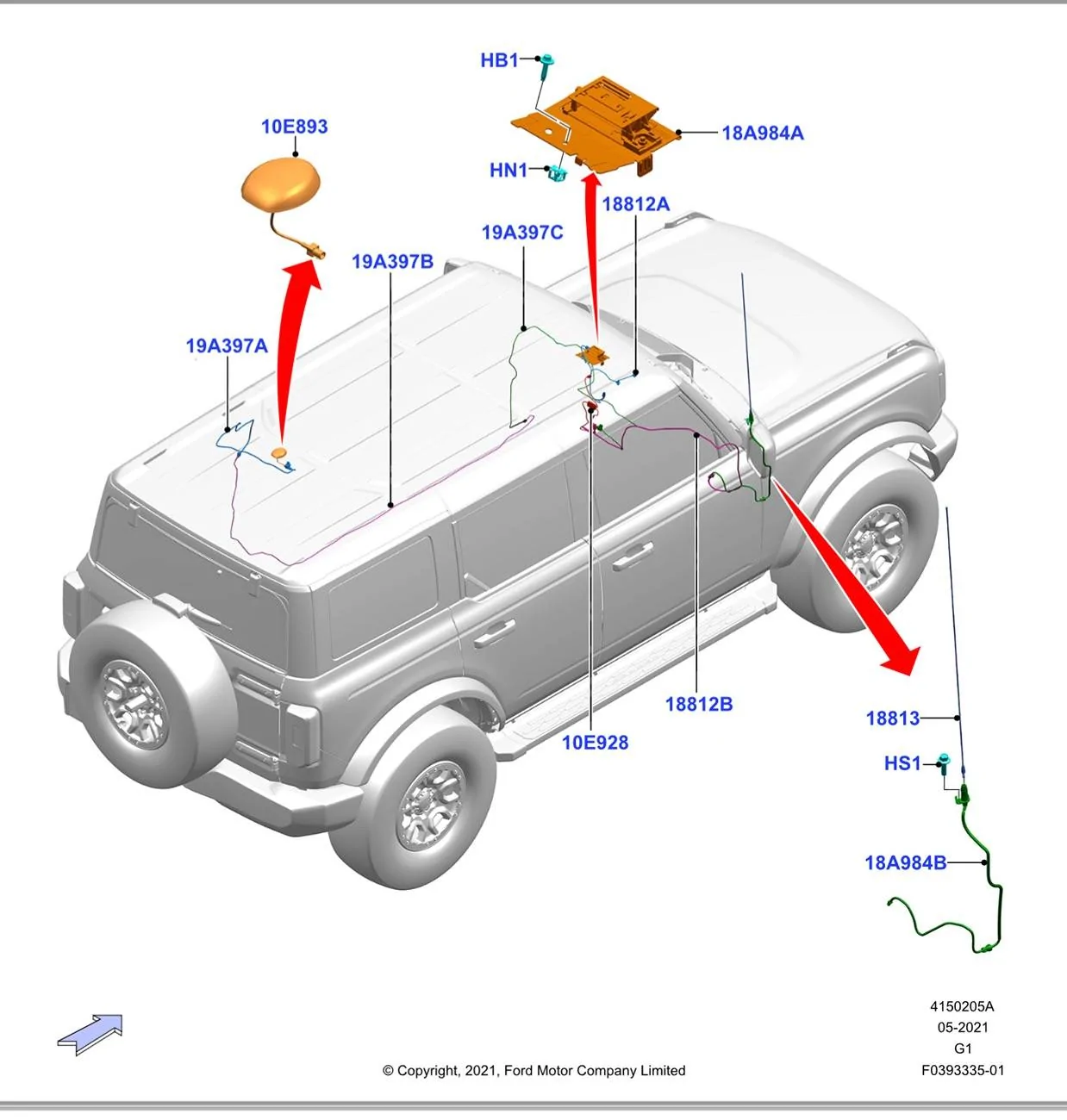
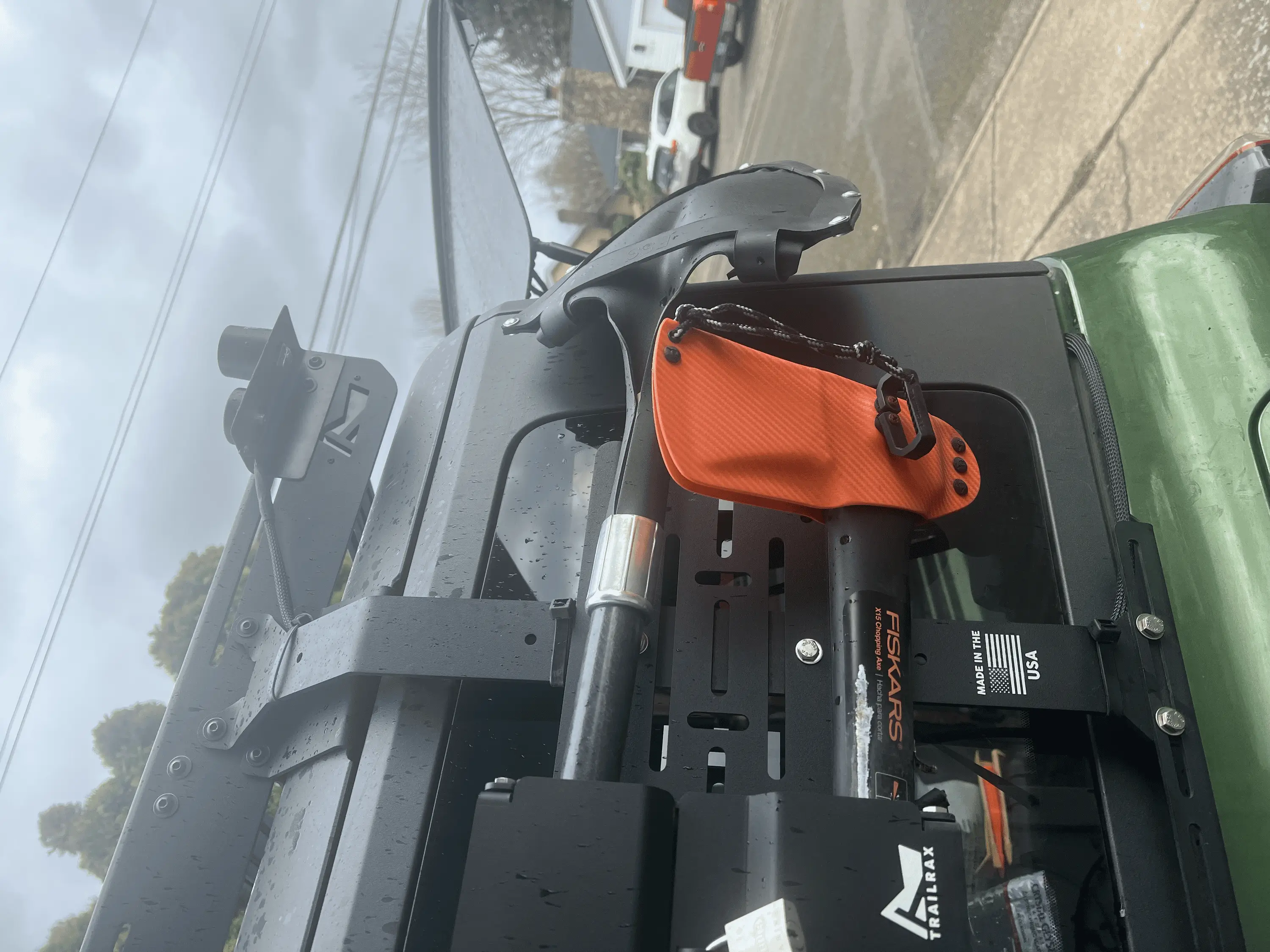
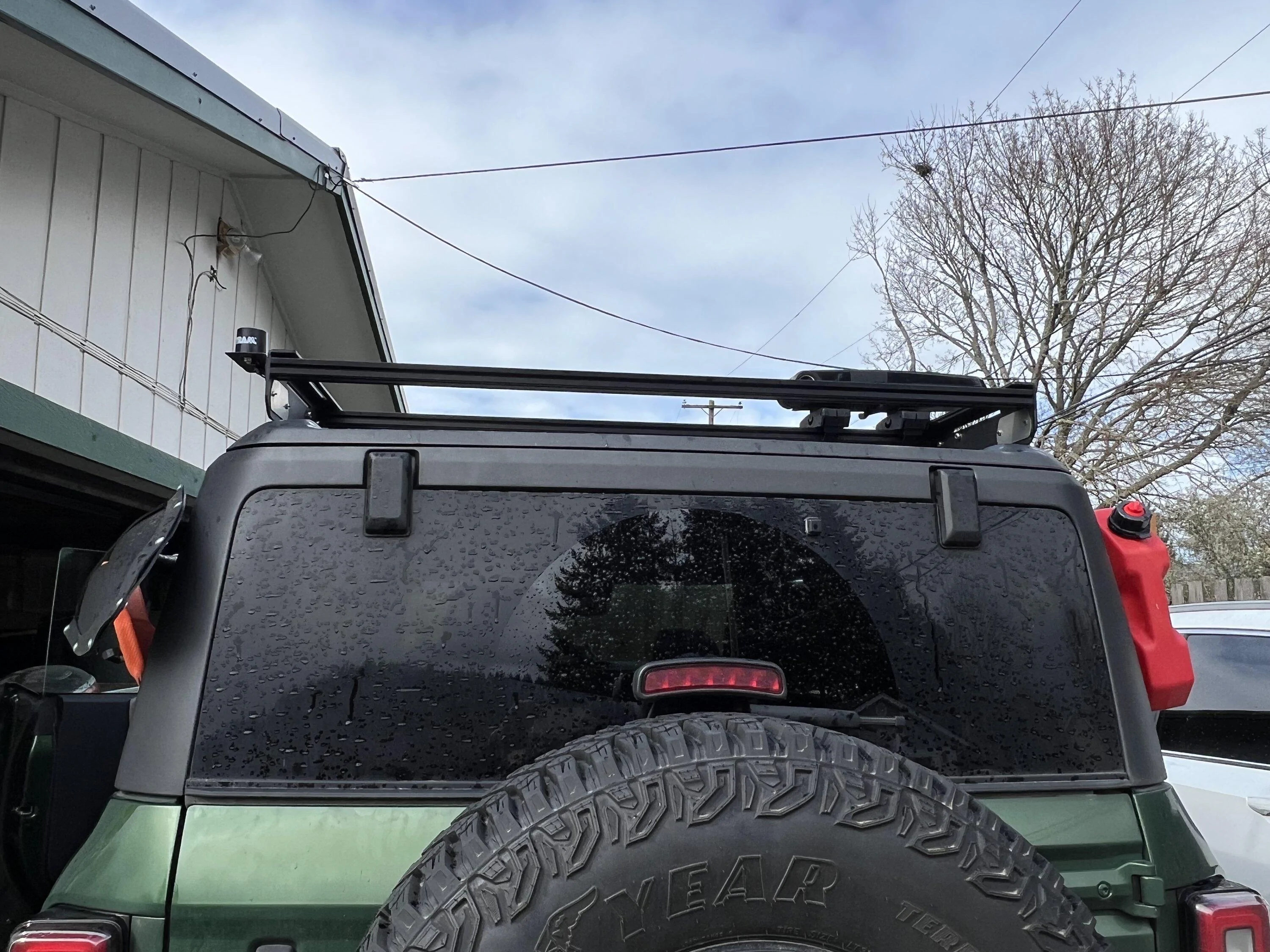
I have a 2022 2 door Wildtrak and bought a TrailRax TRMR rack for it last year. Overall I love it. We have some Küat kayak mounts on the top as well as RotoPax, a shovel and an axe on the sides. The only issue we've had with it is that it's made our SiriusXM satellite reception spotty at times. I read a couple of posts here on Bronco 6G that indicated that the antenna is on the rear crossbar underneath the hard top, which explains our reception problems since it now has to look for the satellites through metal at certain angles.
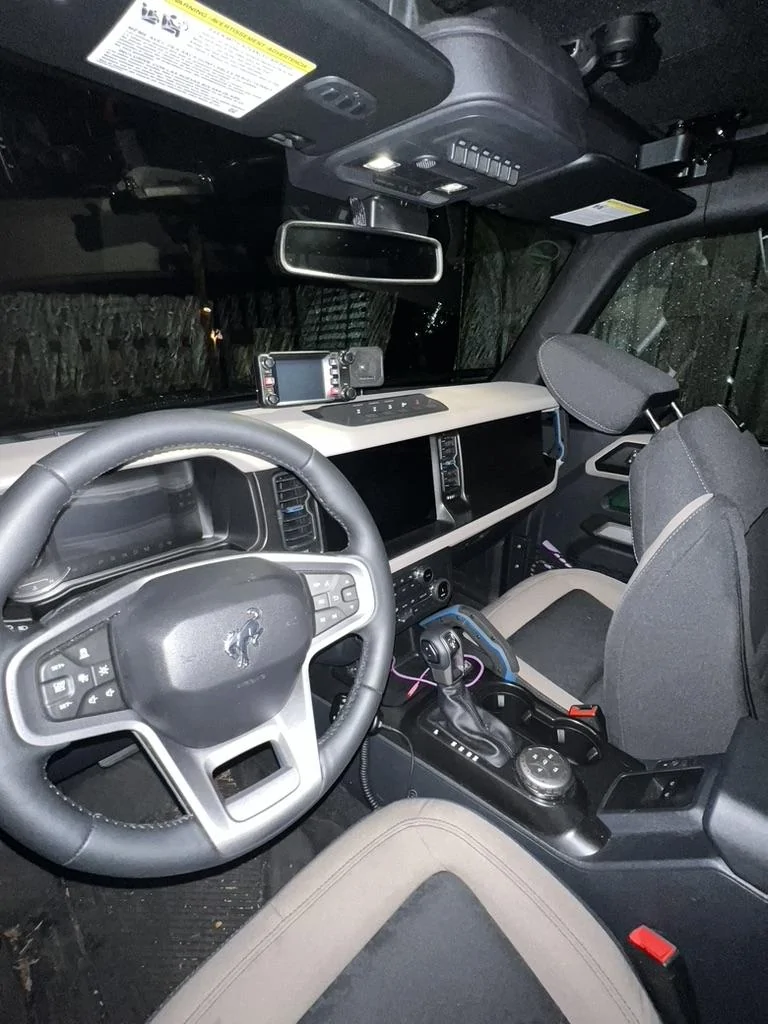
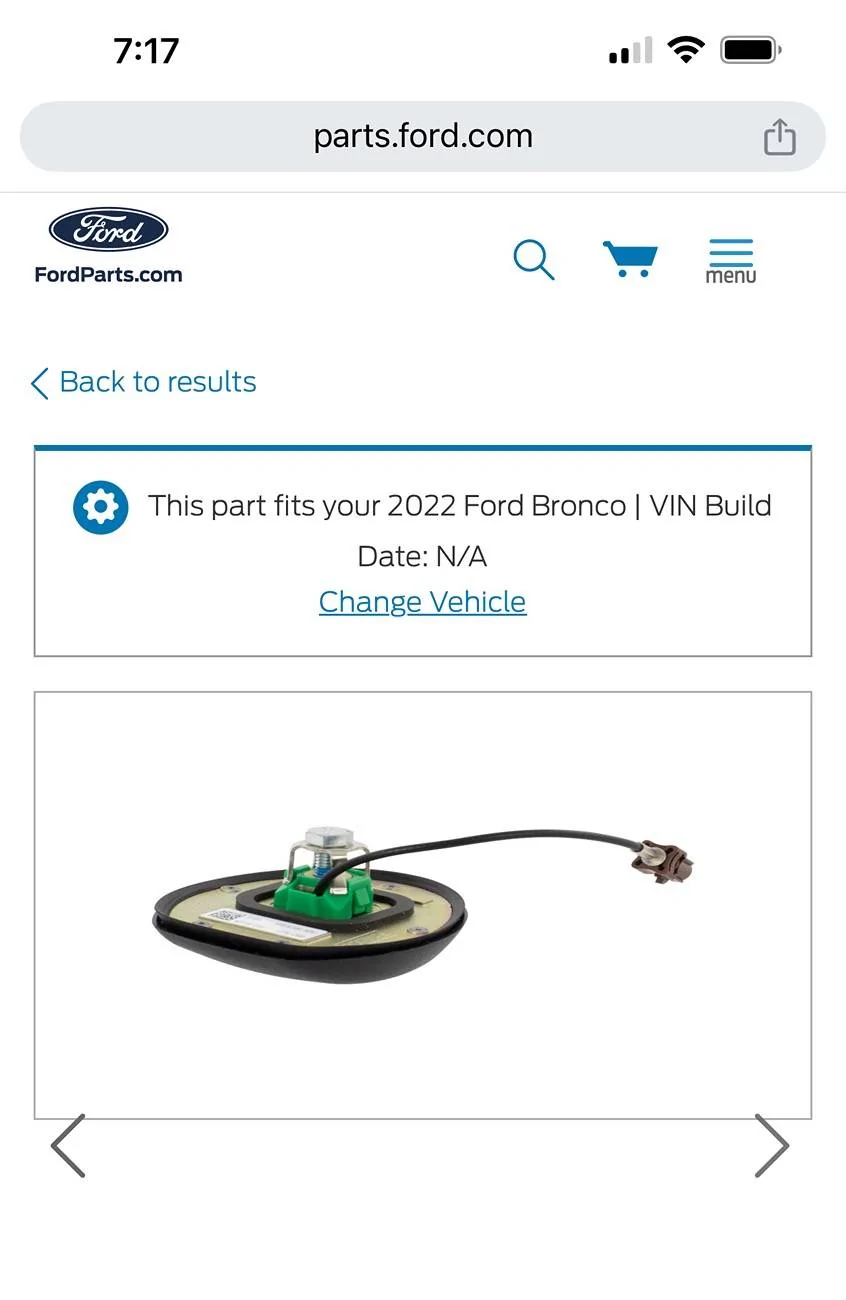
I have been an Amateur (Ham) Radio operator (NH6Z) for more than 30 years now and work for a company that makes radios. I figured that I could probably come up with something to relocate those antennas so that they'd work better. The dilemma that I saw folks here encountering is that the Ford unit is a combination GPS and SiriusXM antenna and that by replacing it with a SiriusXM only antenna, they lost their GPS capabilities on the head unit. I wanted to preserve both.
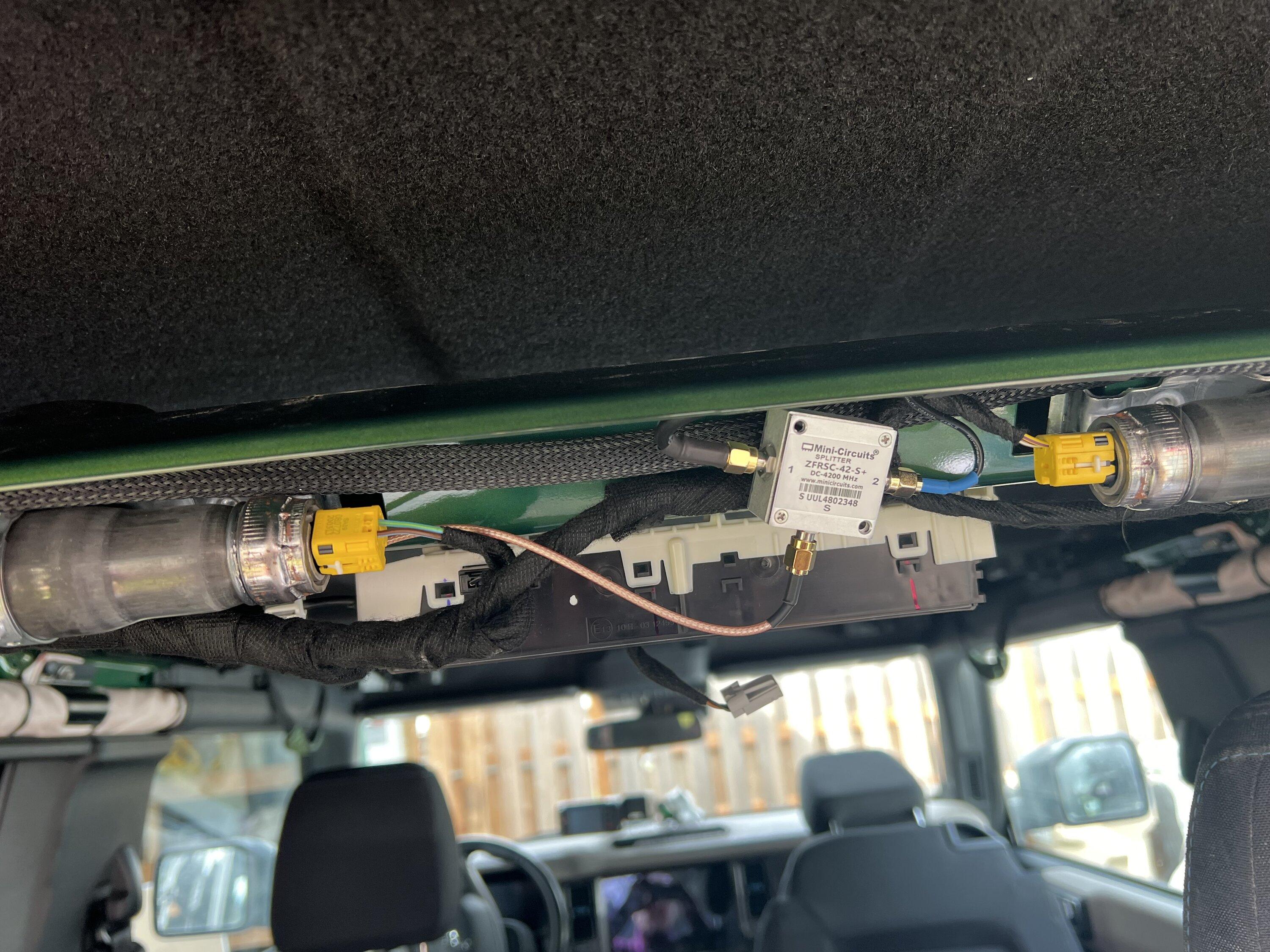
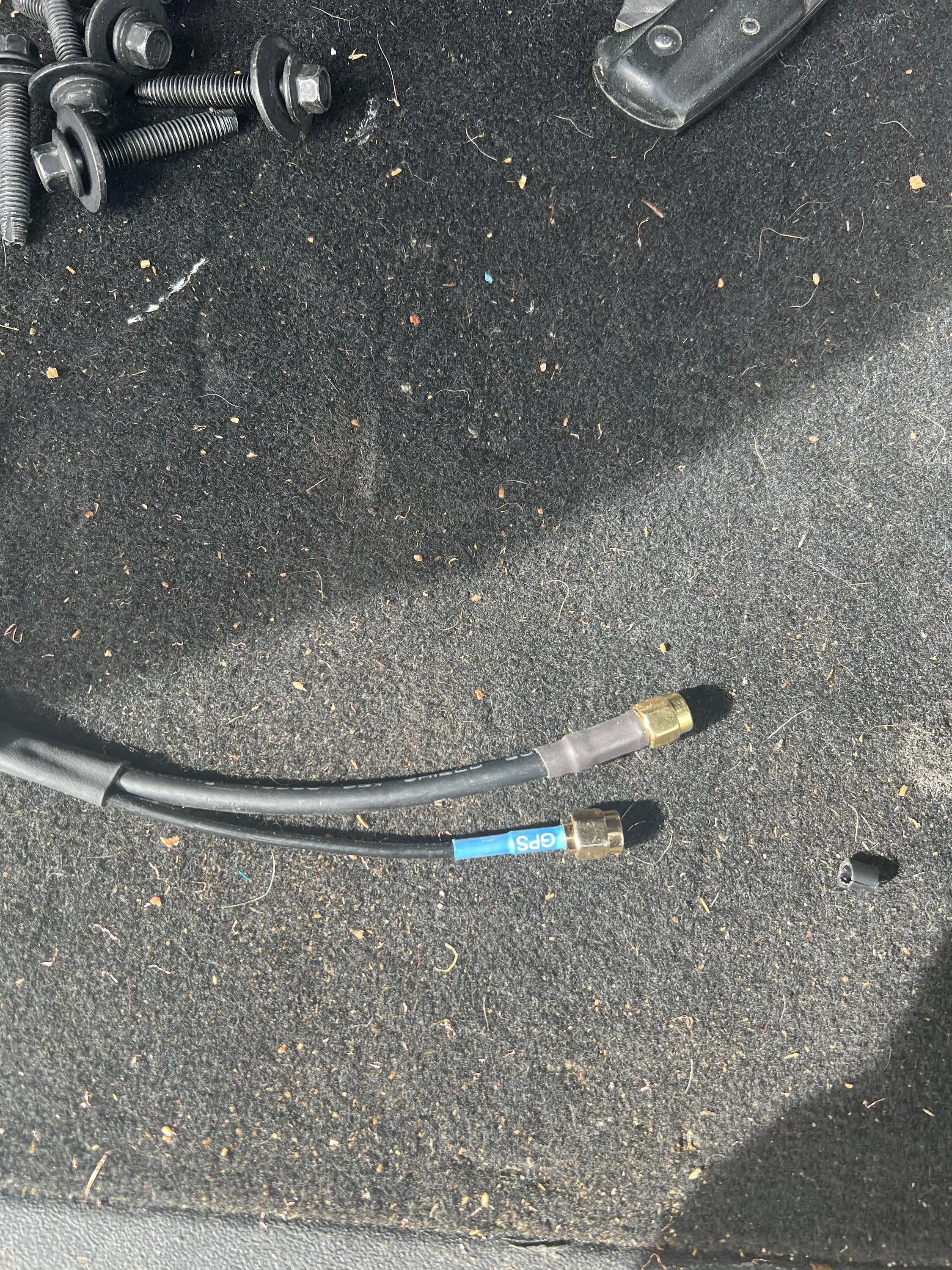
I couldn't find any suitable antennas that would cover both frequency ranges, so I decided that I would have to go with a two antenna setup. This means that I had to use a splitter/combiner (they're really the same device) to get the two antennas into one feed going back to the SYNC system. Since I had experience with the company (and they're used all over the RF industry for parts like this) I chose a unit from MiniCircuits. Since the GPS L1 and L2 frequencies are 1575.42MHz and 1227.6MHz respectively, I needed a splitter that would go down to 1227.6MHz. The SiriusXM frequencies are from 2332.5MHz to 2345MHz. That means the splitter has to go from 1227.6-2345MHz. There is a wrinkle in here, though. You need to be able to pass DC because many GPS antennas are active and have a bias voltage on the coax that supplies power to the Low Noise Amplifier (LNA) inside the antenna. If you don't pass DC, this means that your antenna won't get power. So, we really need a splitter that goes from 0Hz to 2345MHz. I chose the MiniCircuits ZFRSC-42-S+ which goes from 0-4200MHz. Plenty for our purposes. Note that you can also get this from Mouser and your total cost plus shipping might be better.
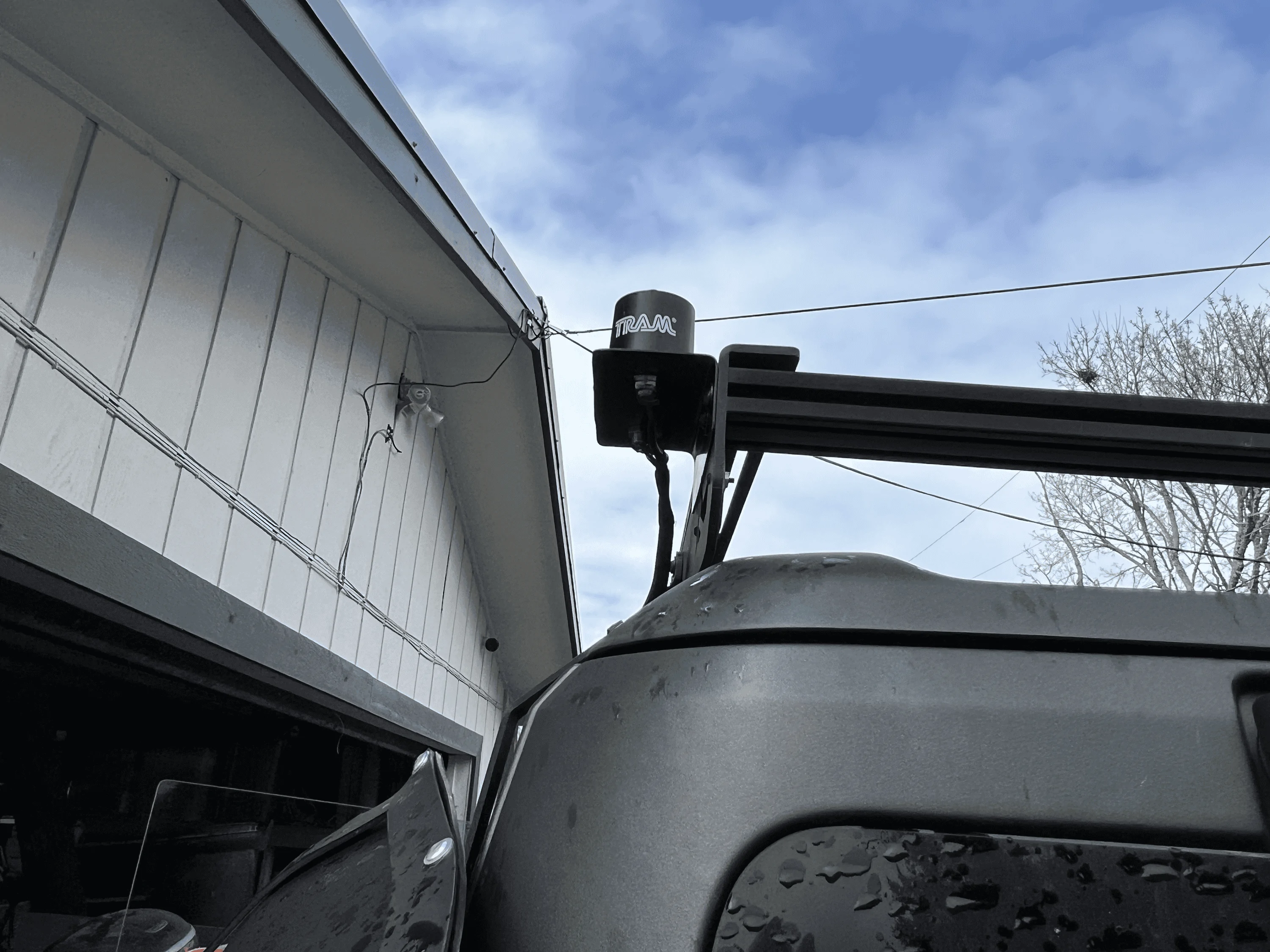
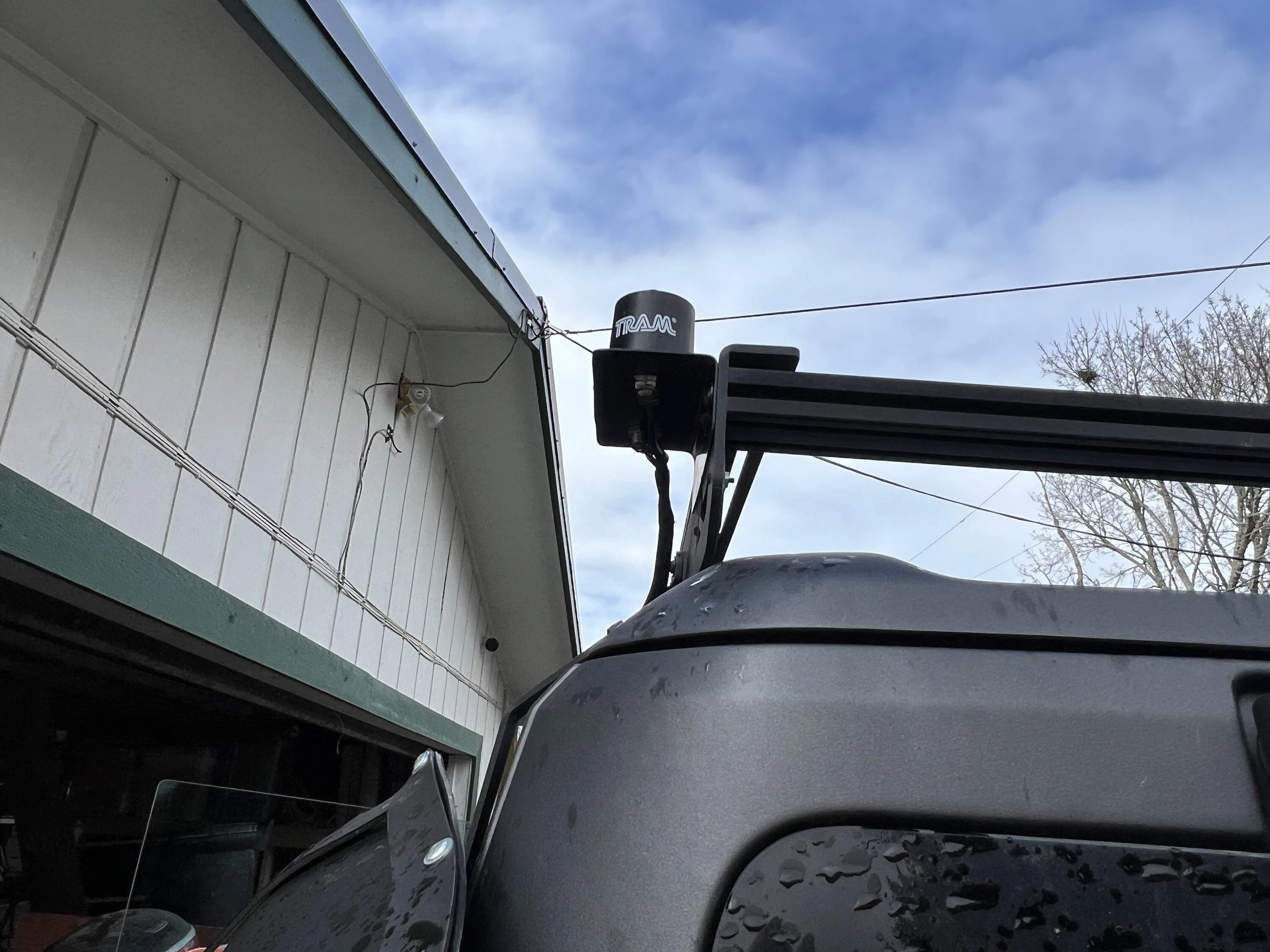
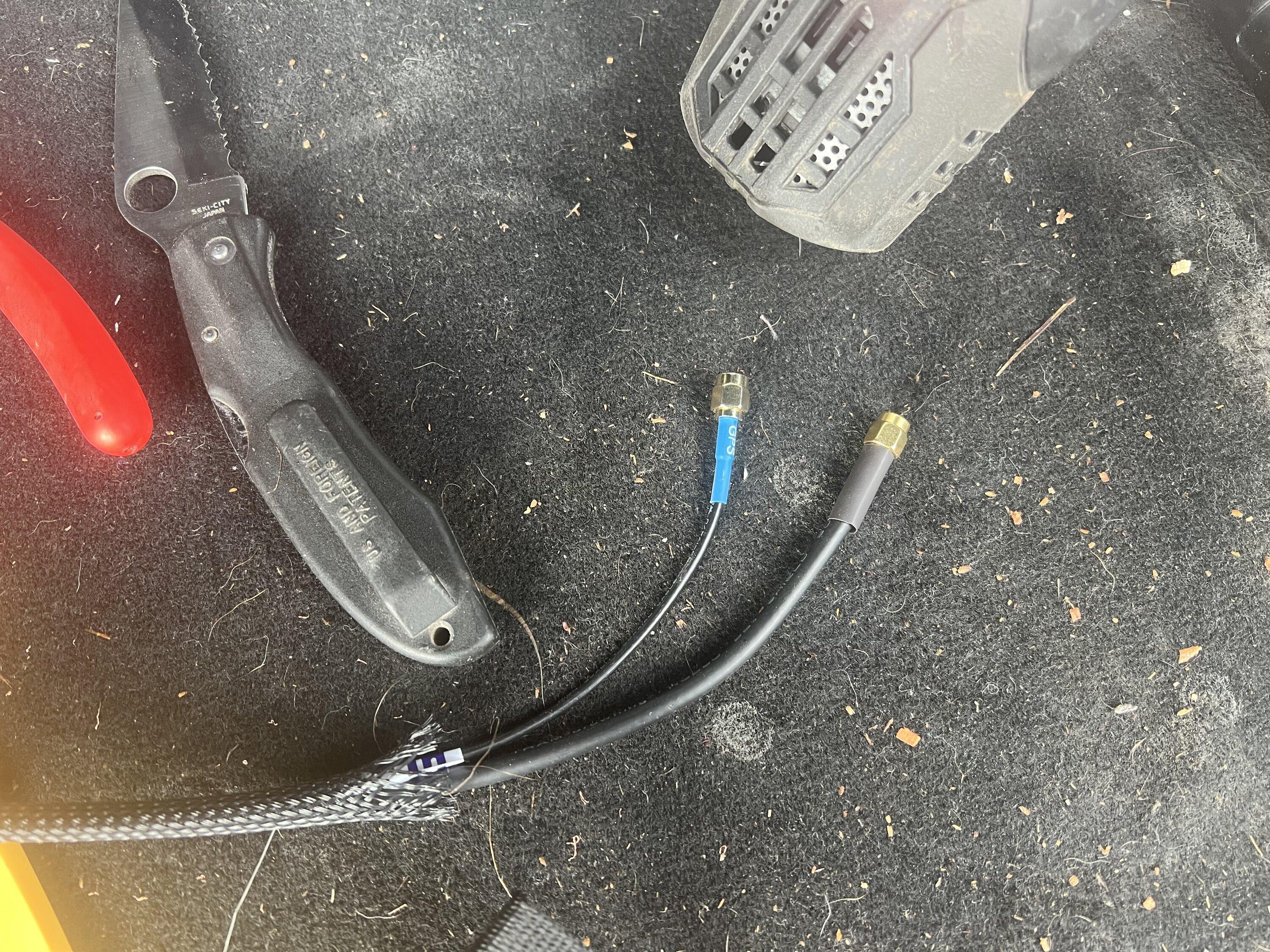
After that I moved on to antenna choice. I wanted an antenna that was active, because I was pretty sure that there was bias on the coax. Also, we need the antennas to have SMA connectors on them to match the splitter. I ended up choosing this one from Amazon. Since they were available, I wanted to pick a standard NMO antenna for SiriusXM. This lets me change it out if it gets worn out or I find another one that might work better. I also wanted something lower profile since my plan was to mount it on the rear driver's corner of the rack. I ended up with this one. Note pretty much every SiriusXM antenna I saw had an SMB connector of some sort on it. I ended up cutting off the connector and attaching an SMA connector on it instead. You could also buy a standard NMO mount with SMA connectors on it from someone like Diamond if you didn't want to modify the cable. I also removed the NMO mount from their mounting so that I could put it in a mount of my own design.
You also need a cable to connect the splitter to the SYNC head unit. Based on articles here, I got a cable from vCableMart. The cable is a FAKRA SMB Z 50121 Male to SMA Male. I got it with RG316 cable at 50cm. I could have probably gone shorter with like 25cm now that I have seen how it gets installed. Here is a link to that part.
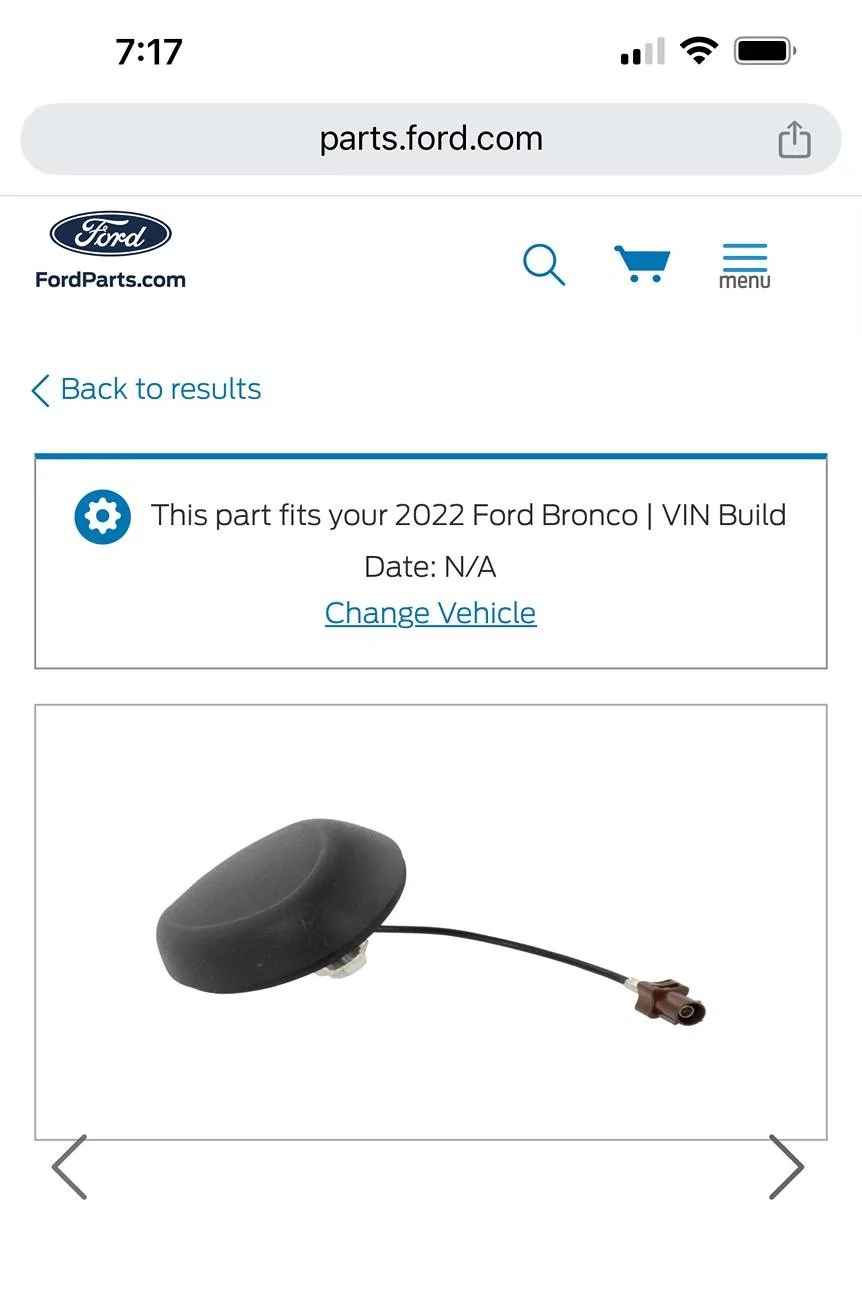
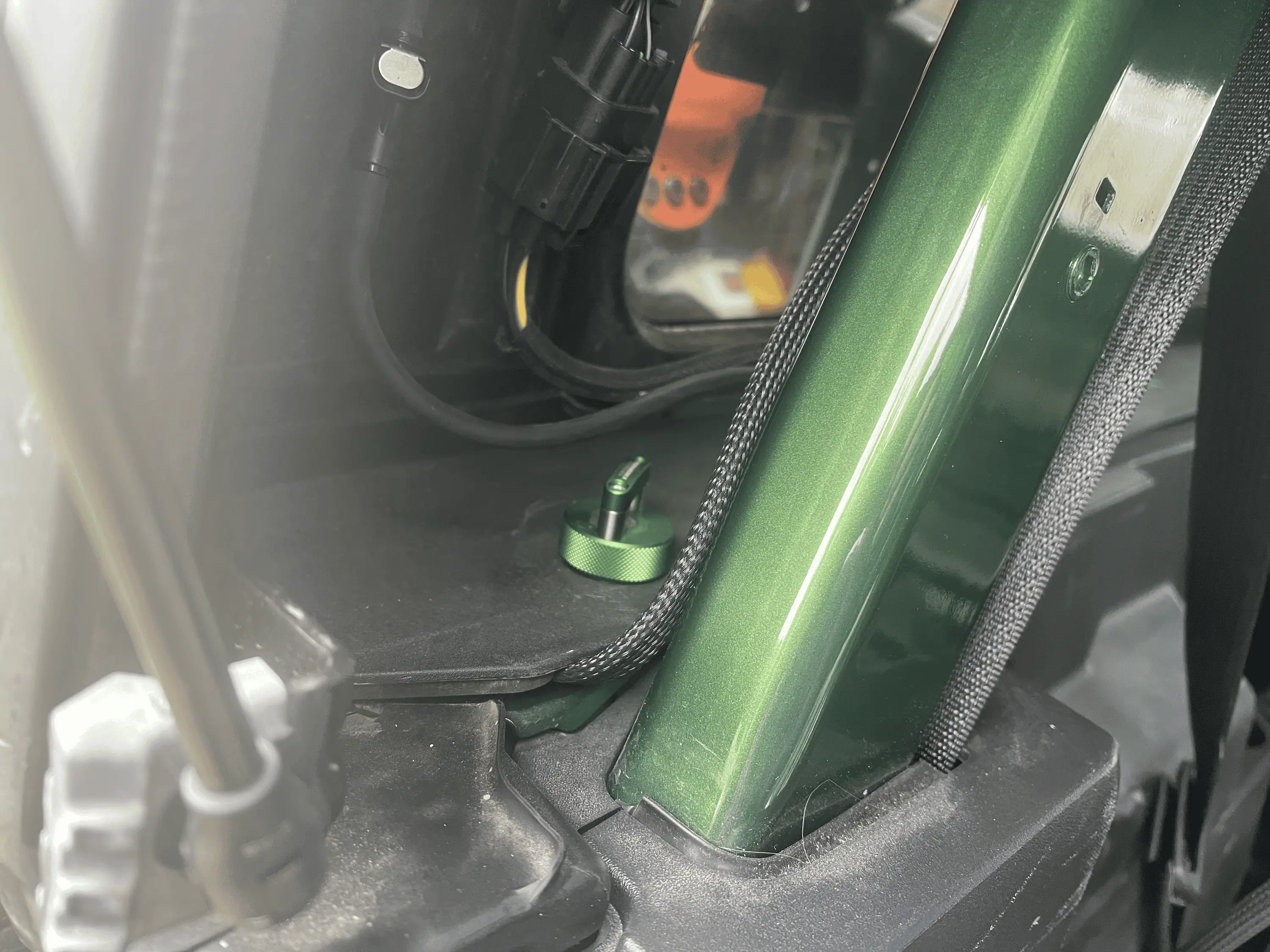
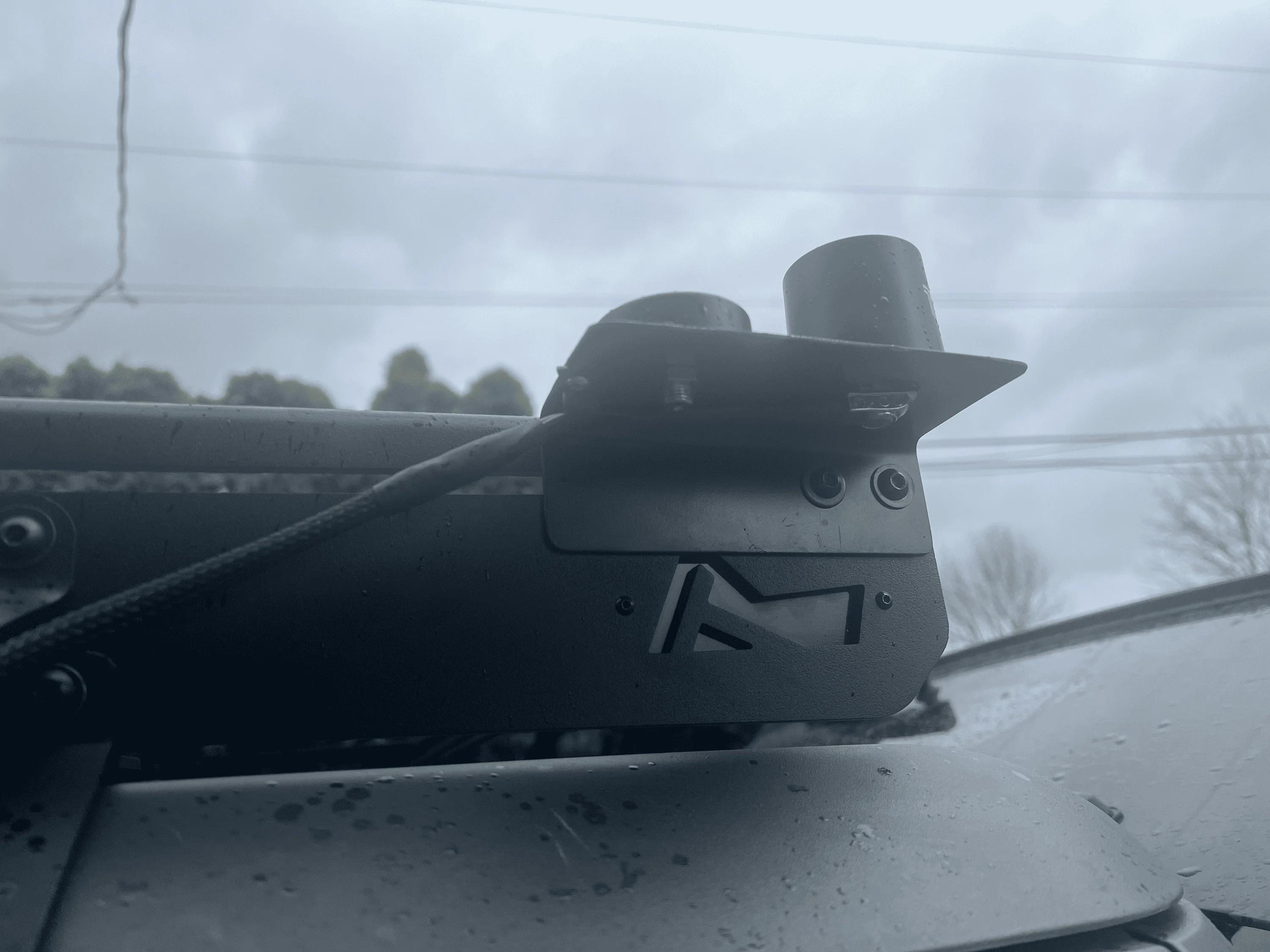
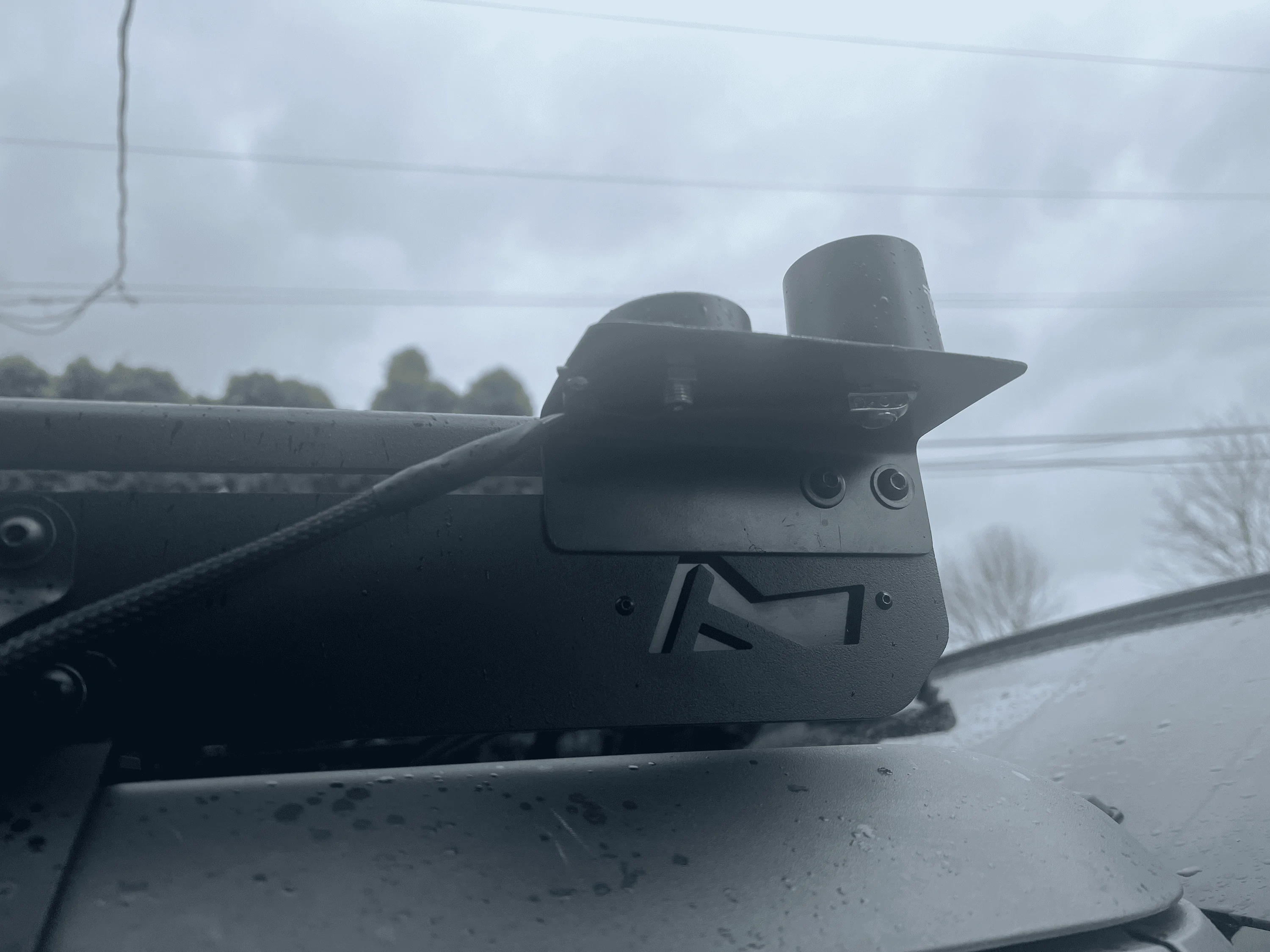
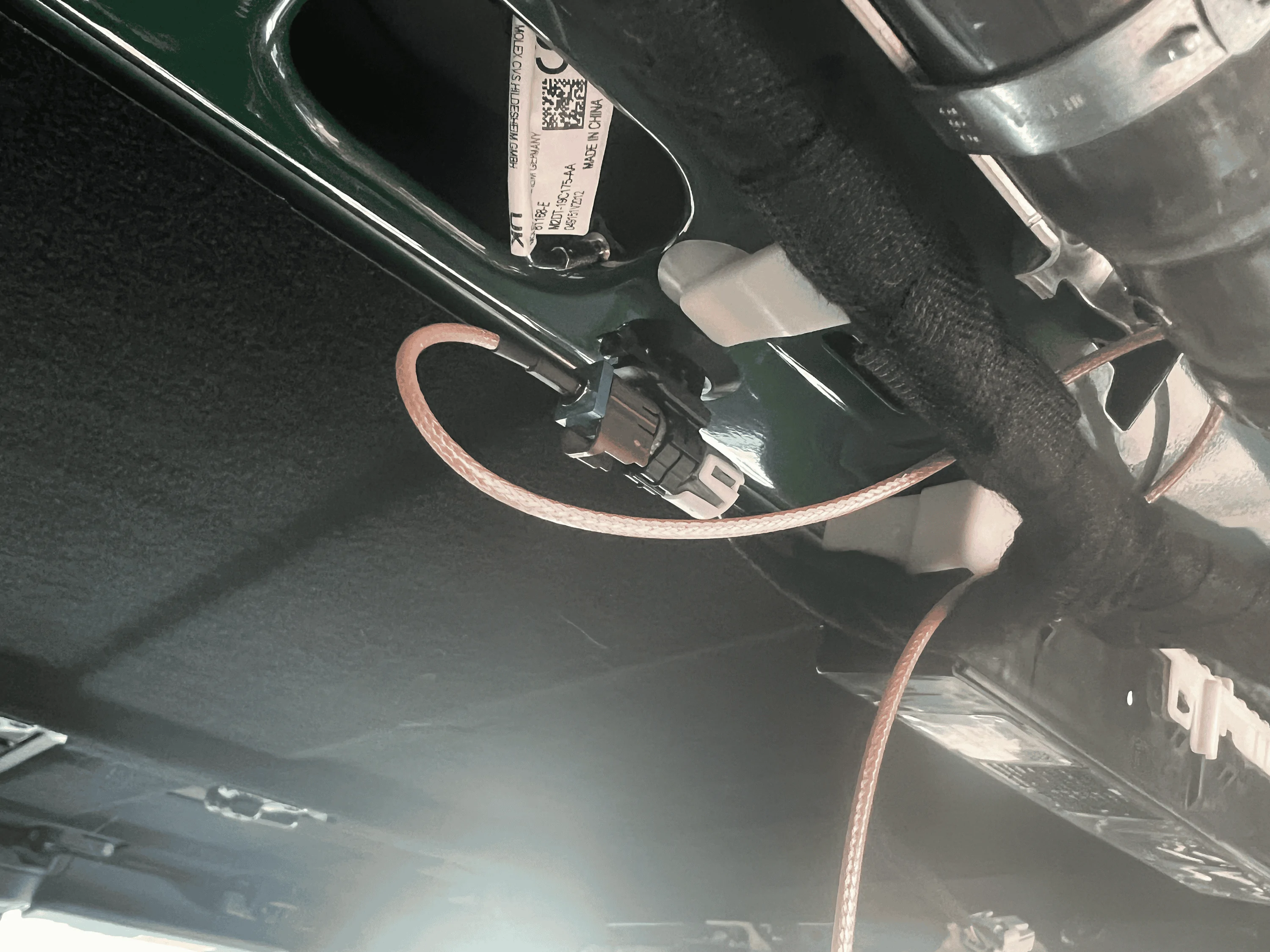
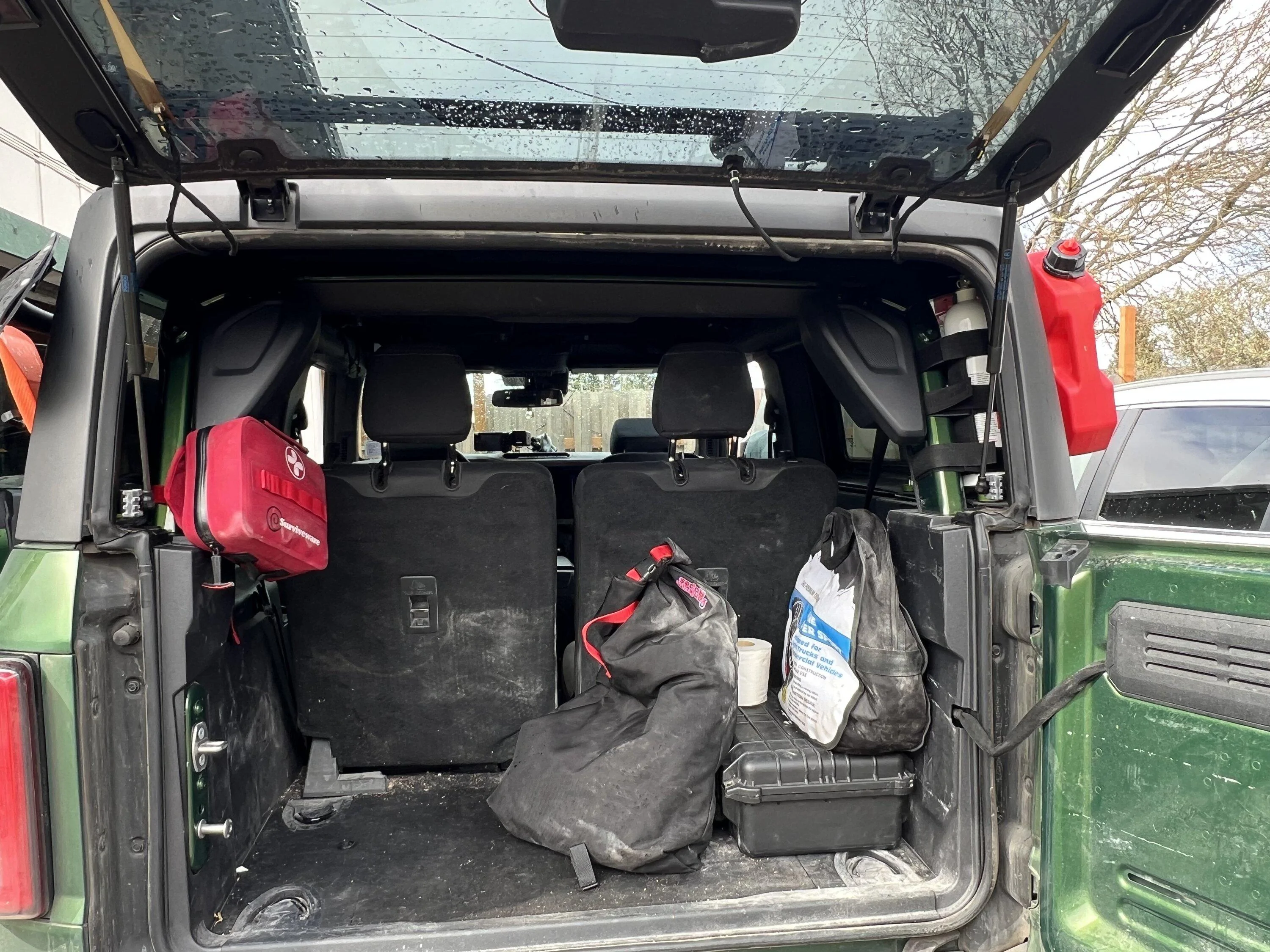
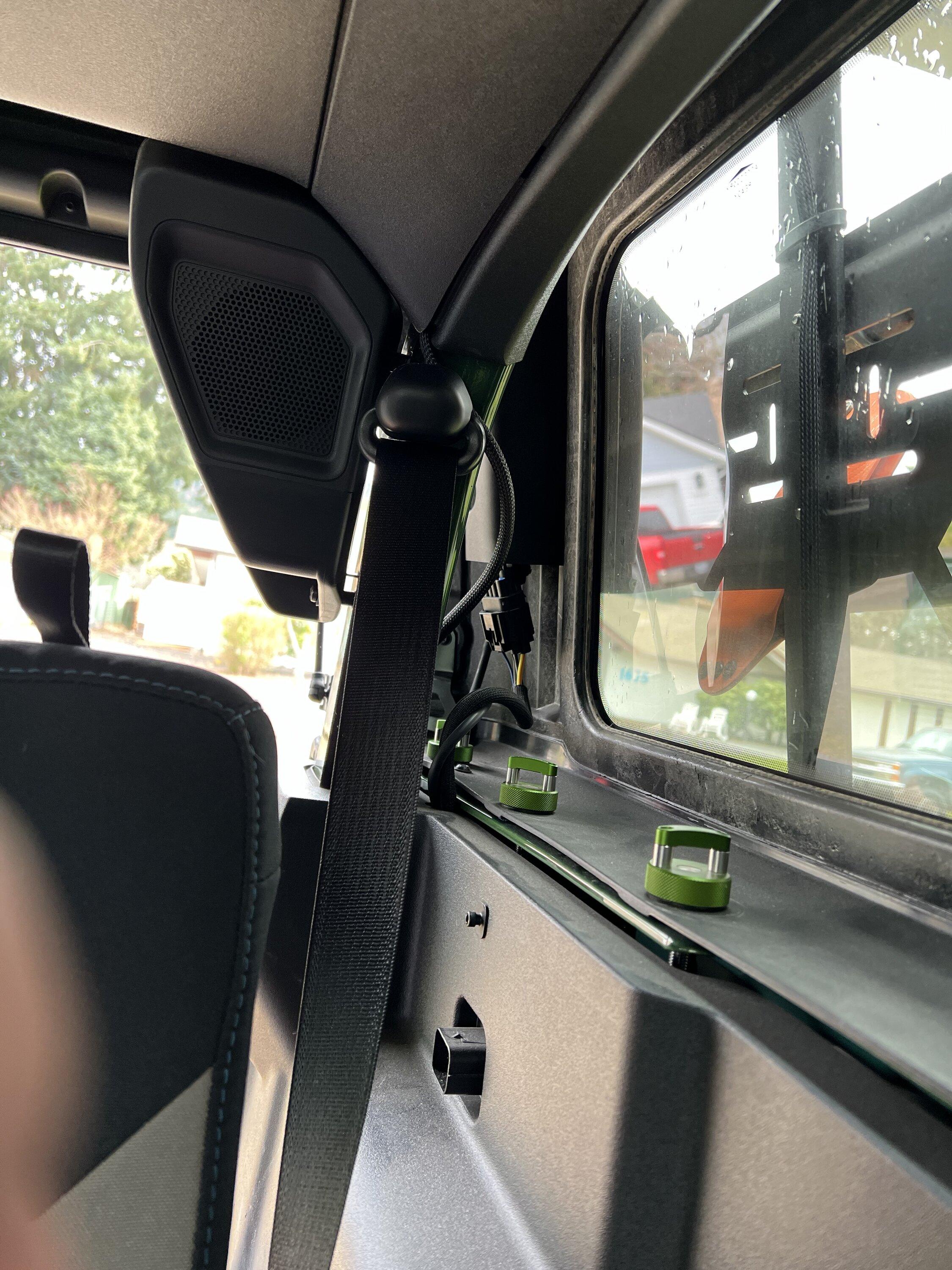
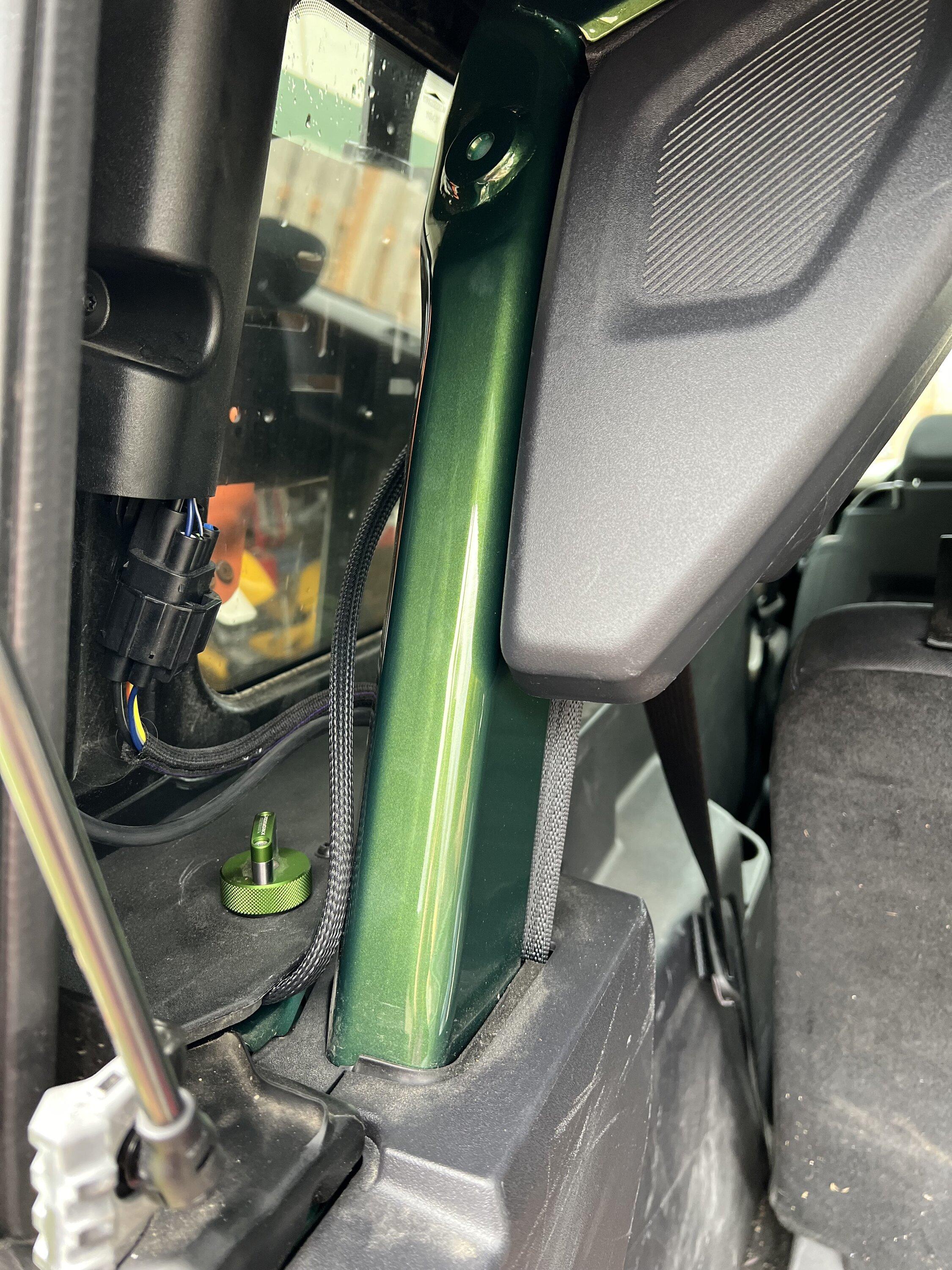
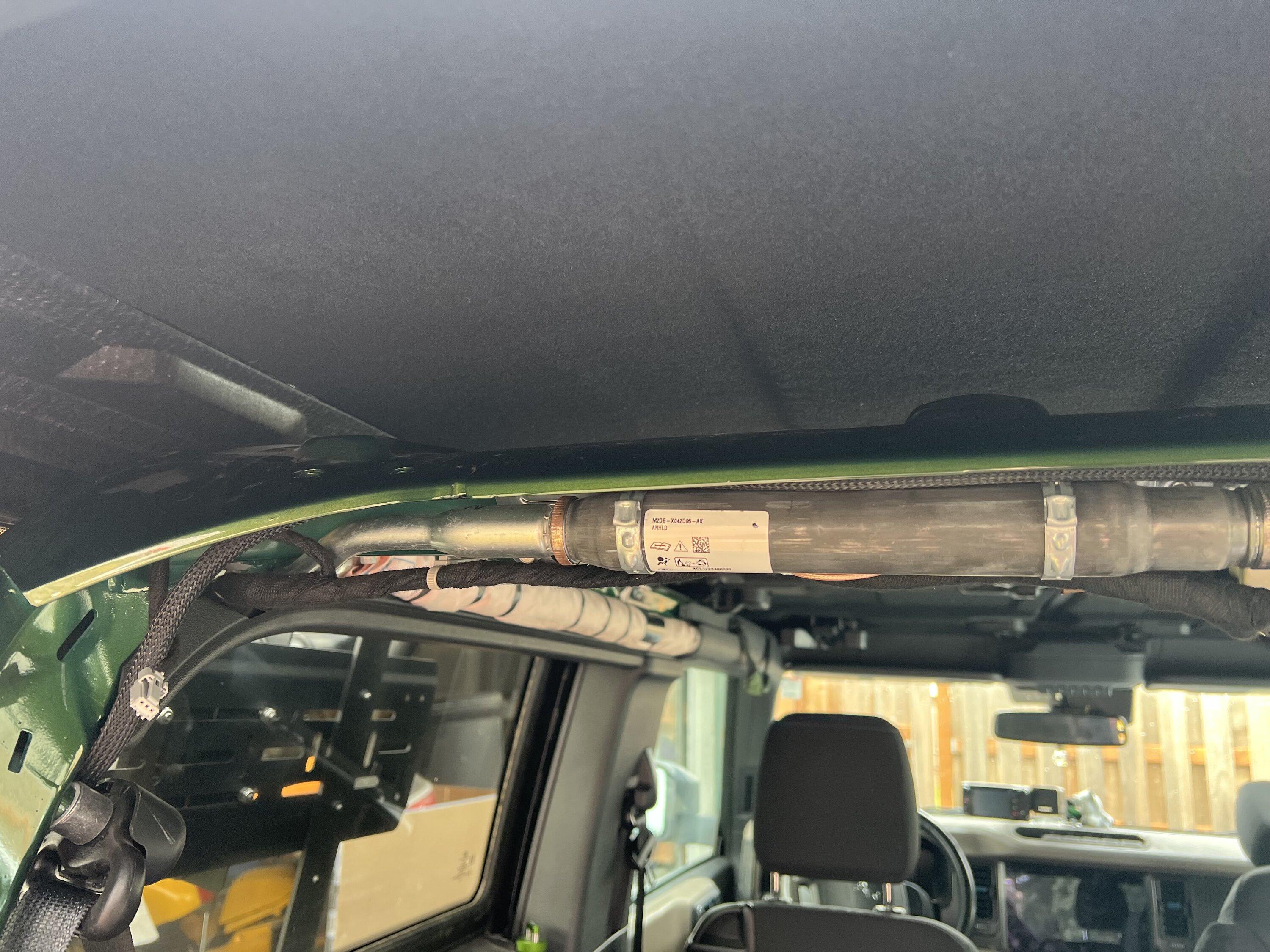
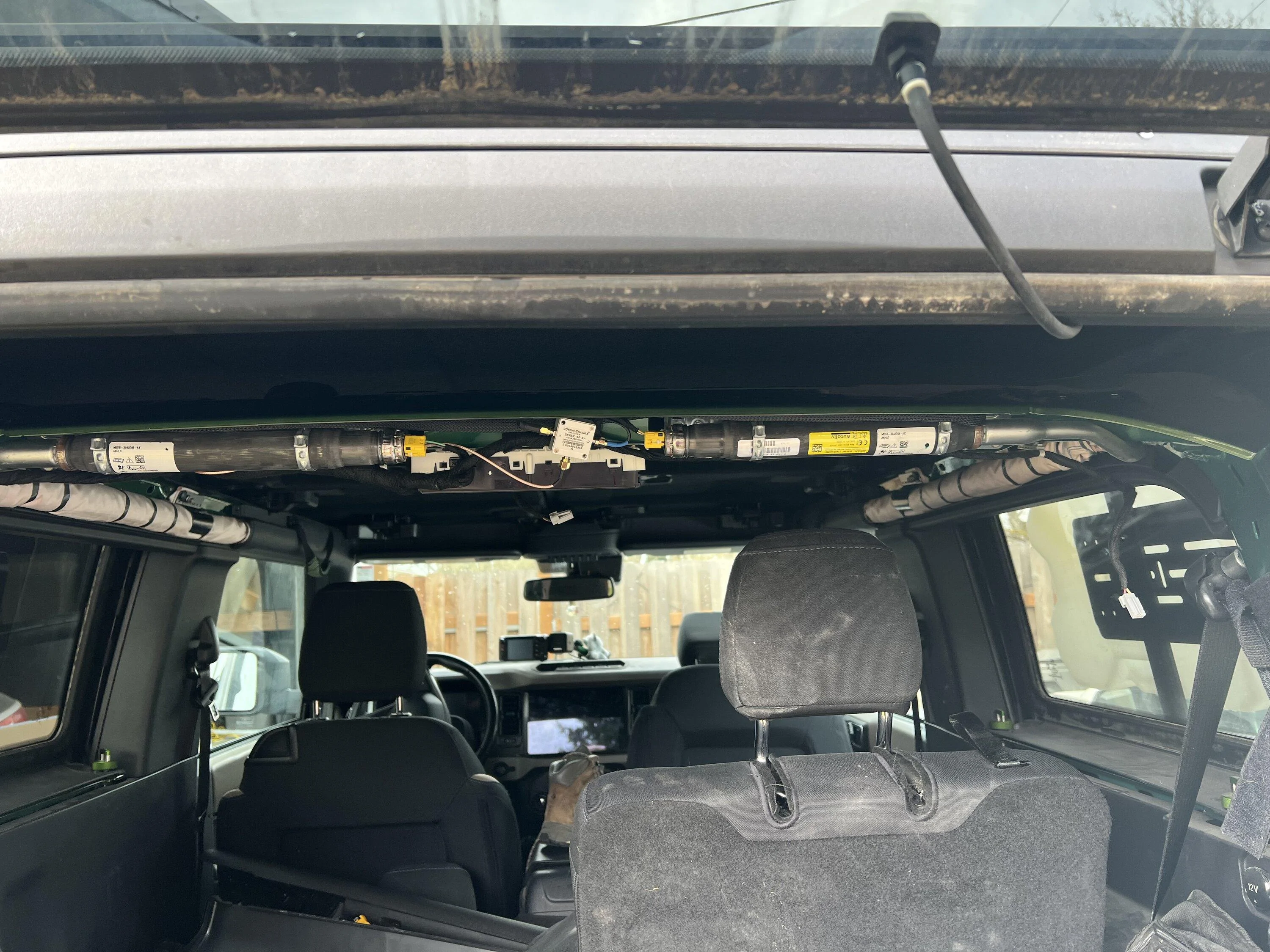
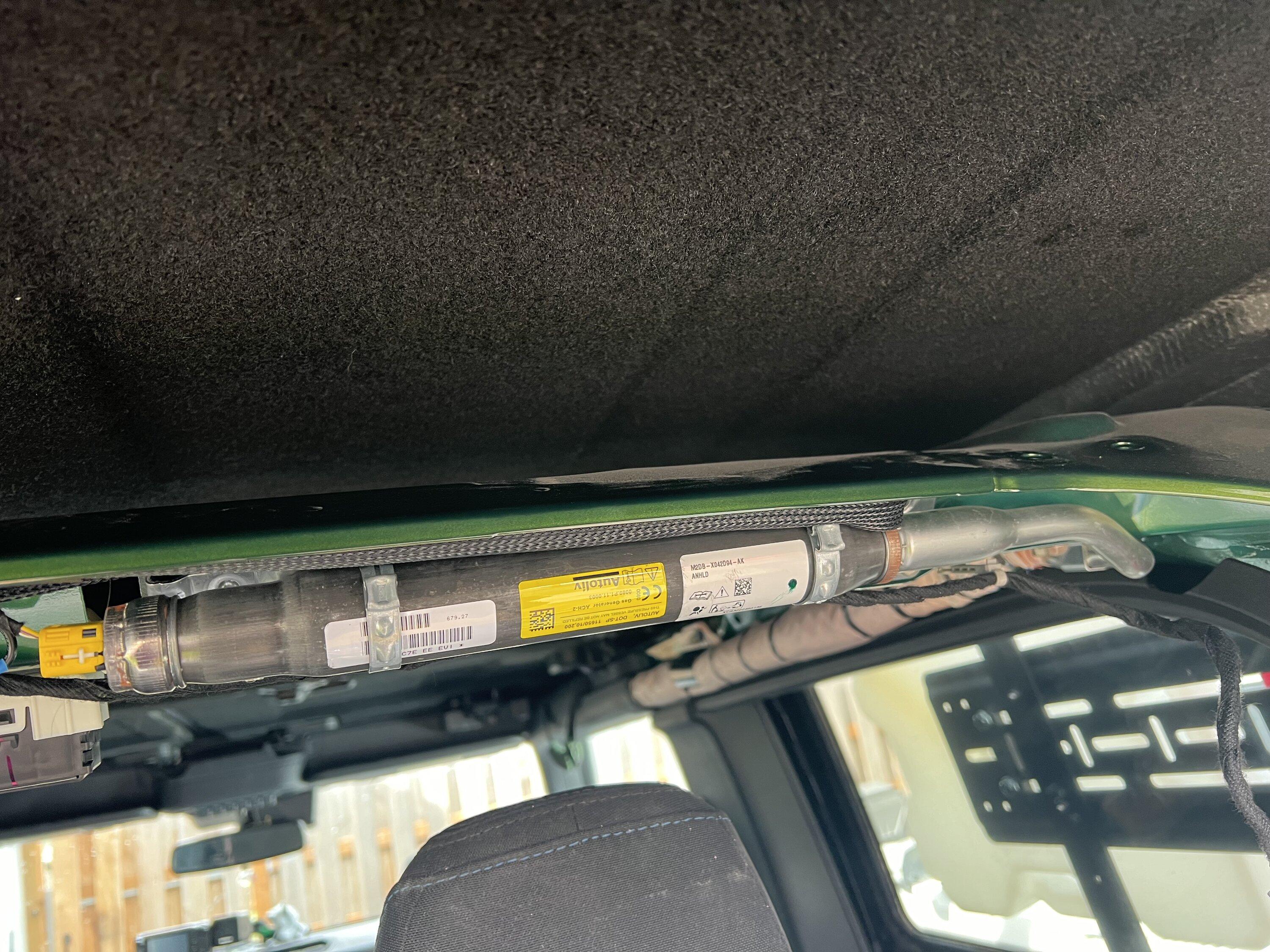
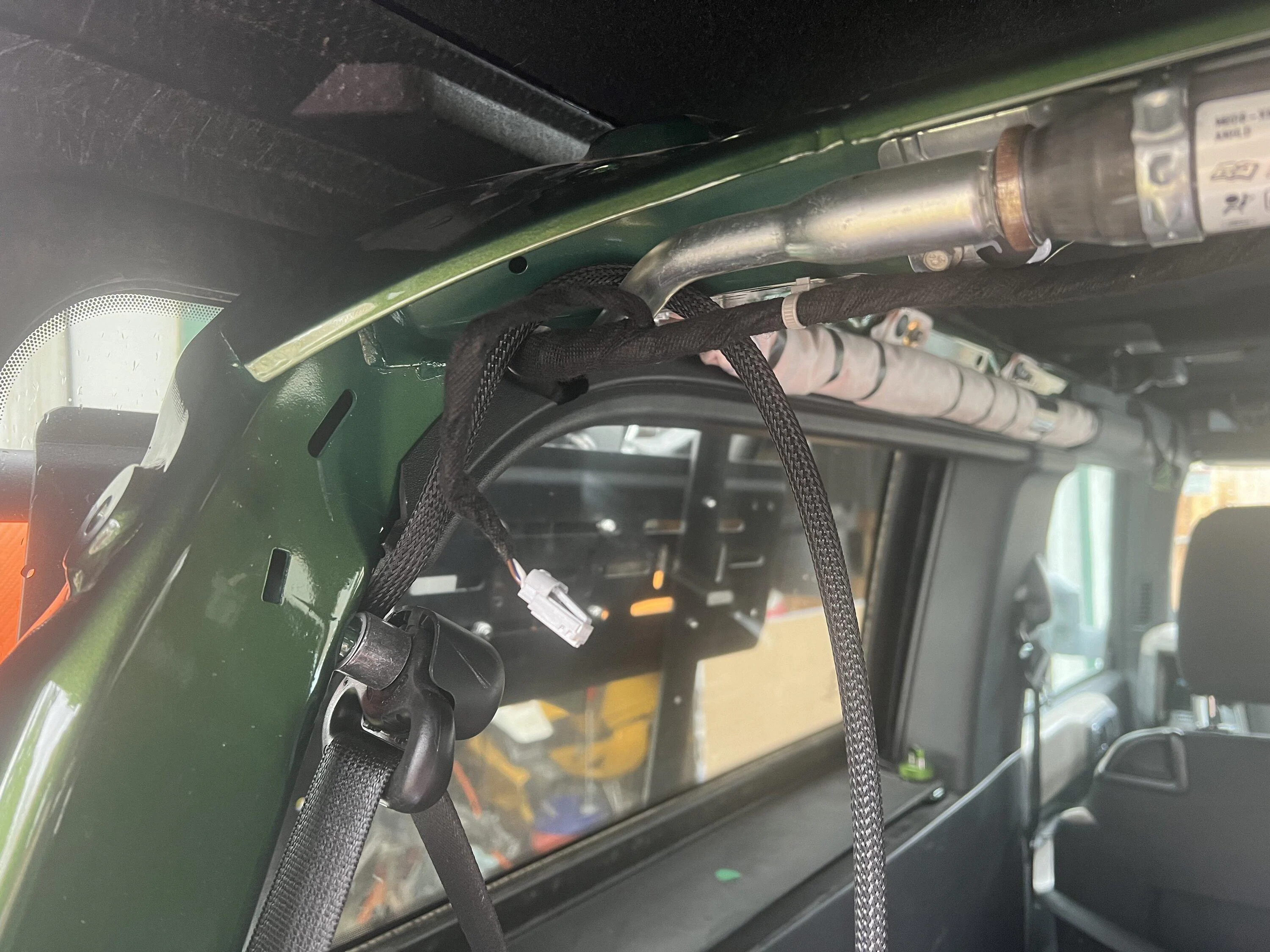
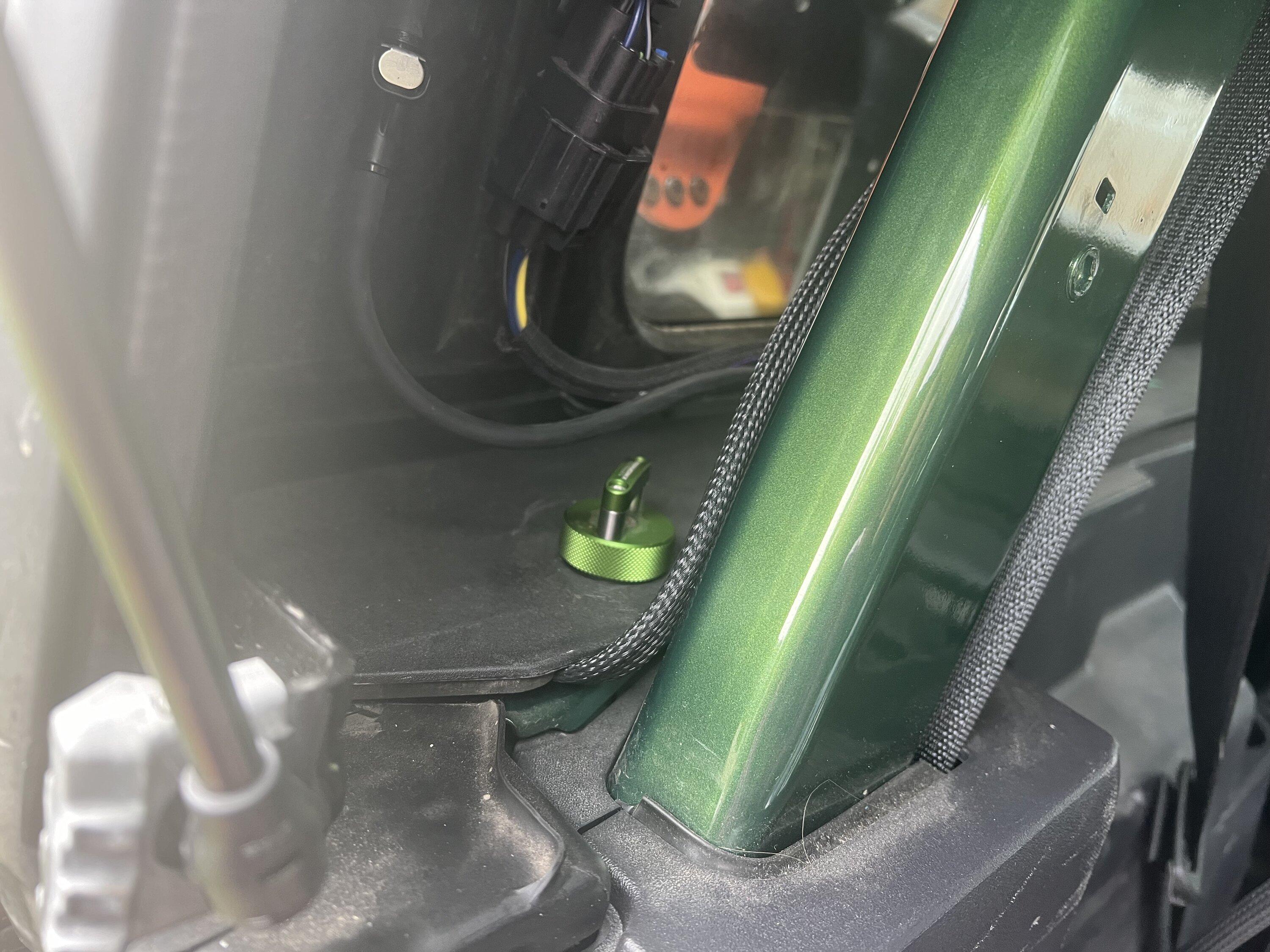
I fabricated a bracket out of 16ga stainless steel. I'm a lot better with electronics than metalwork, though. I laid out and drilled holes for both of the antennas and bent it in the middle. There are two holes on the other side that allow me to bolt it to the TrailRax rack using two of the bolts holding the crossmembers in. I ran the coax down the side of the rack and bring it into the rear by sandwiching it between the hard top and the body of the Bronco. This isn't ideal because it squishes the cables, and I may have to eventually replace them, but I don't see any other places to bring it in that would be clean and that I wouldn't have to drill a hole that might cause water intrusion (a major concern in Western Oregon). I brought the cable up along the crossbar to where the stock antenna is installed. I was then able to unplug the stock antenna and plug my replacement in. This way I could return it to stock relatively easily.
I wrapped both coax cables inside a Panduit cable sleeve like this one. The link is just an example since I had a role of cable sleeve already that I had bought surplus a long time ago. The cable sleeve is secured by putting double walled shrink tube at both ends. The end result looks pretty clean.
There are some great documents posted on this forum post on how to get everything apart back there.
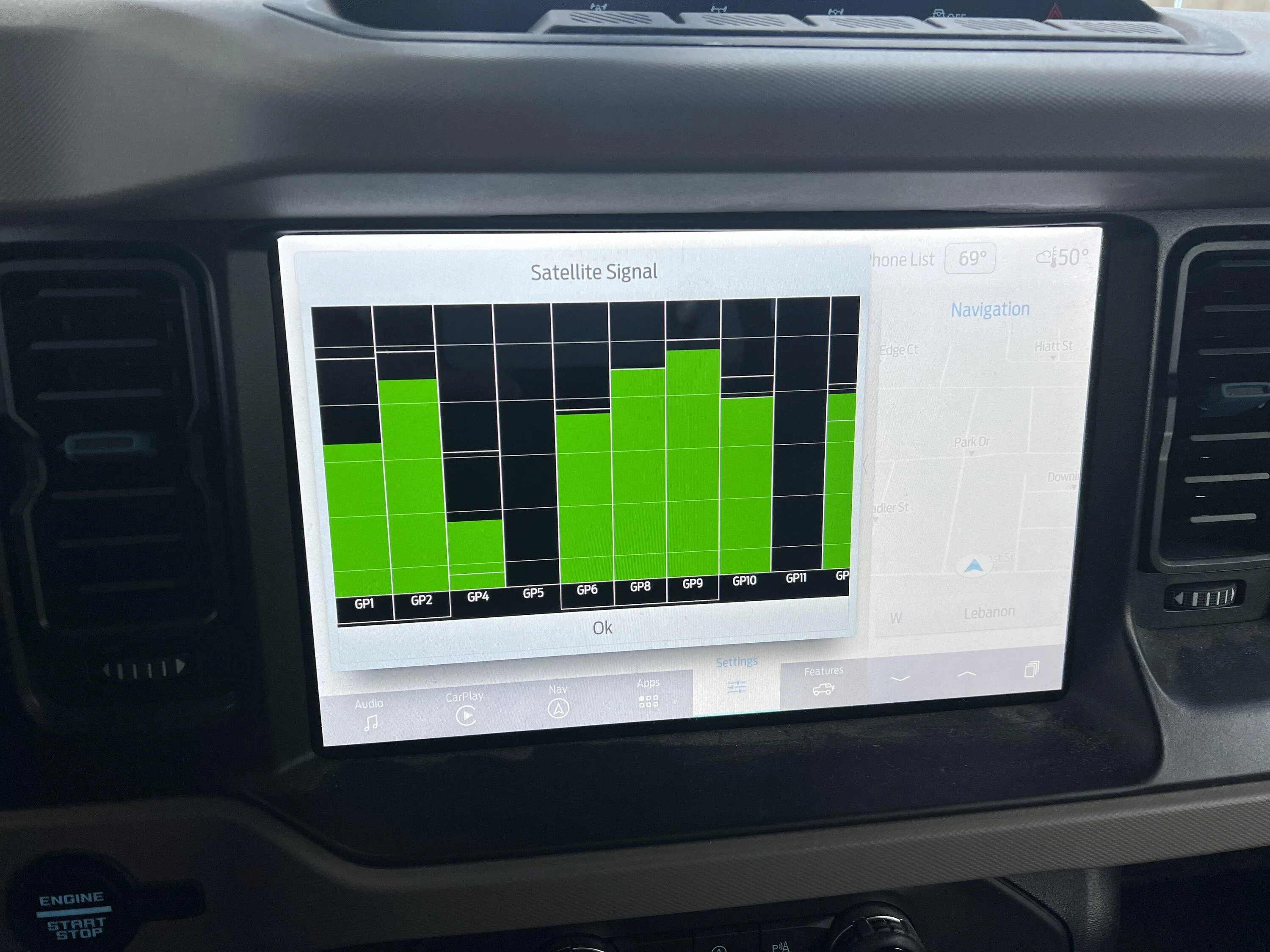
After firing it all up, I tested the SiriusXM radio and it worked great. I also put my SYNC head into diagnostics mode to look at the GPS satellite signal state, and it's also looking very good. So, all in all it's a good upgrade so far and we'll see how it performs in time. I hope this helps someone else that's having the same problem.


I have been an Amateur (Ham) Radio operator (NH6Z) for more than 30 years now and work for a company that makes radios. I figured that I could probably come up with something to relocate those antennas so that they'd work better. The dilemma that I saw folks here encountering is that the Ford unit is a combination GPS and SiriusXM antenna and that by replacing it with a SiriusXM only antenna, they lost their GPS capabilities on the head unit. I wanted to preserve both.
I couldn't find any suitable antennas that would cover both frequency ranges, so I decided that I would have to go with a two antenna setup. This means that I had to use a splitter/combiner (they're really the same device) to get the two antennas into one feed going back to the SYNC system. Since I had experience with the company (and they're used all over the RF industry for parts like this) I chose a unit from MiniCircuits. Since the GPS L1 and L2 frequencies are 1575.42MHz and 1227.6MHz respectively, I needed a splitter that would go down to 1227.6MHz. The SiriusXM frequencies are from 2332.5MHz to 2345MHz. That means the splitter has to go from 1227.6-2345MHz. There is a wrinkle in here, though. You need to be able to pass DC because many GPS antennas are active and have a bias voltage on the coax that supplies power to the Low Noise Amplifier (LNA) inside the antenna. If you don't pass DC, this means that your antenna won't get power. So, we really need a splitter that goes from 0Hz to 2345MHz. I chose the MiniCircuits ZFRSC-42-S+ which goes from 0-4200MHz. Plenty for our purposes. Note that you can also get this from Mouser and your total cost plus shipping might be better.
After that I moved on to antenna choice. I wanted an antenna that was active, because I was pretty sure that there was bias on the coax. Also, we need the antennas to have SMA connectors on them to match the splitter. I ended up choosing this one from Amazon. Since they were available, I wanted to pick a standard NMO antenna for SiriusXM. This lets me change it out if it gets worn out or I find another one that might work better. I also wanted something lower profile since my plan was to mount it on the rear driver's corner of the rack. I ended up with this one. Note pretty much every SiriusXM antenna I saw had an SMB connector of some sort on it. I ended up cutting off the connector and attaching an SMA connector on it instead. You could also buy a standard NMO mount with SMA connectors on it from someone like Diamond if you didn't want to modify the cable. I also removed the NMO mount from their mounting so that I could put it in a mount of my own design.
You also need a cable to connect the splitter to the SYNC head unit. Based on articles here, I got a cable from vCableMart. The cable is a FAKRA SMB Z 50121 Male to SMA Male. I got it with RG316 cable at 50cm. I could have probably gone shorter with like 25cm now that I have seen how it gets installed. Here is a link to that part.
I fabricated a bracket out of 16ga stainless steel. I'm a lot better with electronics than metalwork, though. I laid out and drilled holes for both of the antennas and bent it in the middle. There are two holes on the other side that allow me to bolt it to the TrailRax rack using two of the bolts holding the crossmembers in. I ran the coax down the side of the rack and bring it into the rear by sandwiching it between the hard top and the body of the Bronco. This isn't ideal because it squishes the cables, and I may have to eventually replace them, but I don't see any other places to bring it in that would be clean and that I wouldn't have to drill a hole that might cause water intrusion (a major concern in Western Oregon). I brought the cable up along the crossbar to where the stock antenna is installed. I was then able to unplug the stock antenna and plug my replacement in. This way I could return it to stock relatively easily.
I wrapped both coax cables inside a Panduit cable sleeve like this one. The link is just an example since I had a role of cable sleeve already that I had bought surplus a long time ago. The cable sleeve is secured by putting double walled shrink tube at both ends. The end result looks pretty clean.
There are some great documents posted on this forum post on how to get everything apart back there.
After firing it all up, I tested the SiriusXM radio and it worked great. I also put my SYNC head into diagnostics mode to look at the GPS satellite signal state, and it's also looking very good. So, all in all it's a good upgrade so far and we'll see how it performs in time. I hope this helps someone else that's having the same problem.
Sponsored