
You have to choose the widget size when you're placing it on your home screen, you can swipe to select which size
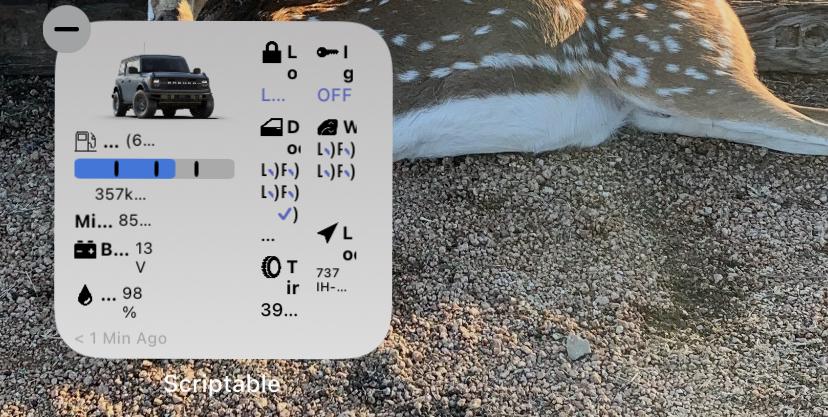
Its not letting me swipe it at all
EDIT: I figured it out! Thank you lol dumb moment
Sponsored
You have to choose the widget size when you're placing it on your home screen, you can swipe to select which size
I am having the exact same issues and it is killing me.It did…not sure where to find it to delete it though so i can start over.


Androids are bottom feeders no upgrade for you.Dear lord, someone please do this for Android.
Looks great!


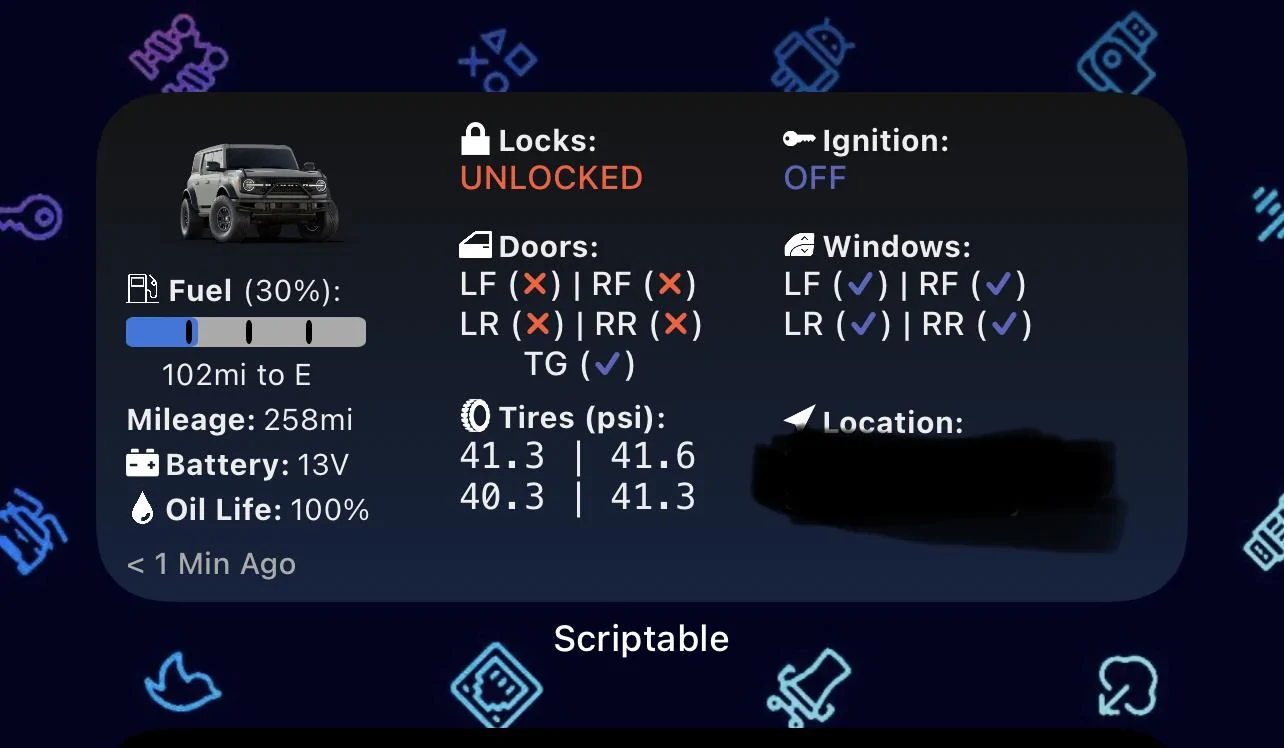
That's on my list of features to add before Christmas...This is great… is there a way to have it work for two vehicles? I tried making a second script thinking I could load another Vin but it just duplicates the first widget

Mine shows up, but it didn't initially. I think it started showing after I did a 'Force Refresh' from the widget menu, but I'm not 100% sure that's what did it.Thanks so much for this - it is really cool!
One question though. My widget reports "No Data" for oil life but my FordPass app does. How can I get it to show?

I get the same error but I don’t have the first version. Weird.First, thanks for putting this together. It’s very useful and love having this information on my Home Screen.
I have version 1.1.1 working fine, but now trying to upgrade to 1.2.3. Copied and pasted into scriptable and after entering my username, password, and VIN and selecting save, I get a window that says “Exception Occurred- Error on line 1814:23: Expected value of type string but got value of type null.”
When I try and use v1.2.1 I’m getting “Exception Occurred- Error on line 1253:32: TypeError: null is not an object (evaluating ‘pressureUnits.toLowerCase’)
I copied and pasted the entire page as I did with the first version.
Does this have anything to do with the v1.1.1 that I still have running?