


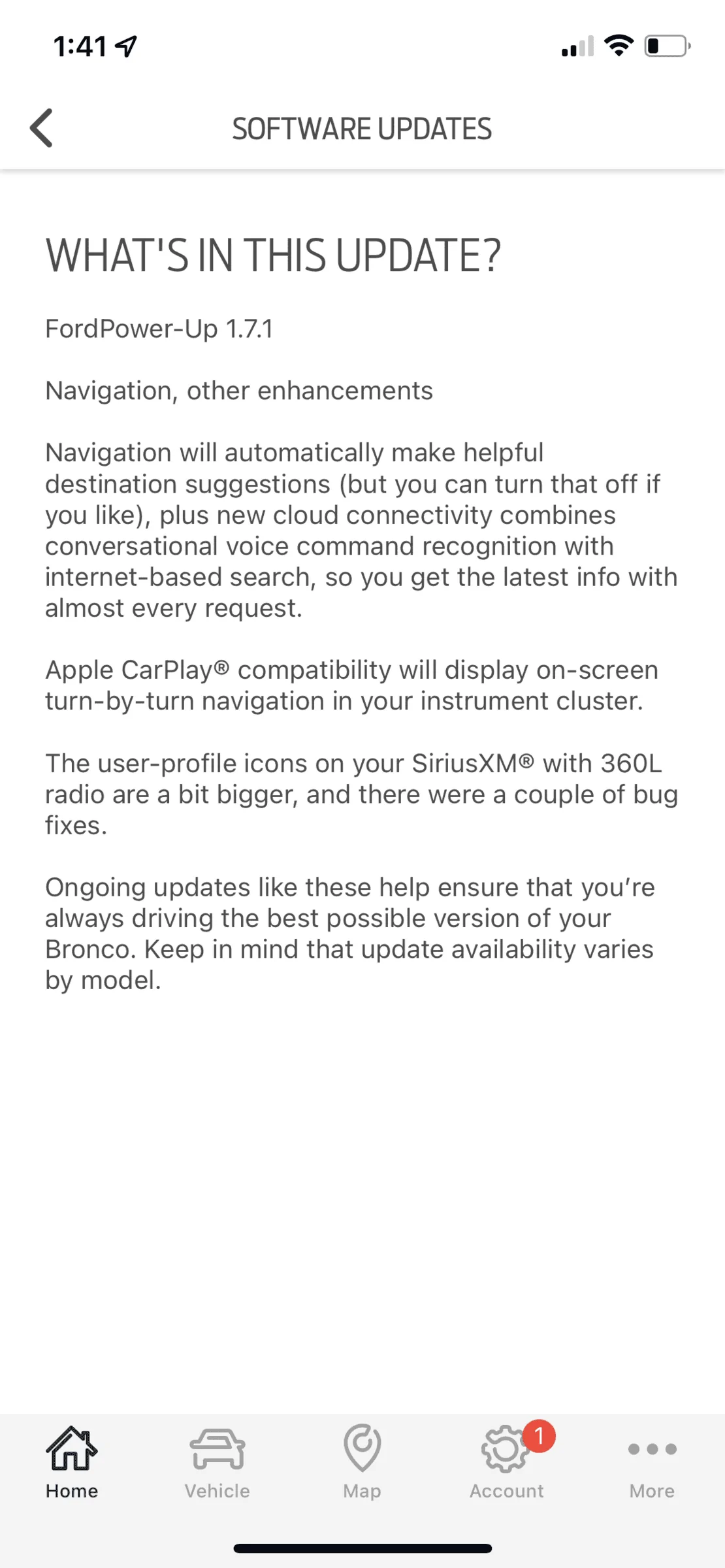
how? I tried it in settings and got nothing!Apple Maps will give you nav data there. It was in a recent OTA update.
Sponsored
how? I tried it in settings and got nothing!Apple Maps will give you nav data there. It was in a recent OTA update.

Make sure you have this update. Works for me.how? I tried it in settings and got nothing!

It's explained on our B6g Forscan Spreadsheet as well.Hey all, here is this video showing how to get all goat modes. Skip to the 5 min mark.

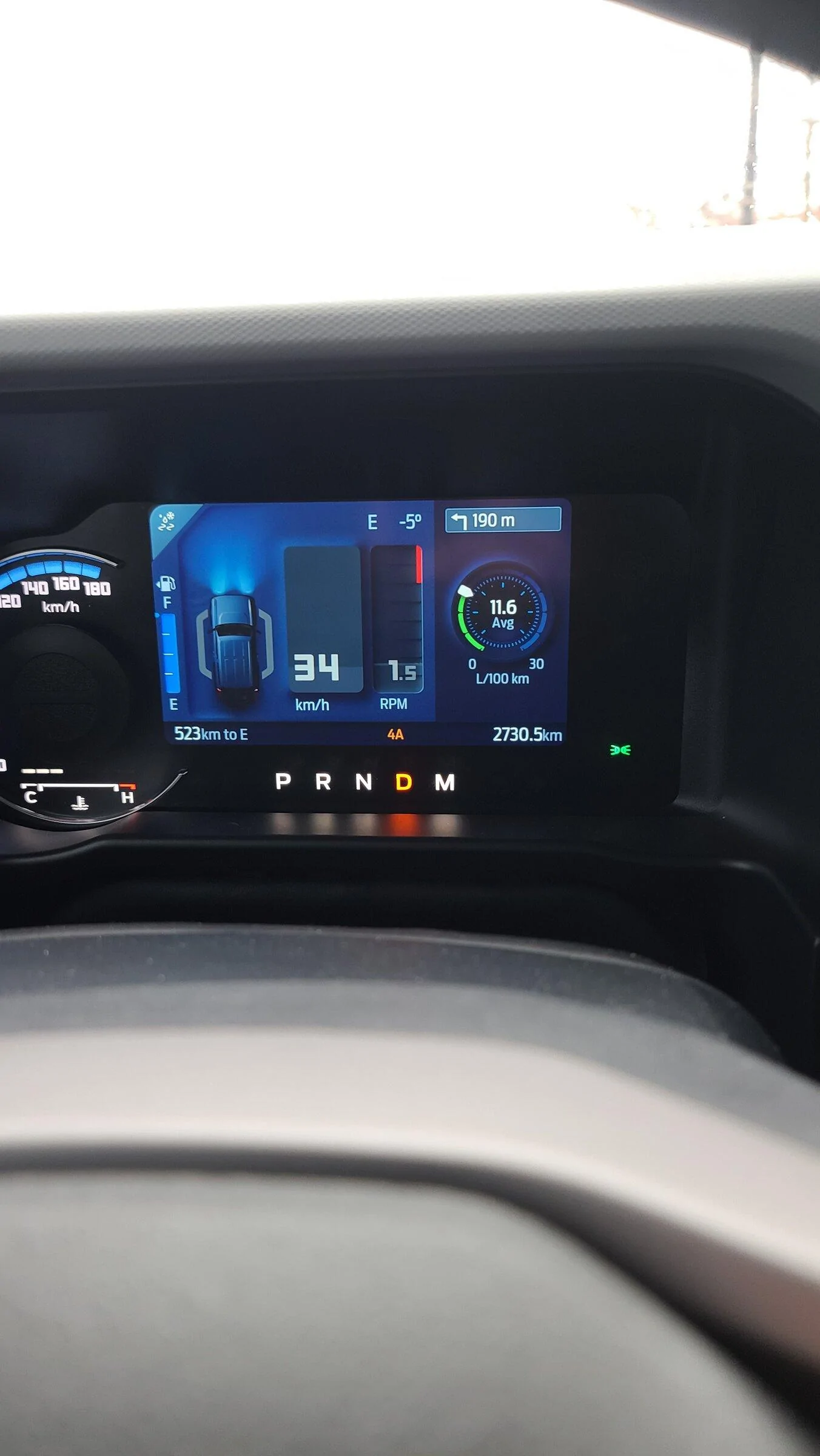
Does anyone have a picture what this looks like?Apple Maps will give you nav data there. It was in a recent OTA update.
Is it only Apple maps? Or google maps too?Apple Maps will give you nav data there. It was in a recent OTA update.
Not sure, I only use Apple Maps. If your talking google maps app through CarPlay I’m sure that works along with any other NAV app.Is it only Apple maps? Or google maps too?

Yeah, Android Auto displays turn-by-turn data there as well. Can't remember which nav apps do it though ...? I use a fewIs it only Apple maps? Or google maps too?
Google mapsIs it only Apple maps? Or google maps too?

Did you activate global windows using forscan? I wanted to add the roll up feature but for some reason the drivers front and rear only roll up, not the passenger side.Just an update... For global windows, you don't have to press and then press & hold...
Just holding the button works
Yup...I have a 2 door.Did you activate global windows using forscan? I wanted to add the roll up feature but for some reason the drivers front and rear only roll up, not the passenger side.

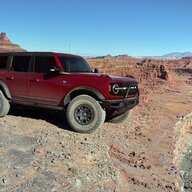
If they fail then you likely need to reset the windows by holding the window switch up and once it hits the top count 3-5 seconds, the hold the switch down, when it goes all the way down again continue to hold the switch 3-5 seconds. This will reset the up and down limits for the window and for me fixed the windows pausing when using the remote sometimes. They now always work.Yup...I have a 2 door.
Some say trying to close 4 windows using the switches inside the truck fail to work on all 4 sometimes
I don't have an issue with my windows...If they fail then you likely need to reset the windows by holding the window switch up and once it hits the top count 3-5 seconds, the hold the switch down, when it goes all the way down again continue to hold the switch 3-5 seconds. This will reset the up and down limits for the window and for me fixed the windows pausing when using the remote sometimes. They now always work.
Did you get this resolved?Did you activate global windows using forscan? I wanted to add the roll up feature but for some reason the drivers front and rear only roll up, not the passenger side.
Nope, only the drivers side goes down. All 4 go up ok though.Did you get this resolved?





