
- First Name
- Kyle
- Joined
- Jul 18, 2020
- Threads
- 29
- Messages
- 681
- Reaction score
- 1,369
- Location
- Carrollton, TX
- Vehicle(s)
- 2021 Ford Bronco, 2019 Honda Rebel 300
- Your Bronco Model
- Black Diamond
- Thread starter
- #1
UPDATE:
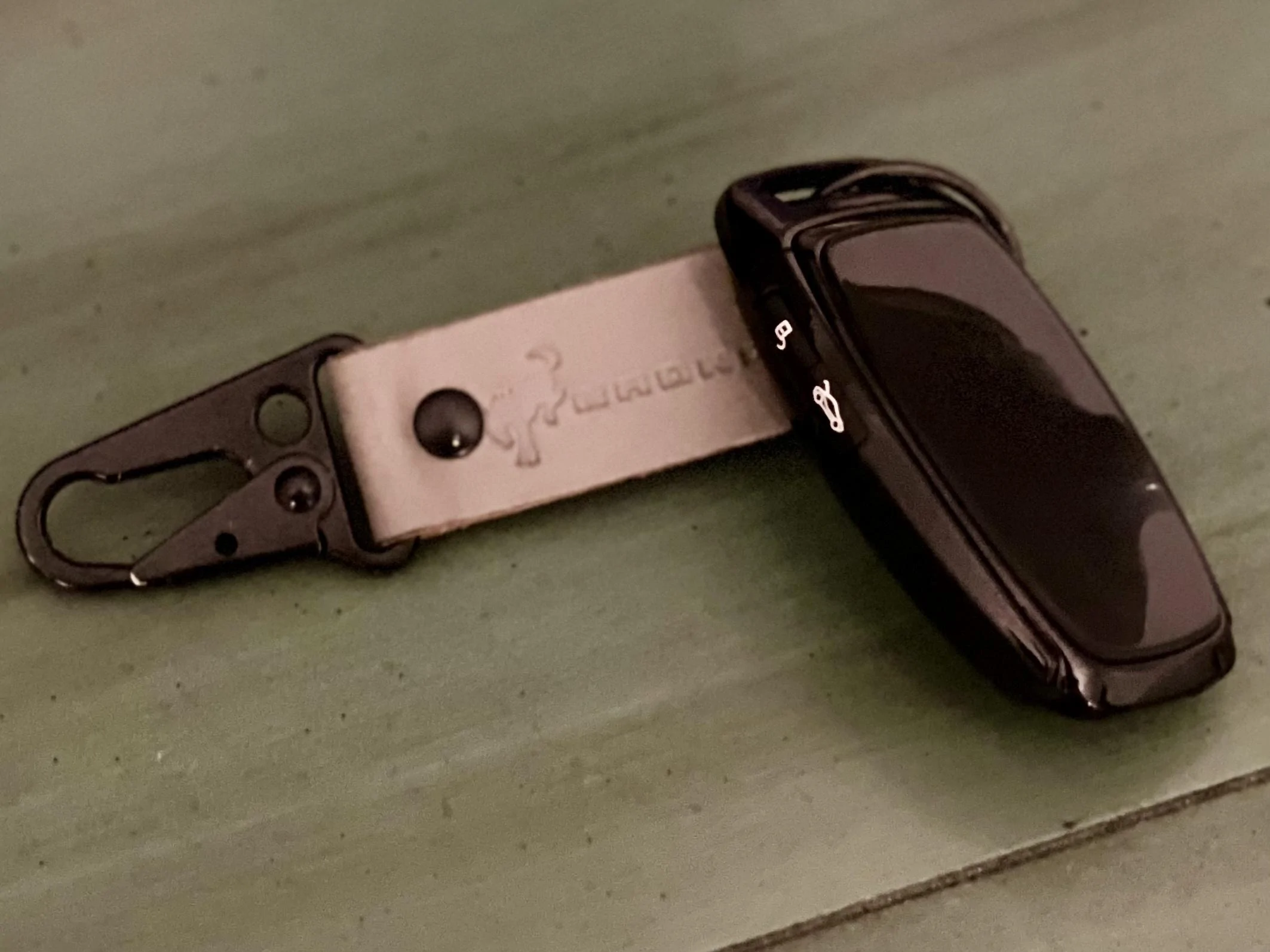
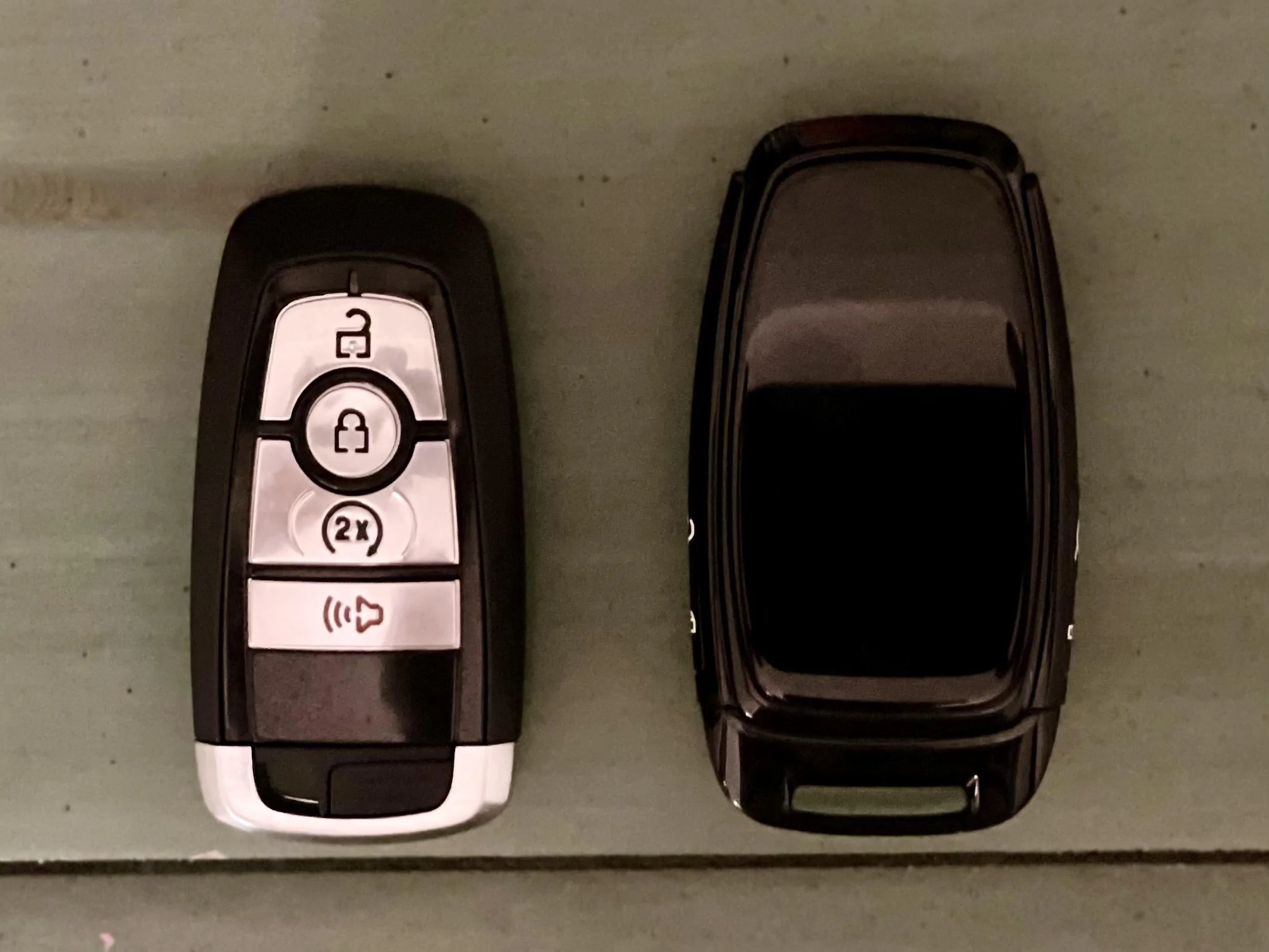
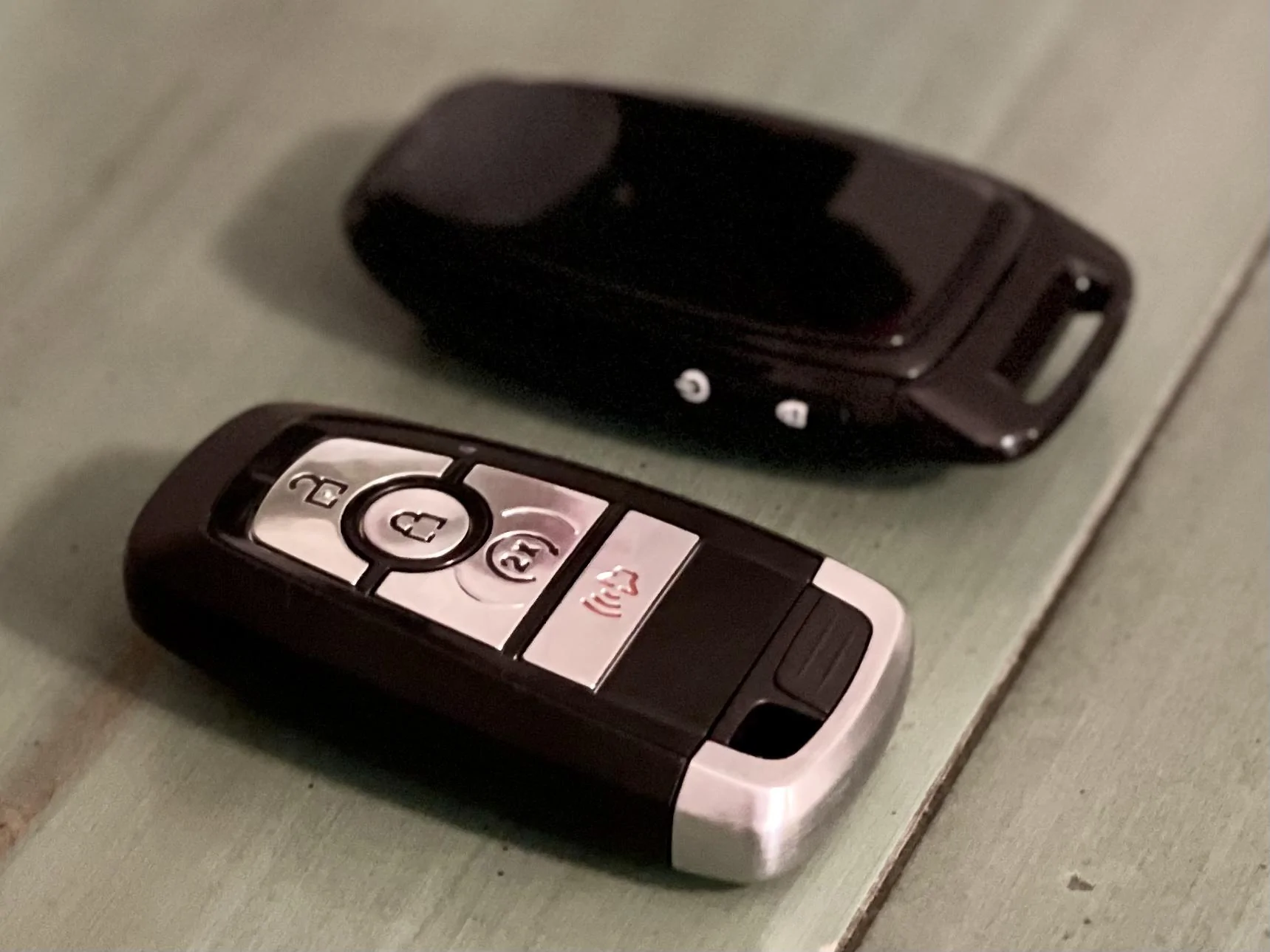
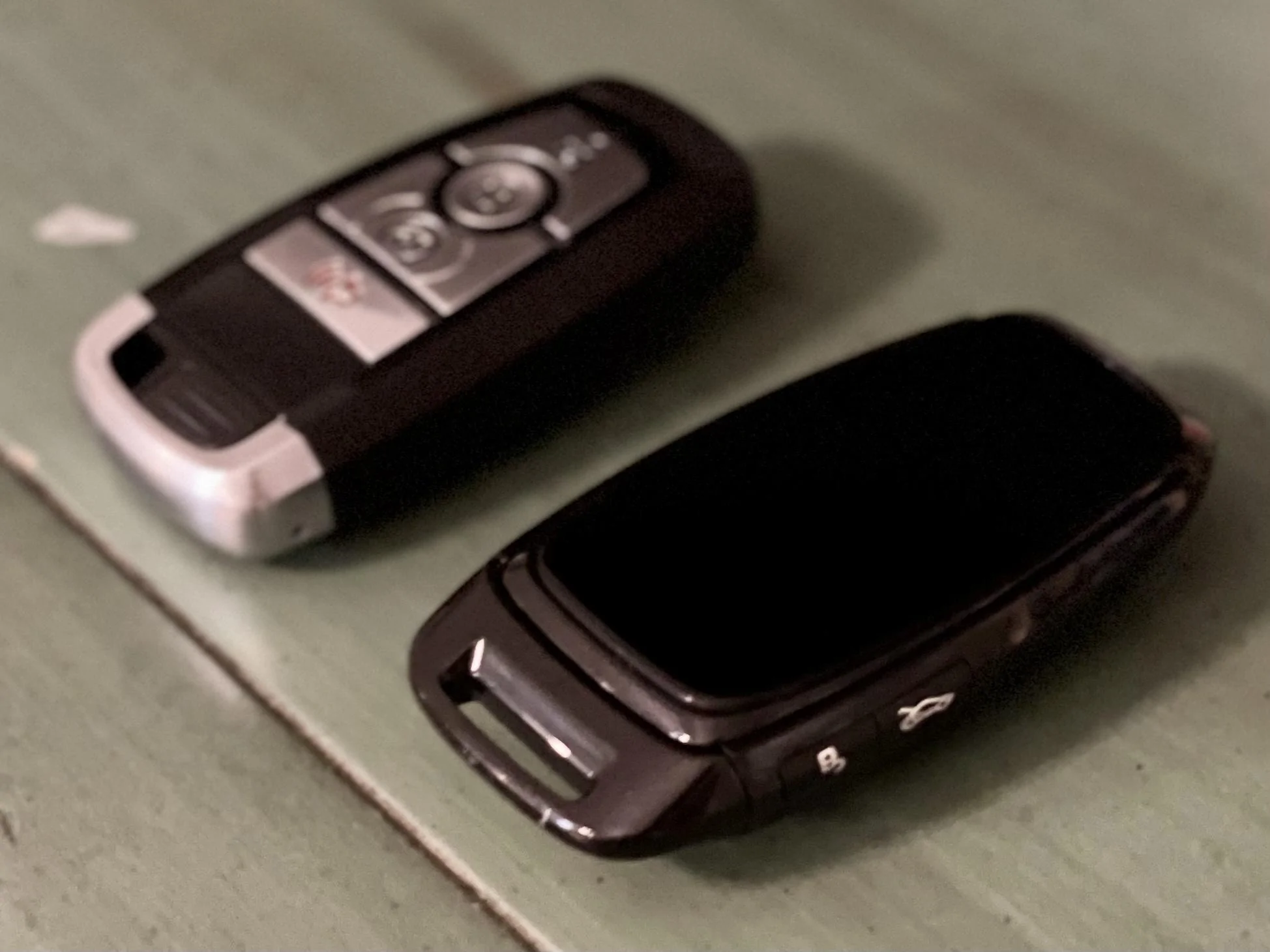
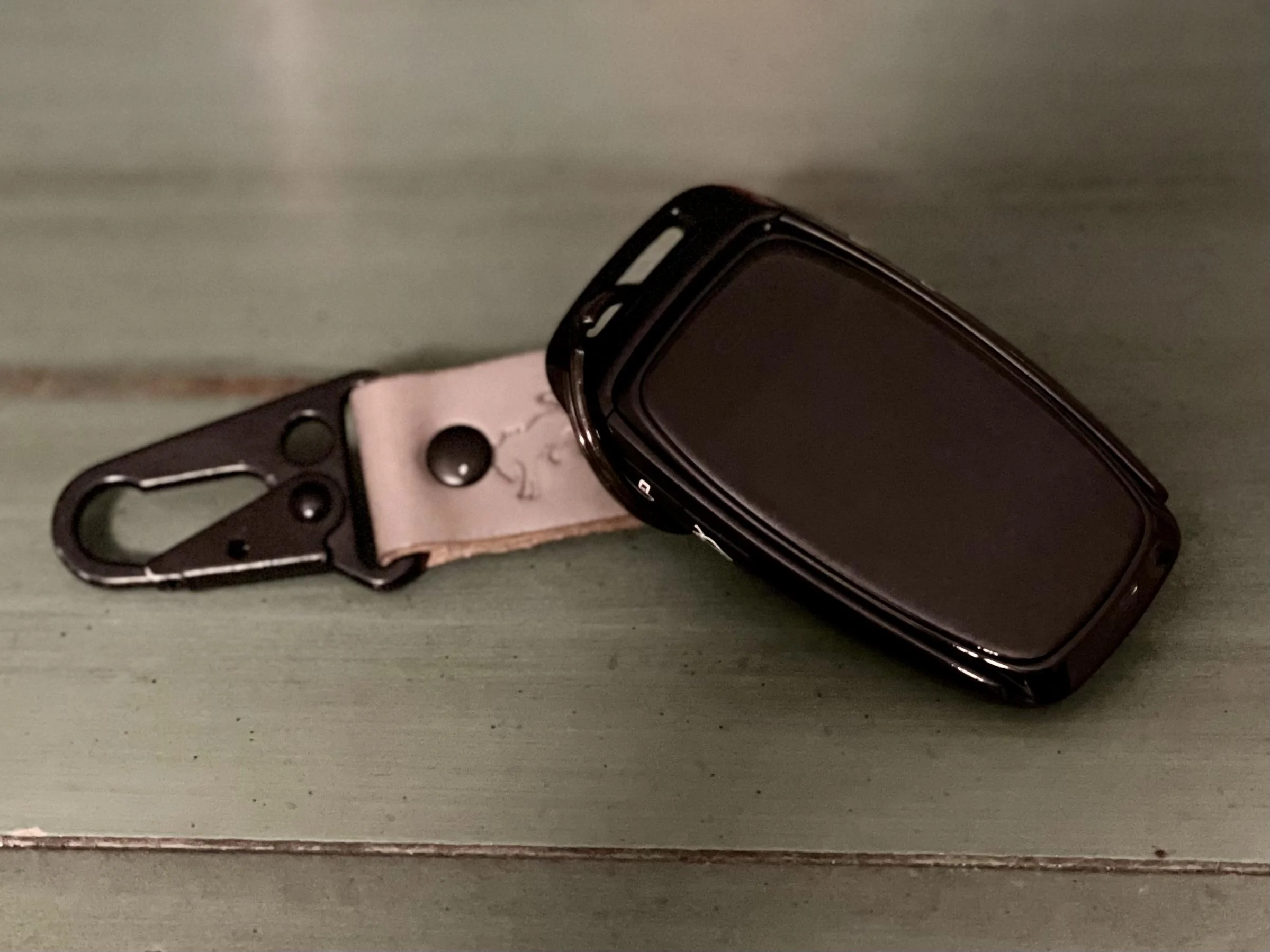
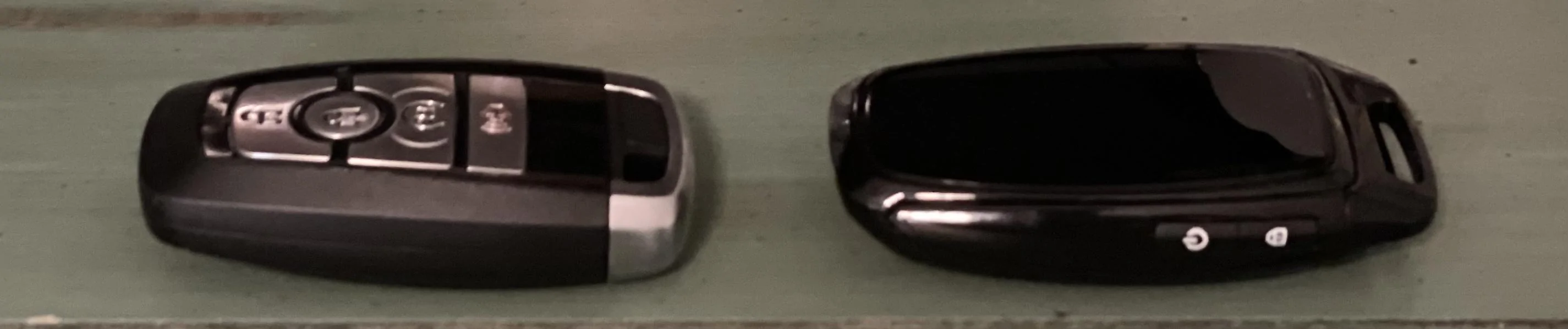
Hey gang, got my Custom Digital Fob in, and boy is it slick! For those looking for a more streamlined high-end looking fob with all the same factory functionality this thing is it. Since this is the very first iteration of not just the hardware, but also the software, I’m going to focus on the things I love about this thing, and let George handle the stuff I don’t behind the scenes so he can deliver something you’ll all love!
First off, this thing uses high quality materials for a smooth glossy black finish. Screen is hardcore gorilla glass, so it is very scratch and crack resistant. I was also pleasantly surprised how smooth the touch screen was. Compared to other small screens I’ve played with, this one is much better and far surpassed how I expected it to behave. The part of this digital fob that I personally think will be the “killer feature” is the speed at which it executes all the functions. Specifically, I’ve seen folks mention the idea a digital key isn‘t important if you already have the FordPass app, but if I had a nickel for every time I was standing outside of my bronco waiting for it to unlock, or waiting for the vehicle to start because the FordPass app was lagging, or taking forever to register inputs, I’d be a millionaire. This fob uses the board from within your key fob, so the inputs are almost instant! No more waiting for the doors to lock/unlock, or the engine to auto start.
Next steps are:
- Updating the menu verbiage and UX to be more Bronco-centric
- Adding some custom Bronco artwork to the main screen (Currently just a ford logo), I’m thinking cool 6G Broncos with color matching bodies for the color Bronco you are currently driving
- Adding custom artwork to the back of the housing, though this may be something that can be achieved by a high quality vinyl once you get it.


Hey gang, got my Custom Digital Fob in, and boy is it slick! For those looking for a more streamlined high-end looking fob with all the same factory functionality this thing is it. Since this is the very first iteration of not just the hardware, but also the software, I’m going to focus on the things I love about this thing, and let George handle the stuff I don’t behind the scenes so he can deliver something you’ll all love!
First off, this thing uses high quality materials for a smooth glossy black finish. Screen is hardcore gorilla glass, so it is very scratch and crack resistant. I was also pleasantly surprised how smooth the touch screen was. Compared to other small screens I’ve played with, this one is much better and far surpassed how I expected it to behave. The part of this digital fob that I personally think will be the “killer feature” is the speed at which it executes all the functions. Specifically, I’ve seen folks mention the idea a digital key isn‘t important if you already have the FordPass app, but if I had a nickel for every time I was standing outside of my bronco waiting for it to unlock, or waiting for the vehicle to start because the FordPass app was lagging, or taking forever to register inputs, I’d be a millionaire. This fob uses the board from within your key fob, so the inputs are almost instant! No more waiting for the doors to lock/unlock, or the engine to auto start.
Next steps are:
- Updating the menu verbiage and UX to be more Bronco-centric
- Adding some custom Bronco artwork to the main screen (Currently just a ford logo), I’m thinking cool 6G Broncos with color matching bodies for the color Bronco you are currently driving
- Adding custom artwork to the back of the housing, though this may be something that can be achieved by a high quality vinyl once you get it.
Sponsored